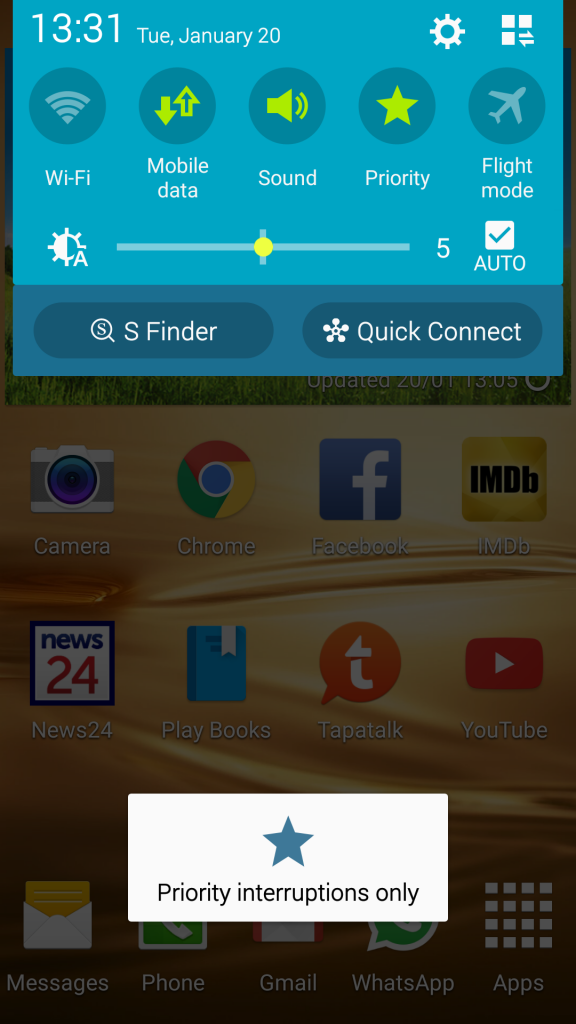
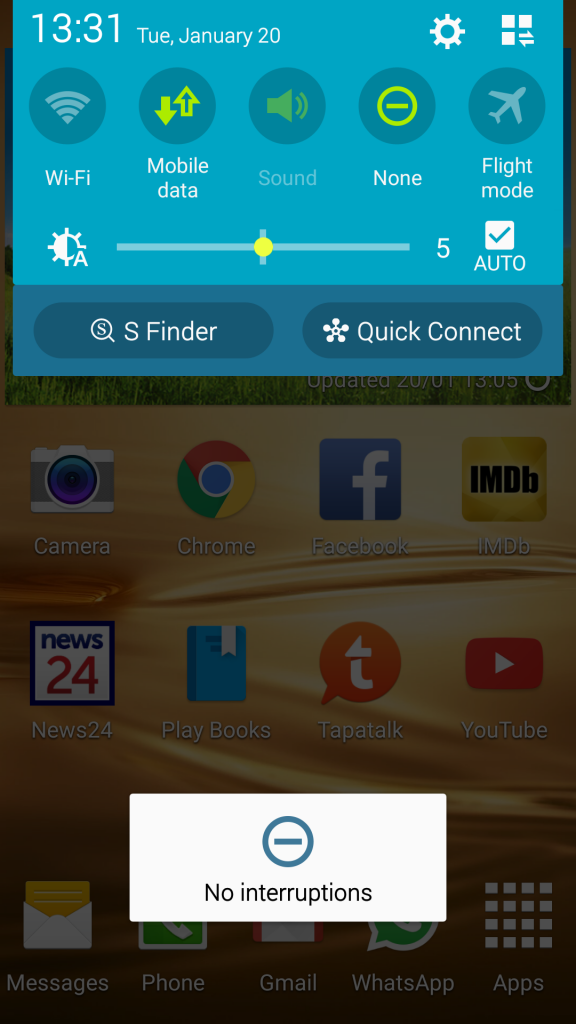
You mute your phone with priority mode, but that's rather hidden...
•open the all toggles: swipe down from the top of your screen with two fingers (or swipe down once and tap the icon in the upper right with three squares and two arrows)
•here you see a toggle called all. Set it to none for silent mode
•tap the pen icon to edit the layout, long press the all/none toggle and drag it up to put it in your directly accessible toggles
•you can go to the settings for priority mode by long pressing the toggle. You can also find it under sound¬ifications - interruptions (not called priority mode!!!)
WARNING: your alarms will not go off of you set priority mode to none.