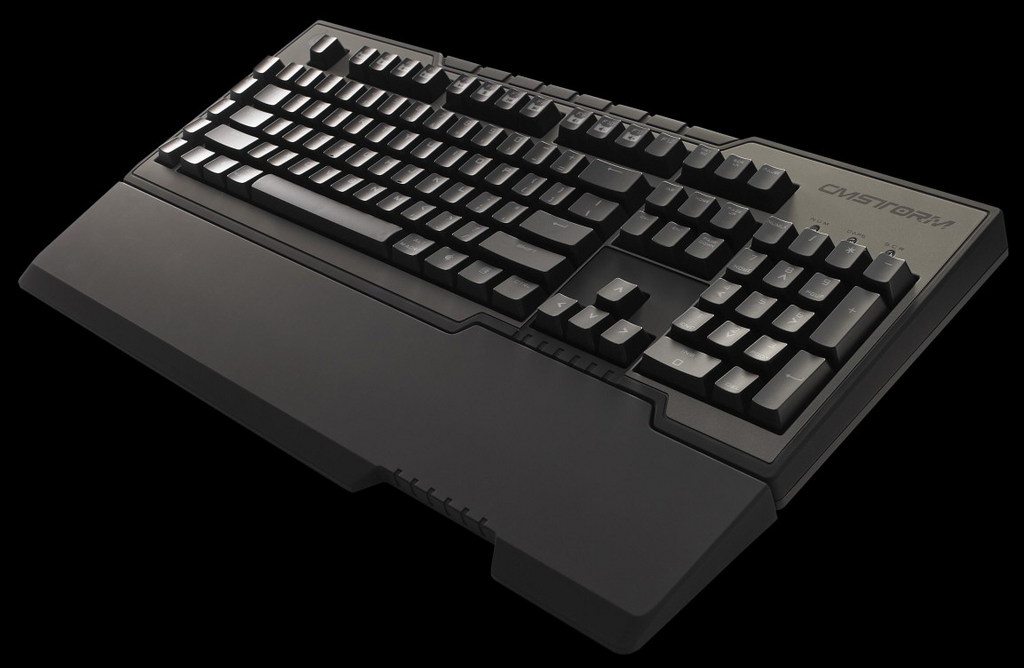
I love a keyboard that can do what and when I press the button. Not this dell crap where I press ' and I have to push space or a different key before it appears
This was also driving me mad on a laptop I got recently.
Go to Control Panel > Clock, Language and Region > Change keyboards or other input methods > Keyboards and Languages > Change Keyboards > Language Bar > Docked in taskbar > Apply
A little keyboard should now be in the task bar, click on it and select "US" instead of "US - International"
Go back to the "Text Services and Input Languages" window and select "hidden" to remove it.
For some reason only changing the region with the keyboard icon worked for me, trying the way under the "General" tab of the "Text Services and Input Languages" had no effect.