


1,6 and 12
Download the Wifi analyser (actual name) app then you can check if they overlap.
great app to check others and their strength - I would then set router to a fixed channel with enough spacing
South Africa’s biggest forum. Discuss, discover, and connect with thousands of members.
1,6 and 12
Download the Wifi analyser (actual name) app then you can check if they overlap.
I see they have it for Windows and Android and the one for Apple seems to be called Network Analyzer
Na that one is rubbish, get hold of a Android phone just to see.
Na that one is rubbish, get hold of a Android phone just to see.
There's a million and one different apps called Wifi Analyzer am I correct in assuming it's the one that how the wifi symbol with a needle on it basically representing a speedometer?
Yip, this one.
Look for this page and tell us what you see, IE SSID and channel number.
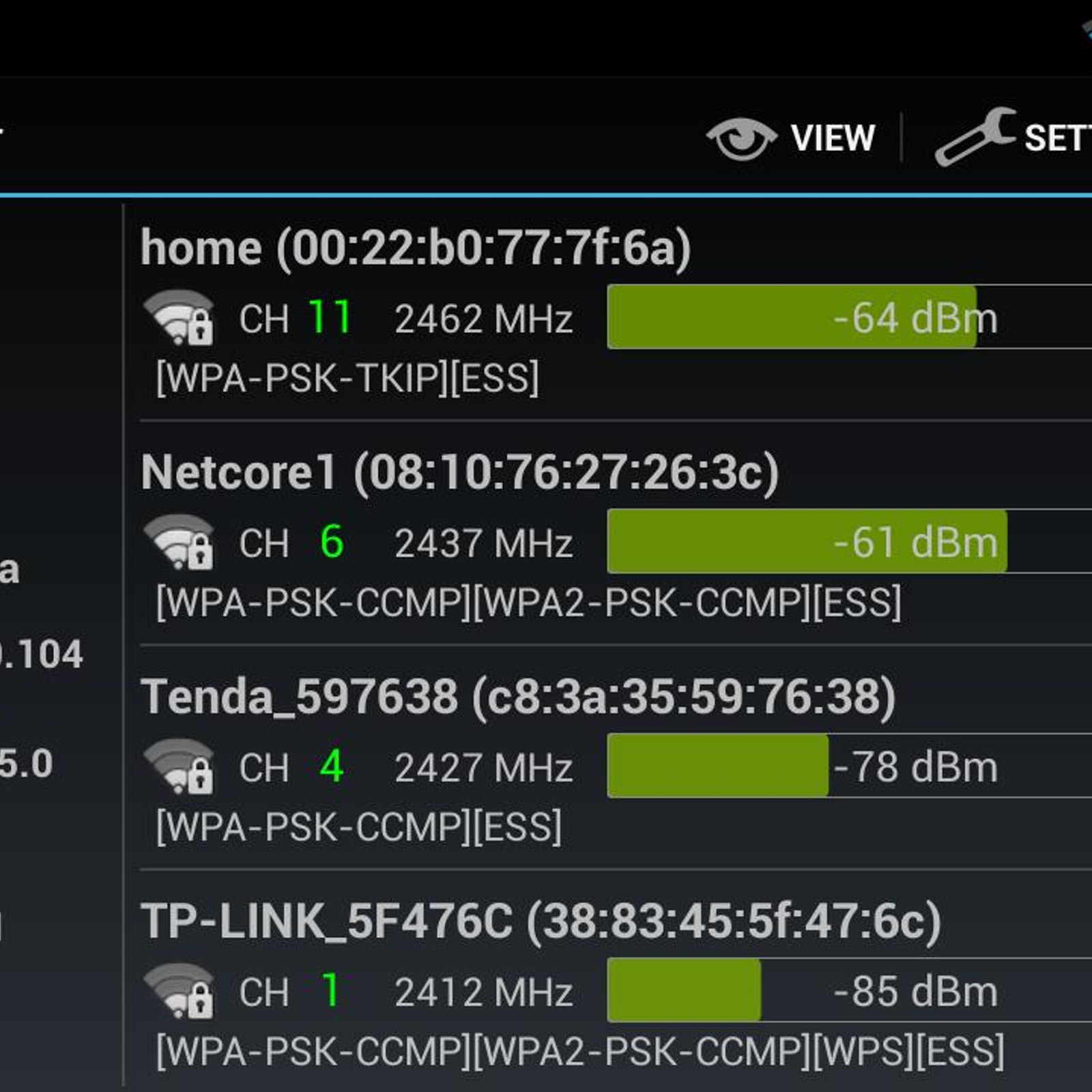
Ideally you must only have your wifi set to 1, 3 or 12
Setting it to 2 is very strange.
Also any ideas for the whole 2.4Ghz vs 5Ghz? Heard a lot of other devices are 2.4 and can cause interference but not sure if changing to 5 is worth the shot

look at the graph as below - my router and extenders are on ch 11 (which I fixed it to) and the neighbour is on ch 1, so I have no interference
you won't have the 5GHz option on that ancient router
View attachment 382143
Cool so it has the SSID, Channel 1 and that bar for strength is hovering around 55-65dBm
look at the graph as below - my router and extenders are on ch 11 (which I fixed it to) and the neighbour is on ch 1, so I have no interference
you won't have the 5GHz option on that ancient router
View attachment 382143
Completely wrong, you arnt meant to stack channels, move 2 SSID's to ch12 and one to ch 6
those are range extenders - they set themselves to the same ch as the main router
That makes no sense at all.
