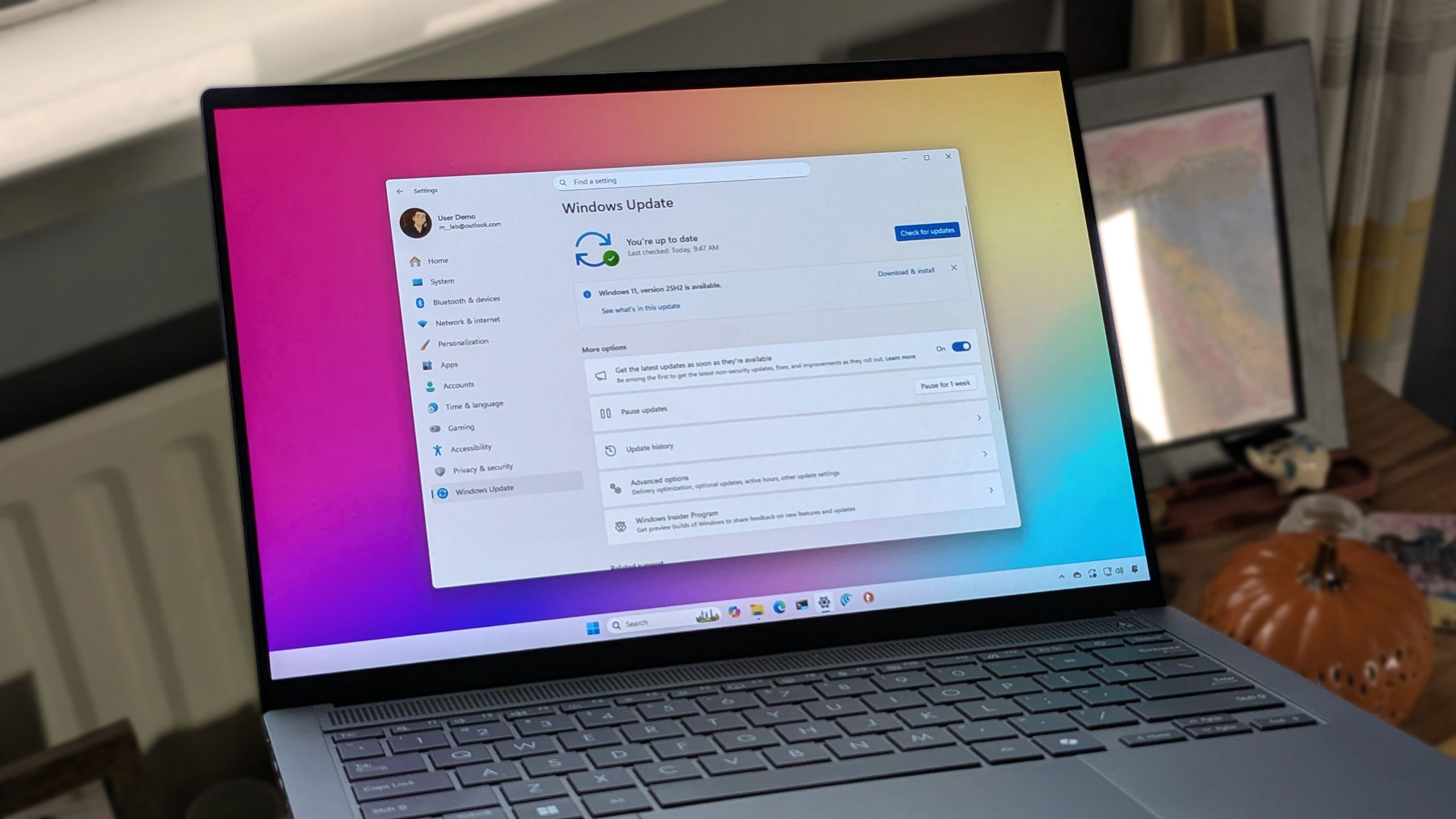
Windows 11 Support Thread

I don't know what all the noise is, Win 11 has some downside but it's still a solid OS.
Only thing that still gets me is the forced updates/restarts.
Granted I disabled all the bloat many years ago but that was a once off and it's been plain sailing since.

So in other words you removed all the things you don't like and now it is a good OS??

And you still have to deal with forced updates.

Sounds like you are a captive.

What about people who don't know how to get rid of bloat and are stuck with the nightmare that is Win 11.
 
My latest issue with Windows is that Network Discovery doesn't work anymore. Reset Network. Check Private Network. Check sharing settings blah blah blah....

Back to using Advanced IP Scanner it seems.
One common thing with network discovery issues is one device keeps reverting the WiFi network to a public device with switches off all network discovery/sharing features. I had that on my Jellyfin server, super annoying but there is a hack to fix it to always be private
 
I don't know what all the noise is, Win 11 has some downside but it's still a solid OS.
Only thing that still gets me is the forced updates/restarts.
Granted I disabled all the bloat many years ago but that was a once off and it's been plain sailing since.

I used to love jumping ship from old to new OS ... 90% of the time i liked it ... Jumping from W10 to W11 i had no issues and never looked back ... for me it was a better OS and still is !!
 
So in other words you removed all the things you don't like and now it is a good OS??

And you still have to deal with forced updates.

Sounds like you are a captive.

What about people who don't know how to get rid of bloat and are stuck with the nightmare that is Win 11.

I have a few PC's at home ... kept one standard and playing around with tweaks on the other(s) ....

I can't say that the standard one is a problem to work on ... with everything on standard settings it's still a pleasure to work on ....

mostly i just feel people like to jump on the hate train without any good reason.
 

Every Windows 11 user can now uninstall Copilot, even those stuck with managed devices - How To Geek​

1777190115453.png

Microsoft has essentially allowed all Windows 11 users to dump Copilot, its Generative Artificial Intelligence (Gen AI) assistant. While average Windows 11 users have a surprisingly straightforward way to uninstall the AI-powered digital assistant, even those stuck using “managed” devices can get rid of Copilot.


Windows 11 is finally giving you real control over updates with new options to skip releases, pause longer, and stop forced restarts - Windows Central​

New controls let you skip updates during setup, extend pauses, and avoid forced reboots.

1777190787693.png

Sitting down at your PC and realizing it needs an update is at least bothersome. At worst, it can derail your plans by requiring you to set aside time for the system to do its thing. But soon, Windows Update will be easier to control.

When you set up your PC, you'll be able to skip updates during the out-of-box experience (OOBE). There will also be the option to extend update pauses for as long as you'd like.

Windows 11 PCs will always present options to shut down or restart without updating, which is in contrast to current behavior where those options disappear.

Lastly, Windows 11 will provide more insights about updates, helping you stay informed on what's new and giving you the information you need to make an informed plan for updating your PC.

 
What's the hack ?
I’ll try find it but basically if Windows thinks there's something fishy with a network, as if it's a spoofed network with the same name, it immediately defaults the network to being public and hence with stricter security which disables network discovery, the hack is that it forces windows to always treat known networks as private.
 
@RedViking
The network profile is determined by the Network Location Awareness service (NlaSvc) and if it thinks something is fishy with a known network it calls it an Unidentified Network and defaults it to a Public network.

The hack is below, I can't remember whether I used the Local Security Policy or Registry Edit method, whatever it was it worked and I haven't had the issue since. I think the Local Security Policy method is the preferred one:
 
/sigh

It just randomly froze. Then Dell tried to do a BIOS update. Now it doesn't start and goes into scanning mode
View attachment 1904835


I don't understand this. Why am I the only person cursed on this planet.

Look's like it's time to fire up your favourite song on Spotify... :p

1777624408816.png
 
Top
Sign up to the MyBroadband newsletter
X