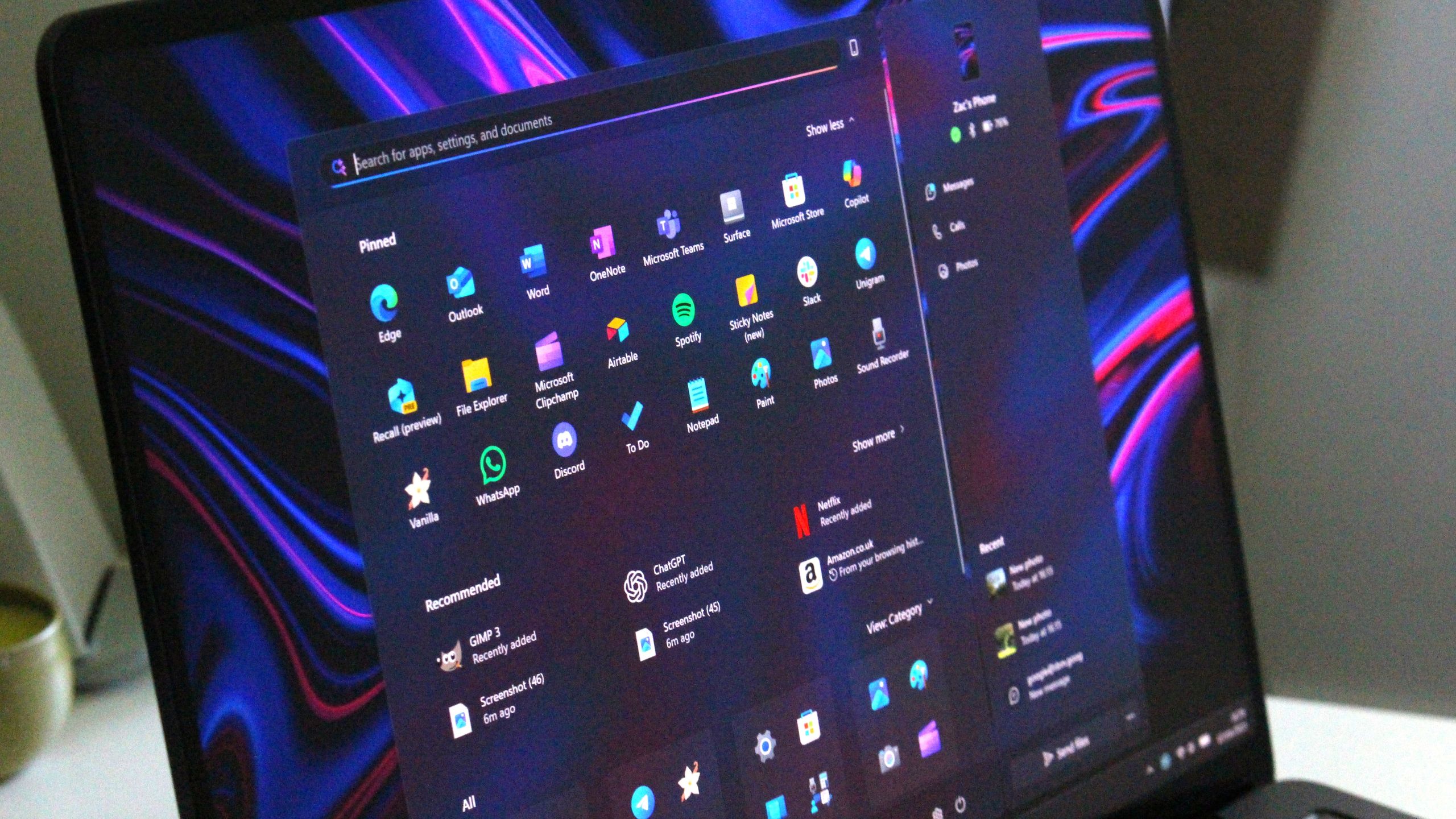
Windows 11 Support Thread

Windows 11 KB5065426 won’t install, issues in Windows 11 September 2025 Update affect some users - Windows Latest​

Windows 11 KB5065426 won’t install due to several errors, such as 0x800F0991, 0x800F0922, 0x80071A2D, 0x800F081F, and more. Additionally, we’re seeing reports of the Windows 11 September 2025 Update taking longer than usual to download (could be due to its large size) or a glitch. File sharing also appears to be affected in some cases.

1758010176175.png

Read the full article at the link below:


Windows 11 KB5065426 won’t install, issues in Windows 11 September 2025 Update affect some users - Windows Latest​


View attachment 1848436

Read the full article at the link below:

I also got an install error trying to install this update, paused updates in the hope they fix this in the meantime.
 
Problem solved for 5 weeks.
View attachment 1848428
Noob :P Get your self windows tweaker


You can permanently disable Windows updates, and you need to physically disable it again to get updates. Also use it to disable various other annoyances, like copilot and windows apps.....

windows aero tweaker.jpg
 
I managed to successfully upgrade my dinosaur 'unsupported' Intel Core 2 Duo desktop PC from Windows 11 Enterprise 21H2 to version 22H2 last night, by downloading the 22H2 ISO & using Rufus on a USB drive. It took about 4 hours to install the upgrade, and I left it on all night to do any further updates.

1758950489369.png

When I woke up & ran Windows Update earlier this morning, there were still a few pending updates in the queue, which it is now busy downloading & installing...

1758950664398.png

Once it has done all the remaining updates for 22H2, I will then attempt to upgrade it one more time again to Windows 11 23H2 - it cannot be upgraded any further, as the Intel Core 2 Duo CPU is not compatible with Windows 11 24H2 or 25H2, due to the lack of essential instruction sets like SSE4.2 and POPCNT.

Next challenge is see if I can also upgrade my 2015 Lenovo G50-80 laptop (with an Intel i5-5200 CPU & 16GB RAM) - which originally had Windows 8.1 Pro pre-installed on it when I bought it - from Windows 10 Pro 22H2 up to Windows 11 25H2... 💻💾⏱️

1758952173252.png
 
I managed to successfully upgrade my dinosaur 'unsupported' Intel Core 2 Duo desktop PC from Windows 11 Enterprise 21H2 to version 22H2 last night, by downloading the 22H2 ISO & using Rufus on a USB drive. It took about 4 hours to install the upgrade, and I left it on all night to do any further updates.

View attachment 1851433

When I woke up & ran Windows Update earlier this morning, there were still a few pending updates in the queue, which it is now busy downloading & installing...

View attachment 1851434

Once it has done all the remaining updates for 22H2, I will then attempt to upgrade it one more time again to Windows 11 23H2 - it cannot be upgraded any further, as the Intel Core 2 Duo CPU is not compatible with Windows 11 24H2 or 25H2, due to the lack of essential instruction sets like SSE4.2 and POPCNT.

Next challenge is see if I can also upgrade my 2015 Lenovo G50-80 laptop (with an Intel i5-5200 CPU & 16GB RAM) - which originally had Windows 8.1 Pro pre-installed on it when I bought it - from Windows 10 Pro 22H2 up to Windows 11 25H2... 💻💾⏱️

View attachment 1851437

Give Windows X-lite a go ... Running it on my HTPC ... super fast

 
I managed to successfully upgrade my dinosaur 'unsupported' Intel Core 2 Duo desktop PC from Windows 11 Enterprise 21H2 to version 22H2 last night, by downloading the 22H2 ISO & using Rufus on a USB drive. It took about 4 hours to install the upgrade, and I left it on all night to do any further updates.

View attachment 1851433

When I woke up & ran Windows Update earlier this morning, there were still a few pending updates in the queue, which it is now busy downloading & installing...

View attachment 1851434

Once it has done all the remaining updates for 22H2, I will then attempt to upgrade it one more time again to Windows 11 23H2 - it cannot be upgraded any further, as the Intel Core 2 Duo CPU is not compatible with Windows 11 24H2 or 25H2, due to the lack of essential instruction sets like SSE4.2 and POPCNT.

Next challenge is see if I can also upgrade my 2015 Lenovo G50-80 laptop (with an Intel i5-5200 CPU & 16GB RAM) - which originally had Windows 8.1 Pro pre-installed on it when I bought it - from Windows 10 Pro 22H2 up to Windows 11 25H2...

View attachment 1851437
I'm running an i7 3770 running on 24h2. It started on Windows 7. Will go to 25h2 after it's been in the wild for a few more weeks.
 
I'm running an i7 3770 running on 24h2. It started on Windows 7. Will go to 25h2 after it's been in the wild for a few more weeks.
My dinosaur Core 2 Duo started with Windows XP on its original 160GB SATA HDD - I then installed a 500GB HDD and set up a dual boot installation of Windows 7 - that HDD was then replaced with a 1TB HDD & Windows 8.1, which was then upgraded to Windows 10 and finally - just after it was released - I installed Windows 11 via the Insider Edition channel, when you could still upgrade Windows 10 directly without having to jump through hoops using registry hacks or 3rd party utilities such as Rufus & FlyOOBE... ;)
 
My dinosaur Core 2 Duo started with Windows XP on its original 160GB SATA HDD - I then installed a 500GB HDD and set up a dual boot installation of Windows 7 - that HDD was then replaced with a 1TB HDD & Windows 8.1, which was then upgraded to Windows 10 and finally - just after it was released - I installed Windows 11 via the Insider Edition channel, when you could still upgrade Windows 10 directly without having to jump through hoops using registry hacks or 3rd party utilities such as Rufus & FlyOOBE... ;)

No SSD yet ? ... W10/W11 runs so much better on a SSD than a mechanical HDD :thumbsup:
 
Top
Sign up to the MyBroadband newsletter
X