Windows 11 Support Thread

Windows 11 not registering left clicks:


Having this issue, actually bought another mouse as I thought it was just the age of my mouse showing.
Annoys me enough to consider moving back to Windows 10.

Moved back to back to Windows 10, everything just feels better now. Don't think windows 11 is mature enough. Might just skip it and wait for Windows 12 apparently it's already in the works for 2024 release.
 
Some people judge an OS purely by the UI. That is stupid. Windows 8 was brilliant despite it's quirky UI.

Come to think of it Debian is a brilliant OS and I run it headless on old 32bit hardware.

Recently installed 11 on a cheap AMD A6 and it is buttery smooth.
 
So, after last week's monthly Patch Tuesday updates, both my Windows 11 desktop PC & my Windows 10 laptop can no longer see each other's shared folders over the network anymore.

I have checked and reset all the folder shares on both devices, but still no go - only the laptop's 'Media Devices' icon for Media Player and my LTE Router are visible on them - but not any of the PC or laptop shared folders.

1658155098765.png

How would I go about restoring this 'shared folders' functionality again?
 
Has anyone had issues with wireless printers and Win 11?
I upgraded to 11 and now it can see my wireless printer but print jobs just sit in the queue and never print. Now I have to lug the printer to the pc and use a USB cable each time I want to print, it’s annoying. I’ve tried all the setup and troubleshooting guides to no avail.
 
Have you checked if the printer and your document that you are trying to print are both set to use A4 paper (8.27" x 11.69") as the default, instead of the 'US Letter' paper size (8.5" x 11") - sometimes that causes an issue with the printer not registering the correct size and waiting for a 'manual feed' command to print the document.
 
Have you checked if the printer and your document that you are trying to print are both set to use A4 paper (8.27" x 11.69") as the default, instead of the 'US Letter' paper size (8.5" x 11") - sometimes that causes an issue with the printer not registering the correct size and waiting for a 'manual feed' command to print the document.

Yes the paper size is set correctly.
 
So, after last week's monthly Patch Tuesday updates, both my Windows 11 desktop PC & my Windows 10 laptop can no longer see each other's shared folders over the network anymore.

I have checked and reset all the folder shares on both devices, but still no go - only the laptop's 'Media Devices' icon for Media Player and my LTE Router are visible on them - but not any of the PC or laptop shared folders.

View attachment 1349114

How would I go about restoring this 'shared folders' functionality again?
All my local devices have a static IP address. I have mapped the drives of each PC to the others. Has been working great for years.
 
So, after last week's monthly Patch Tuesday updates, both my Windows 11 desktop PC & my Windows 10 laptop can no longer see each other's shared folders over the network anymore.

I have checked and reset all the folder shares on both devices, but still no go - only the laptop's 'Media Devices' icon for Media Player and my LTE Router are visible on them - but not any of the PC or laptop shared folders.

View attachment 1349114

How would I go about restoring this 'shared folders' functionality again?

Problem solved (for the moment) - did a network reset on both the desktop PC (Win 11) & the laptop (Win 10) earlier this morning - now both can see each other again on the network.
 
1658982268191.png

The last two cumulative updates for Windows 11 – KB5015882 and KB5015814 – are causing major issues for some users, according to several reports and Microsoft’s own documentation.

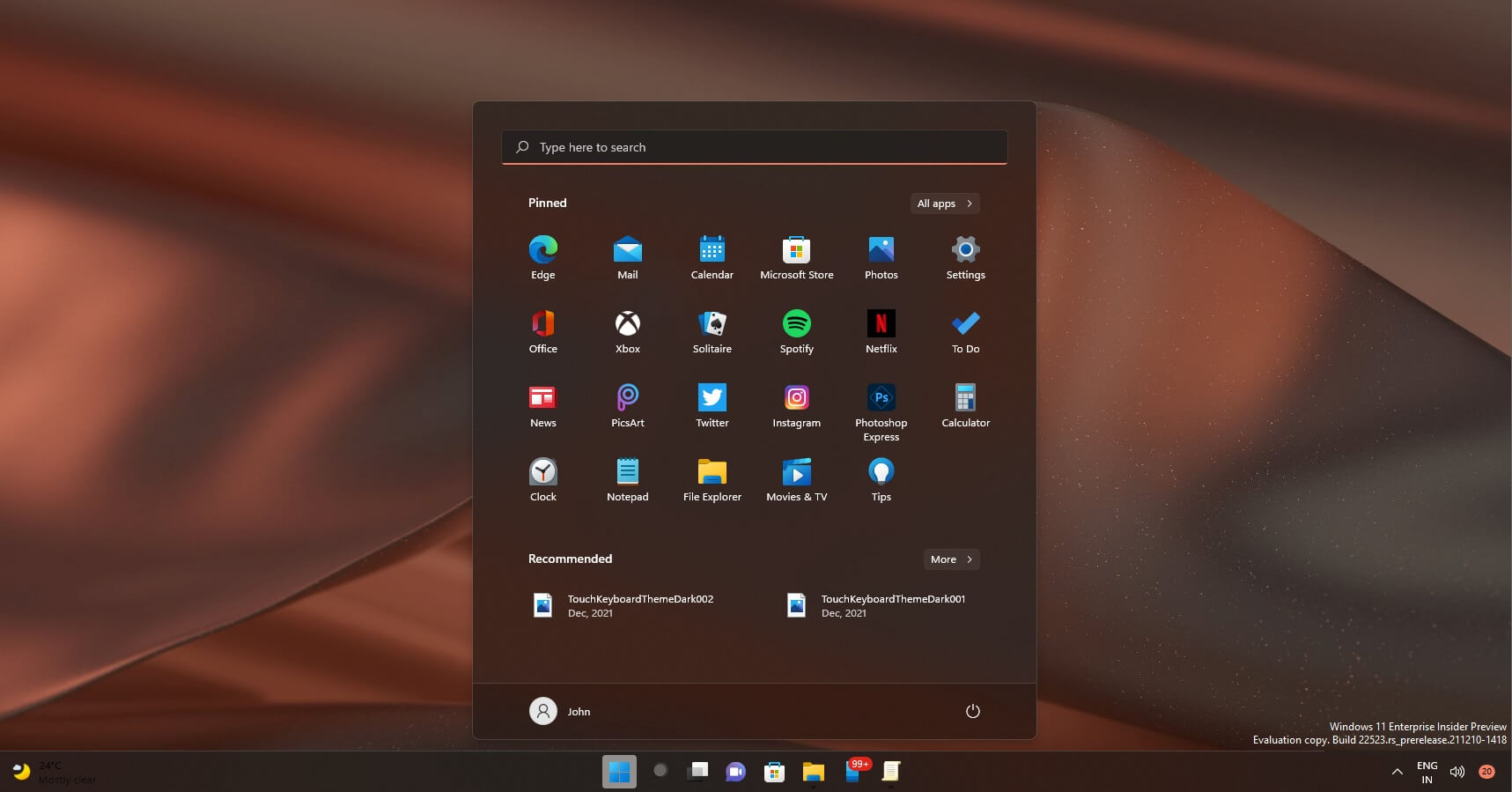
The latest round of updates could make the Start menu disappear as soon as you try to open it, thanks to a bug in the operating system.

The most recent optional update (KB5015882) brought a new feature for notifications on Windows 11. The update added an option that lets you get urgent alerts even when the focus assist feature is on.

For those unaware, Focus assist is similar to “Do not disturb” and it’s also available on Windows 10.

Another new addition is the ability to update to a newer Windows 11 version during the OOBE itself. This means you can install feature updates at the very startup of the operating system, but it will only work when the device is eligible for the update.

While it sounds like a really nice update on paper, users have reported that KB5015882 breaks the Start menu.

There’s a growing number of reports suggesting that there are some critical issues with the Start menu. In our tests, we observed that the Start menu won’t launch when we press the Start button.

In other words, the update is making the Start menu disappear for some users.

 
So I turned on my pc, stepped away for a second, came back and entered the passcode and then saw that Steam had started updating itself before I even logged in to Windows. Is this a new behaviour ?

I think I like it…
 
Top
Sign up to the MyBroadband newsletter
X