


elf_lord_ZC5
Honorary Master
That myth has been busted
Had a file or two, that could not be deleted because a registry entry was locking them ....
A file that should have been removed by the Un-installer ...
Last edited:
South Africa’s biggest forum. Discuss, discover, and connect with thousands of members.
That myth has been busted


Here we go ...Patch Tuesday. Update was released for windows 11 and 10 at 19:00


It blows my mind that there is still no way to prevent Windows from randomly deciding to restart your computer to install updates.
I left home this afternoon and hibernated my pc, I had a few windows open with work in progress, I had seen there was an update to install but work has been hectic so that was the last thing on my mind and I was in a rush.
I come back this evening and my pc is switched on, ah sht... Windows just had to switch my computer on, restart it to install updates and lose all my unsaved work. As the owner of a device I have no control over this behaviour, if I don't install updates in the timeline Windows likes I will be forced to. By all means have an insanely irritating nag screen or similar but don't switch the computer on without the consent of the owner. A few times during loadshedding the stupid computer would switch on like this and install an update and then stay switch on only to get killed by the next loadshedding cycle
 www.windowscentral.com
But you should have full control over saving your work before switching off / hibernating? That's data security 101...It blows my mind that there is still no way to prevent Windows from randomly deciding to restart your computer to install updates.
I left home this afternoon and hibernated my pc, I had a few windows open with work in progress, I had seen there was an update to install but work has been hectic so that was the last thing on my mind and I was in a rush.
I come back this evening and my pc is switched on, ah sht... Windows just had to switch my computer on, restart it to install updates and lose all my unsaved work. As the owner of a device I have no control over this behaviour, if I don't install updates in the timeline Windows likes I will be forced to. By all means have an insanely irritating nag screen or similar but don't switch the computer on without the consent of the owner. A few times during loadshedding the stupid computer would switch on like this and install an update and then stay switch on only to get killed by the next loadshedding cycle
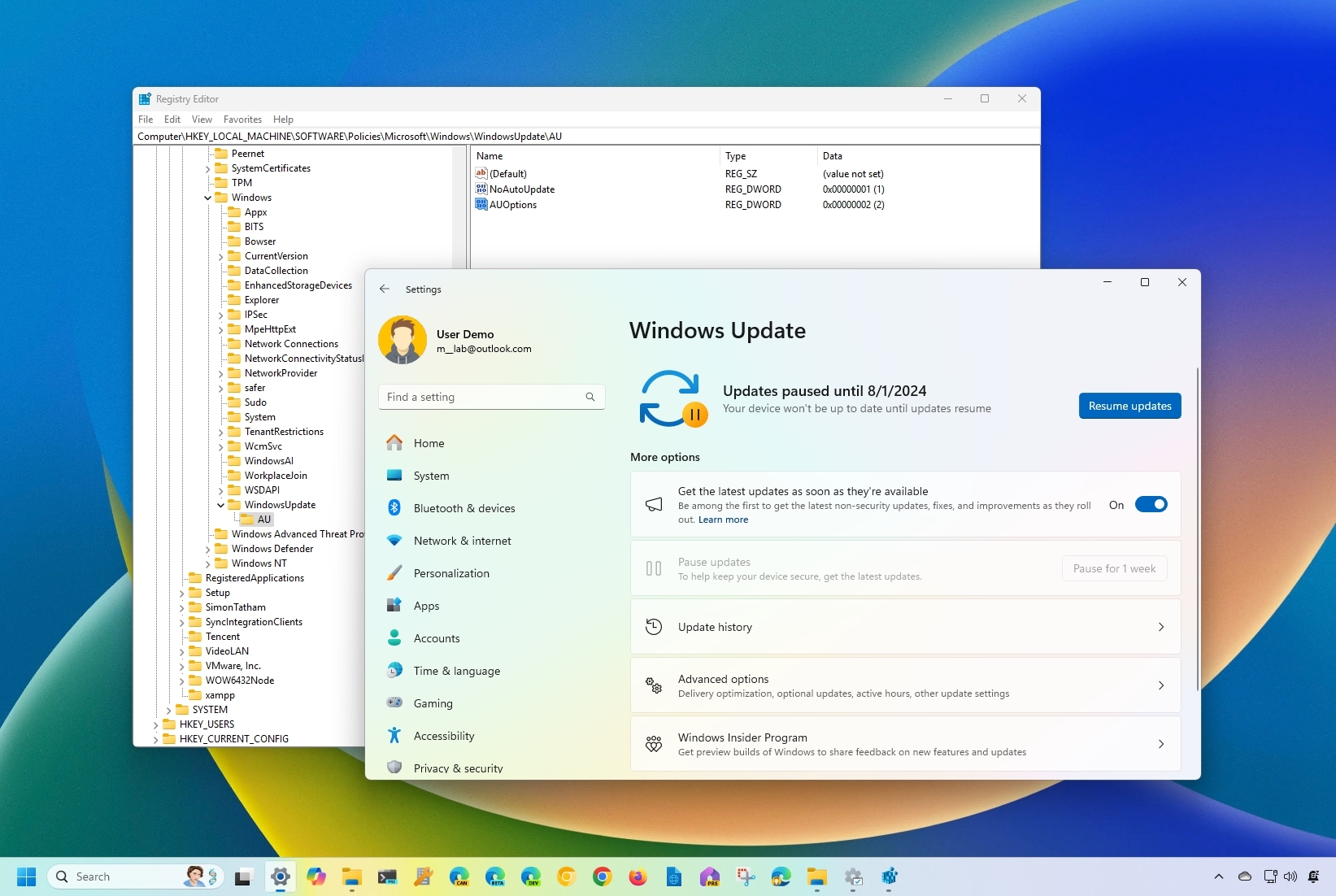
I've tried all those in the past, none actually work, once an update is downloaded it will automatically restart the pc if you don't do so within whatever timeframe Windows decides is suitable. I’m fine with updates and restarts to install them just not forced restarts, I don't think that's an unreasonable expectation.How to stop automatic updates on Windows 11
If you want to disable Windows 11 automatic updates, here are three ways to do this.

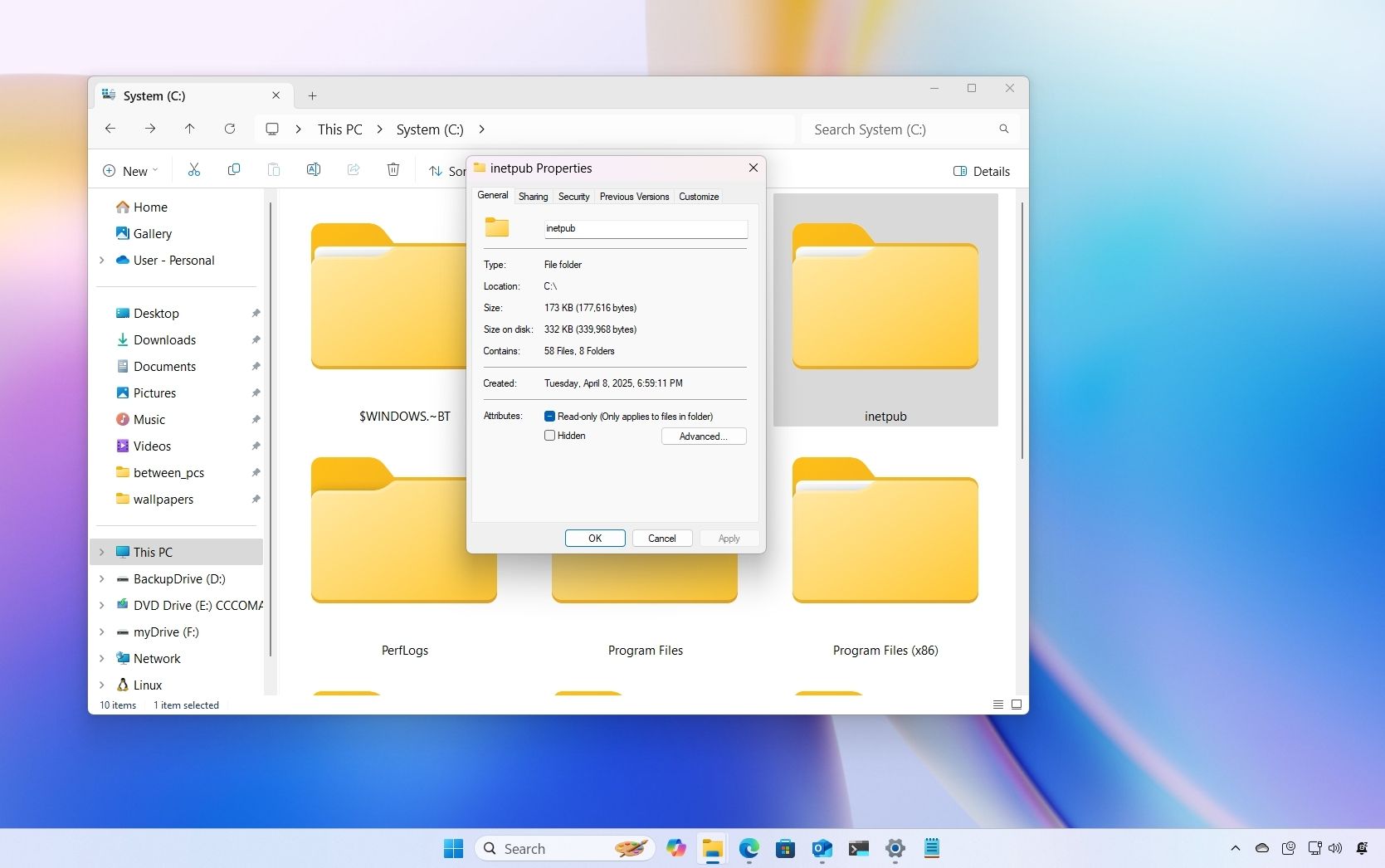
On Windows 11, following the April 2025 security update KB5055523 and the update KB5055518 for Windows 10, users have reported a new and unexpected "inetpub" folder empty in the root of the "C" drive, even on systems where Internet Information Services (IIS) is not installed.
However, Microsoft says that it's not a bug, and you should leave it alone.
 www.windowscentral.com

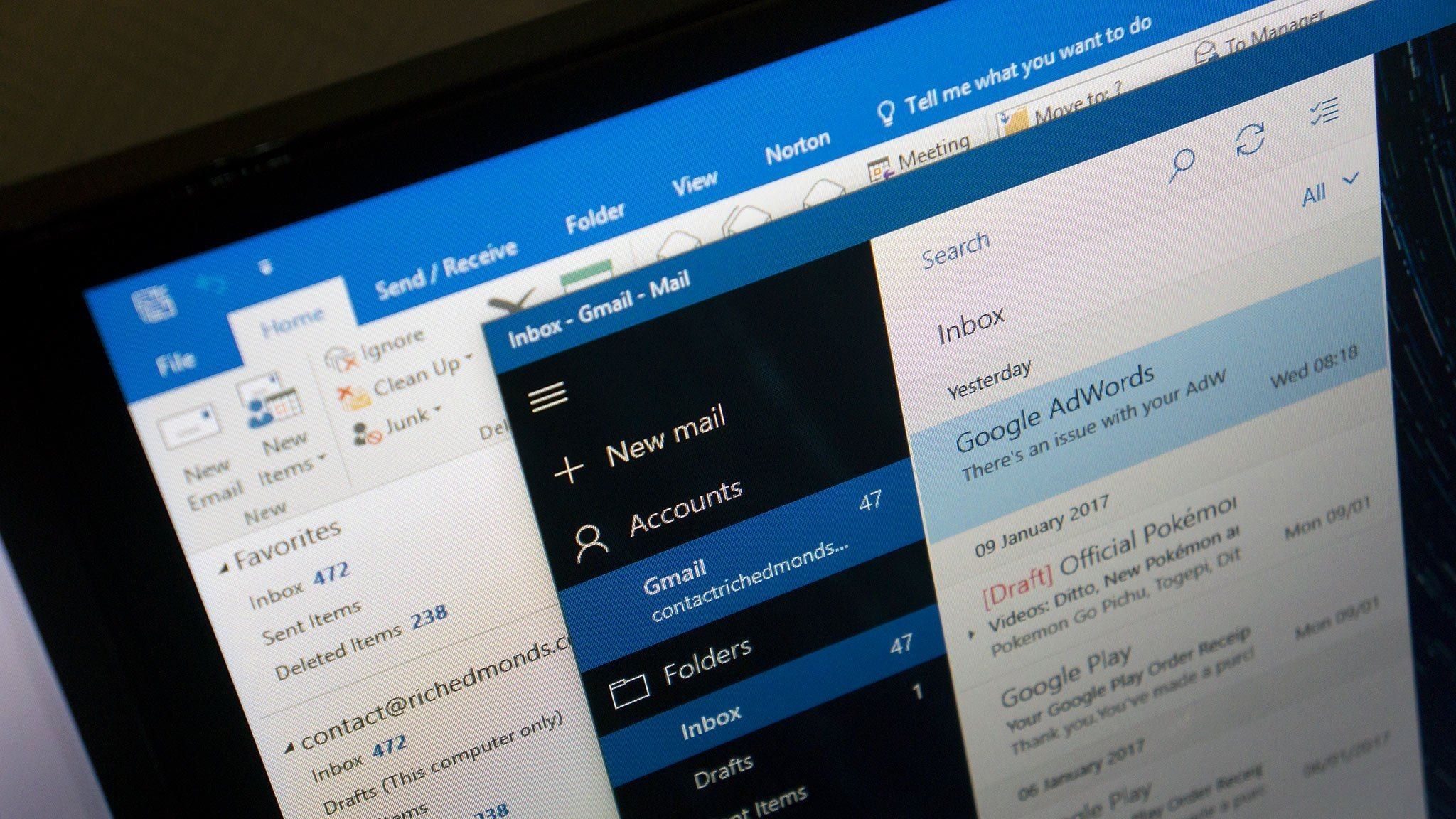
Microsoft recently acknowledged a critical bug impacting Outlook Classic users. The company indicated that the bug causes an issue that increases CPU usage, which could spike up to 50% when typing in the app.
According to Microsoft:
"When you write an email in classic Outlook for Windows, you may notice the CPU spikes up to 30 to 50% at some times and increases the power consumption. You can observe this if Task Manager is open while you type."
Shockingly, the issue seemingly dates back to November 2015, when several users flooded social media with complaints. "CPU activity goes to 16-22% when typing a message in Outlook 2016 and returns to 1 % when typing stops," a user explained the issue in Microsoft's Community forum.
Affected users indicated that deactivating add-ins, Graphic acceleration, and spell-check options didn't resolve the issue. The issue seems to be specific to users in the Current, Monthly Enterprise, or Insider channels updated to Outlook Version 2406 Build 17726.20126 and later.
While Microsoft works on a permanent fix for the annoying issue, it recommends the affected users to transition to the Semi-Annual Channel release, which hasn't been impacted by the bug.
 www.windowscentral.com
What's the mysterious Windows 11 'inetpub' folder? Microsoft says you shouldn't delete it. - Bleeping Computer
No, it's not a bug. Microsoft created the inetpub folder to fix a security vulnerability on Windows 11, and you shouldn't delete it.
View attachment 1813561
Read the full article at the link below:
What's the mysterious Windows 11 'inetpub' folder? Why you should leave it alone.
On Windows, Microsoft created the inetpub folder to fix a security vulnerability, so it's not a bug, and you shouldn't delete it. If you did, it's possible to recreate it quite easily, and here's how.


You'll hate Microsoft's new Outlook less — after facing an annoying Outlook Classic bug cranking CPU usage to 50% in Windows 11 when typing - Windows Central
An annoying Outlook Classic bug is causing CPU usage to spike up to 50% when users are typing in the app in Windows 11.
View attachment 1813589
Microsoft's Outlook Classic bug cranks CPU usage to 50% during typing in Windows 11
An annoying Outlook Classic bug is causing CPU usage to spike up to 50% when users are typing in the app in Windows 11.

 www.forbes.com


I scroll past that website. Biggest load of cr ap ever...Huh?
Microsoft Warns Millions Of Windows Users—Do Not Update Your PC
What’s gone wrong with Windows?


Not sure if this has been asked and answered but any idea how I can increase the size of the EFI partition which is preventing me from updating windows 11.
The easiest and free method would be appreciated.

