


Dave
Honorary Master
Windows Update and SHUT DOWN is BROOOKEN.
Argh...
Working fine here…

South Africa’s biggest forum. Discuss, discover, and connect with thousands of members.
Windows Update and SHUT DOWN is BROOOKEN.
Argh...

Windows Update and SHUT DOWN is BROOOKEN.
Argh...

 www.windowslatest.com
OH YAY! After much research, trouble-shooting & additional effort, I have FINALLY managed to successfully install the 2025-11 Security Update on my Lenovo i3 laptop...UPDATE: Tried again yesterday - reactivated Windows Updates - I had success with the dinosaur desktop PC (it installed with no issues) but no luck as yet with my i3 laptop (still throwing out the 'installation failed' error message yet again)...


Freaking clowns!"Update and shut down" no longer restarts PC, as Windows 11 25H2 patch addresses a decades-old bug
Starting with Windows 11 25H2 Build 26200.7019 (or 26100.7019 on 24H2) and newer, “Update and shut down" will shut down, not reboot.

I don't think that the Apple Polishing Cloth will work after you do thatInstalling Windows 11 on My MacBook In 2025! (via Parallels v26)


Microsoft, Microsoft Window all the way. Ah what fun it is to use Windows every day!/sigh
Windows / Dell Sucks. @Dave ... not a word from you.
View attachment 1863127
View attachment 1863128
Microsoft, Microsoft Window all the way. Ah what fun it is to use Windows every day!



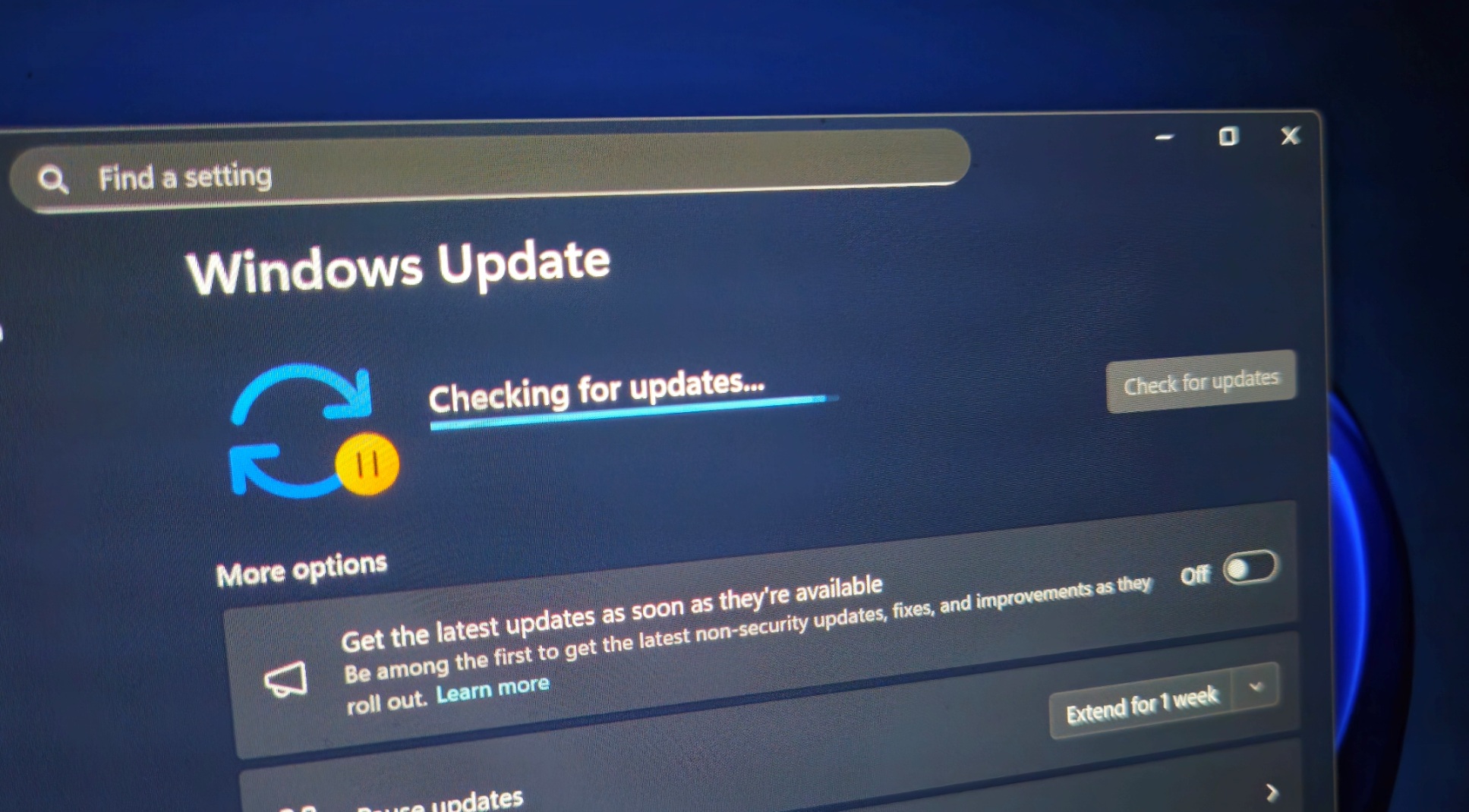
Windows 11 KB5068861 is not installing on some PCs due to errors like 0x80070306, 0x800f0983, and 0x800f081f. If you’re unable to install the update, you can either wait for the month’s optional release or just use the Media Creation Tool, which now downloads the same patch that fails. We’re also testing a broken SMB search after the Patch Tuesday.
KB5068861 is a Patch Tuesday release. This means it will install itself automatically, whether you like it or not, and that does make sense. After all, the November 2025 Update patches 63 critical security issues, but the catch is that the update fails to install on some PCs due to the following three errors:
“Getting install error 0x80070306 when installing 2025-11 Security Update KB5068861 (26200.7171) on Windows 11 25H2 Build 26200.7019,” one user wrote in a post on Feedback Hub, and they also added that running an SFC scan or using /checkhealth does not address these install errors. There are similar reports on Reddit discussing our story.
- 0x80070306
- 0x800f081f
- 0x800f0983
 www.windowslatest.com
Windows 11's latest update is here, and your PC will receive it automatically. As is the usual case for versions of Windows, Microsoft has ended support for Windows 11 version 23H2, which initially rolled out in 2023. To help ensure PCs are up to date, Microsoft will push systems to Windows 11 version 25H2.
"As of November 11, 2025, Home and Pro editions of Windows 11, version 23H2 have reached end of servicing," explains Microsoft. "Enterprise and Education editions of version 23H2 will continue to receive monthly security updates until November 10, 2026."
Unless your PC running Windows 11 version 23H2 is managed by an IT department or is ineligible, it will be updated automatically.
As pointed out by our colleagues at TechRadar, some PCs with older processors are not eligible to upgrade to Windows 11 version 25H2. Only CPUs that are pretty old fall into that category, so there's a good chance your computer is not affected by the limitation.
As for those currently running Windows 11 version 23H2, it's important to upgrade to Windows 11 to receive security updates and bug fixes. There are also some new features that are on the way to Windows 11 version 25H2, though they will also ship to Windows 11 version 24H2.

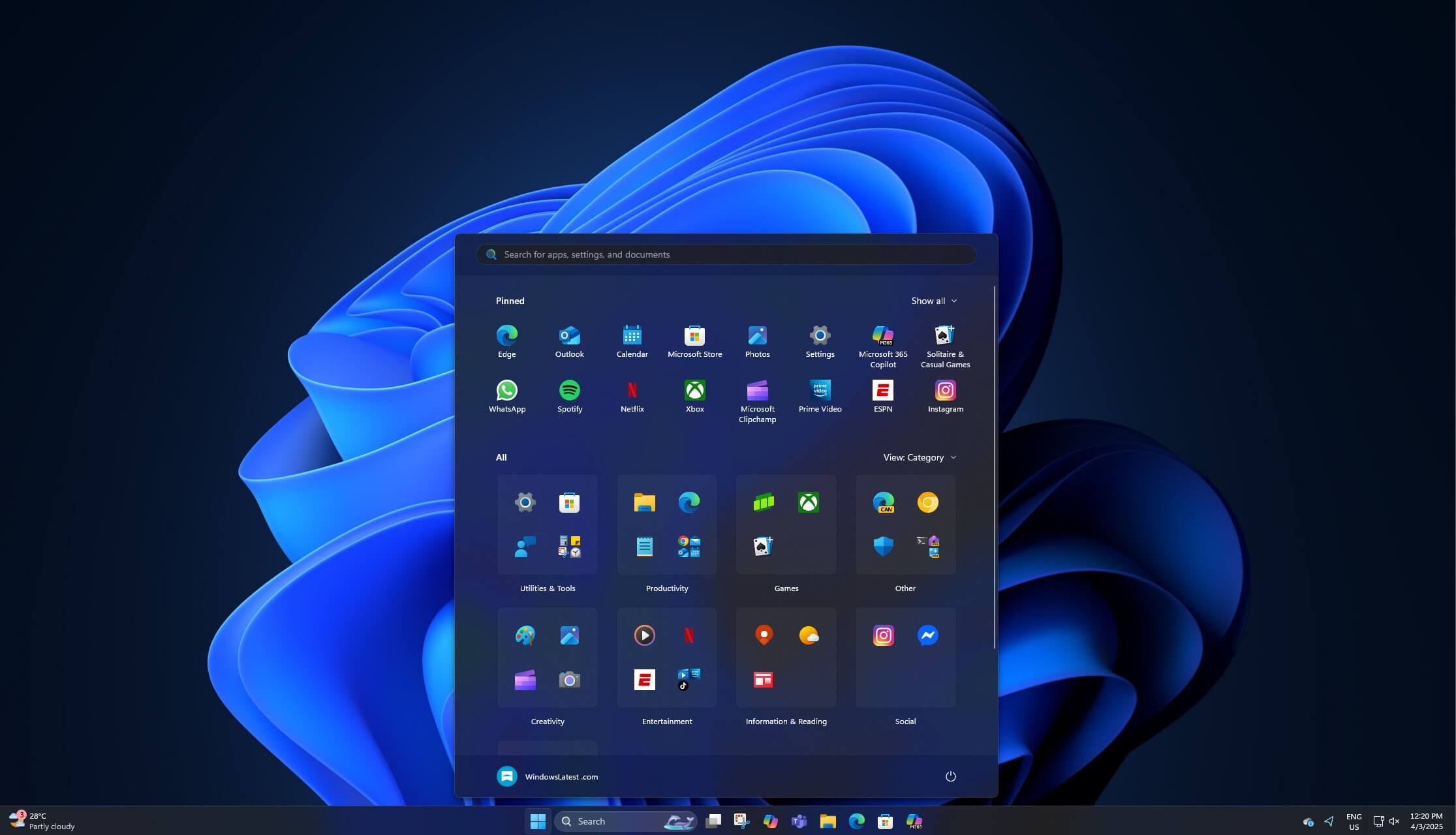
Windows 11 just got a major update with the November 2025 Patch Tuesday. There’s something new for everyone, including a redesigned Start menu, colourful battery icons, “AI Actions” in the File Explorer context menu, and more. However, the catch is that these features don’t appear due to Microsoft’s staged (slow) rollout.
Windows features are tied to unique feature IDs that can be manually toggled on using a third-party open-source app called “ViVeTool.” While it’s open source and safe to use, you just need to be careful that you use the correct ID. An incorrect feature ID could cause problems on some PCs.
But don’t worry. I’ve got you covered, and I’ve got all the correct feature IDs required to turn on the new features. You just need to follow the template and replace the feature IDs required to turn new features on one by one.
Or if you don’t want to take this route, you will need to wait for the magical Windows 11 staged rollout to work in your favour.
 www.windowslatest.com


