


-
- News
-
Categories
- 5G
- ADSL
- AI
- Banking
- Black Friday
- Broadband
- Broadcasting
- Business
- Business Telecoms
- Cellular
- Cloud and Hosting
- Columns
- Cryptocurrency
- Energy
- Enterprise
- Fibre
- Gadgets
- Gaming
- Government
- Hardware
- Industry News
- Internet
- Internet of Things
- Investing
- IT Services
- Motoring
- Reviews
- Science
- Security
- Smartphones
- Software
- Technology
- Telecoms
- Trending
- Wireless
- Press Office
- Forum
- Industry News
- What's Next
- Company hub
- Speed Test
- About us
- Advertise with us
- Contact
- Careers
-
Join the MyBroadband community
South Africa’s biggest forum. Discuss, discover, and connect with thousands of members.
You are using an out of date browser. It may not display this or other websites correctly.
You should upgrade or use an alternative browser.
You should upgrade or use an alternative browser.
Windows 11 Support Thread
- Thread starter UrBaN963
- Start date

HAL 9000
Honorary Master
- Joined
- May 27, 2008
- Messages
- 22,694
- Reaction score
- 26,532
And yet MS Paint STILL doesn't have a dedicated command group on the Ribbon for Editing, with Cut, Copy & Paste icons - you HAVE to either use the drop-down 'Edit' menu or use the CTRL-X, CTRL-C & CTRL-V keyboard shortcuts...


quovadis
Honorary Master
I miss the days of simple Microsoft. It's almost as if they're chasing everything and not delivering on anything. They should've just stuck with spending their time renaming their products and creating fragmented skus.
Smiggles
Honorary Master
- Joined
- Feb 4, 2025
- Messages
- 12,037
- Reaction score
- 20,127
Smiggles
Honorary Master
- Joined
- Feb 4, 2025
- Messages
- 12,037
- Reaction score
- 20,127

Windows 11 has reached 1 billion users faster than Windows 10
Windows 11 hits a big milestone
 www.theverge.com
No doubt because M$ killed off Windows 10. We had to upgrade quite a few perfectly working laptops when Windows 10 reached EOL.Windows 11 now has 1 billion users. Microsoft hit the milestone during the recent holiday quarter, meaning Windows 11 has managed to reach 1 billion users faster than Windows 10 did nearly six years ago.
“Windows reached a big milestone, 1 billion Windows 11 users,” said Microsoft CEO Satya Nadella on the company’s fiscal Q2, 2026 earnings call. “Up over 45 percent year-over-year.” The growth of Windows 11 over the past quarter will be related to Microsoft’s end of support for Windows 10, which also helped increase Microsoft’s Windows OEM revenues.
FiestaST
Honorary Master

Dimpie (JIGSAW)
Honorary Master
The January 2026 non-security update for Windows 11 versions 24H2 and 25H2 is now available. KB5074105 with build numbers 26100.7705 and 26200.7705 is out with a long list of various improvements, fixes, and new features.
HAL 9000
Honorary Master
- Joined
- May 27, 2008
- Messages
- 22,694
- Reaction score
- 26,532
The January 2026 non-security update for Windows 11 versions 24H2 and 25H2 is now available. KB5074105 with build numbers 26100.7705 and 26200.7705 is out with a long list of various improvements, fixes, and new features.

Dimpie (JIGSAW)
Honorary Master


FiestaST
Honorary Master
HAL 9000
Honorary Master
- Joined
- May 27, 2008
- Messages
- 22,694
- Reaction score
- 26,532
Windows 11 KB5074105 update fixes boot, sign-in, and activation issues - Bleeping Computer
Microsoft has released the KB5074105 preview cumulative update for Windows 11 systems, which includes 32 changes, including fixes for sign-in, boot, and activation issues.
KB5074105 is an optional update that delivers updates at the end of each month, allowing admins to test Windows bug fixes, new features, and improvements that will be generally available during next month's Patch Tuesday release.
However, unlike Patch Tuesday cumulative updates, monthly non-security preview updates only roll out quality improvements and do not include security fixes.
With the January 2025 optional update, Microsoft addressed a known issue that caused Explorer.exe to hang during the first login when certain apps were configured as startup apps.
It also fixed a bug that caused the system to stop responding during startup when Windows Boot Manager debugging is enabled, and another bug that triggered iSCSI boot failures with an "Inaccessible Boot Device" error.
Additionally, this month's preview update addresses an issue in which Windows license migrations could fail during upgrades because the PC couldn't register with the Windows Activation server for its digital license.
You can install KB5074105 by opening Settings, clicking on Windows Update, and then on 'Check for Updates.' Since this is an optional update, you will be prompted to install it by clicking the 'Download and install' link.
However, you can also manually install this optional cumulative update after downloading it from the Microsoft Update Catalog.

Windows 11 KB5074105 update fixes boot, sign-in, and activation issues
Microsoft has released the KB5074105 preview cumulative update for Windows 11 systems, which includes 32 changes, including fixes for sign-in, boot, and activation issues.
HAL 9000
Honorary Master
- Joined
- May 27, 2008
- Messages
- 22,694
- Reaction score
- 26,532
These 10 Windows 11 features and changes will ship in February — let's hope it's not another Patch Tuesday disaster - Windows Central
Windows 11 has had a rough start to the year. January's Patch Tuesday update proved disastrous, as it included several bugs and issues that affect users and forced Microsoft to release out of band security updates.
February presents the tech giant with another chance to roll out updates with fewer issues. While the security fixes will not ship until Patch Tuesday in February, you can grab the new features and changes on the way to Windows 11 right now.
Windows 11's KB5074105 update is now in preview for Windows 11 version 25H2 and 24H2. It includes several changes and new or updated features.
Android users with HONOR, OPPO, Samsung, Vivo, or Xiaomi phones can now resume online files opened in the Microsoft Copilot app when they move to a PC. Our colleagues at Android Central looked at the feature from the Android side of things recently.
This Windows 11 preview update includes some features that will roll out gradually and others that will roll out to everyone. That means that even if you updated two PCs to the same version, they may not have the same features.
Following feedback from users, Microsoft has promised to improve Windows 11 and address "pain points" across the operating system.
"The feedback we’re receiving from our community of passionate customers and Windows Insiders has been clear. We need to improve Windows in ways that are meaningful for people," said Microsoft in a statement to The Verge.
"This year, you will see us focus on addressing pain points we hear consistently from customers: improving system performance, reliability, and the overall experience of Windows."
That promise was only made this week, so it would be unreasonable to expect major changes before the February's Patch Tuesday updates. But Microsoft has acknowledged concerns and committed to improve Windows 11.
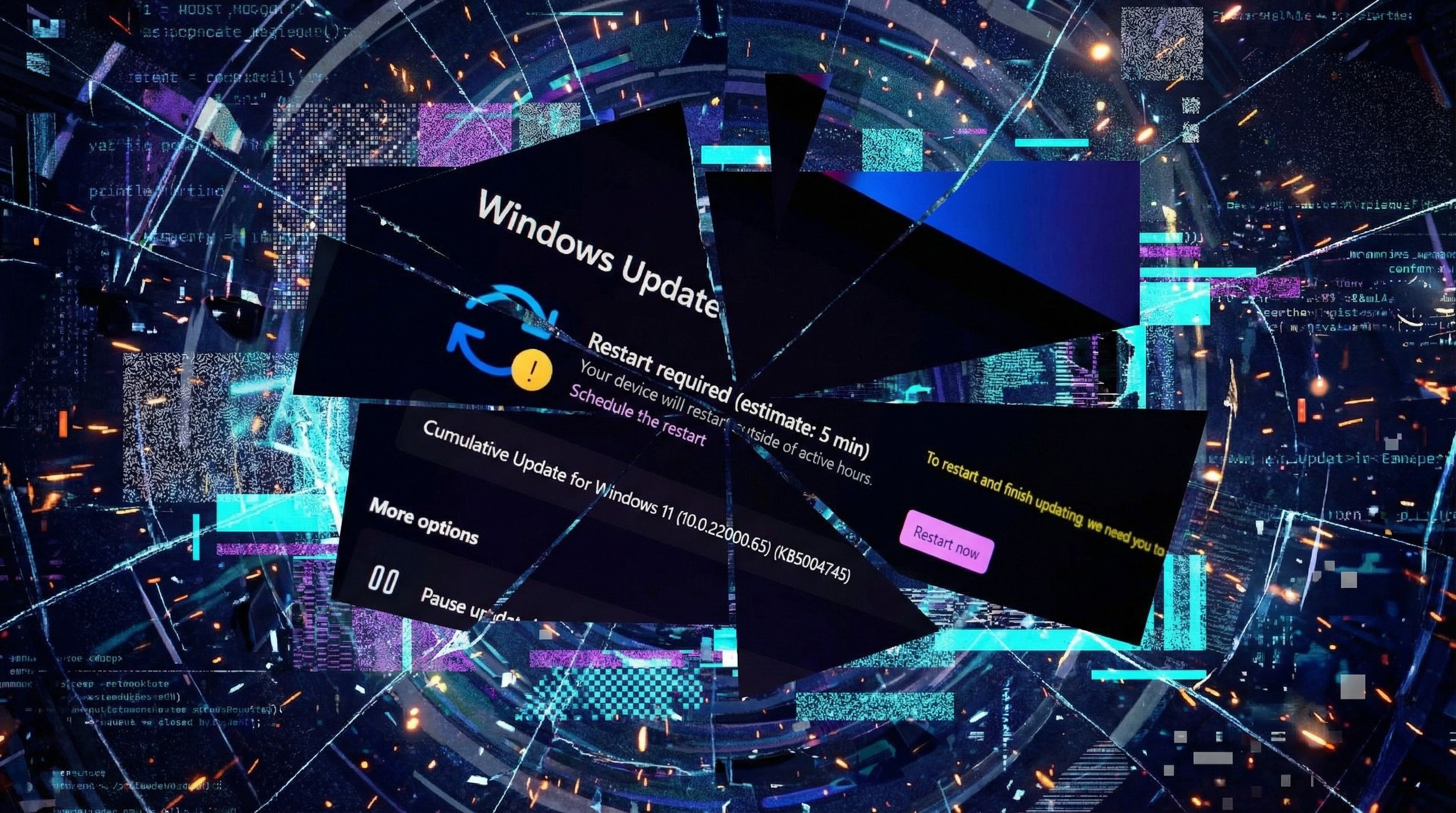
Will Microsoft’s February update be a win or another Windows 11 disaster?
Microsoft has a lot to prove after January's update cycle broke basic system functions; here are the biggest features and changes they are shipping next month.
 www.windowscentral.com
HAL 9000
Honorary Master
- Joined
- May 27, 2008
- Messages
- 22,694
- Reaction score
- 26,532
Microsoft is reevaluating its AI efforts on Windows 11 — plans to reduce Copilot integrations and evolve Recall - Windows Central
People familiar with Microsoft's plans say that the company is moving to streamline or remove certain Copilot integrations across in-box apps like Notepad and Paint in 2026, after pushback from users.It’s fair to say that Windows 11’s recent endeavour into AI hasn’t gone down well with its most passionate users. It started in 2024 with the unveiling of Windows Recall, which was met with such backlash that Microsoft was forced to postpone it by an entire year while it addressed major security and privacy flaws.
It seems like things have been downhill since. In the last year, Microsoft has taken every opportunity to enshittify Windows 11 by placing Copilot buttons wherever it can across in-box apps like File Explorer and Notepad, even if the implementation is poor or unnecessary.
This has soured Microsoft’s AI efforts in the eyes of many Windows users, resulting in major pushback online and adding to the overall negative sentiment around Windows 11.
This seems to have all come to a head in November, when Windows president Pavan Davuluri tweeted that Windows would evolve into an agentic OS, spawning thousands of overwhelmingly negative replies rejecting this plan.
It appears this moment of pushback has resonated with teams internally, as according to people familiar with Microsoft’s plans, the company is now reevaluating its AI strategy on Windows 11 and is planning to make changes to streamline or even remove certain AI features where they don’t make sense.
Details around how the company is going about this remain light, but sources say Copilot integrations like those found in Notepad and Paint are under review. This may result in Microsoft removing certain Copilot integrations from these apps, or at the very least removing the Copilot branding and pivoting to a more streamlined experience.
I’m also told that Microsoft has paused work on any additional Copilot buttons in in-box apps, at least for now. While I don’t expect this pause to be permanent, it does sound like Microsoft is planning to be more tactful and deliberate in where these Copilot buttons and integrations will appear going forward.
Windows Recall is another AI experience that I’m told is under review. Sources tell me that Microsoft believes that Recall in its current implementation has failed, though I understand the company is exploring ways to evolve the concept rather than scrap it entirely, possibly dropping the Recall name in the process, though this is unconfirmed.
Other AI initiatives such as Semantic Search, Agentic Workspace, Windows ML, and Windows AI APIs are continuing ahead as planned. Microsoft believes that these under the hood AI efforts are still important for app developers and users, positioning Windows as a viable contender amongst other OS’s that are also building AI frameworks into their platforms.
The good news is that it's clear Microsoft has heard the feedback around its heavy-handedness when it comes to Copilot buttons in Windows apps.
The company is stepping back to readjust how best to implement these AI integrations across the OS, hopefully resulting in a more meaningful and useful AI experience on the platform, rather than haphazardly adding the Copilot icon to every UI surface it can.
This effort is likely part of Microsoft's overall effort to "fix" Windows 11 this year. I understand that the company is moving quickly to begin shipping meaningful changes that are designed to signal to customers that it is listening to feedback, and streamlining where Copilot shows up across in-box apps would be a strong place to start.
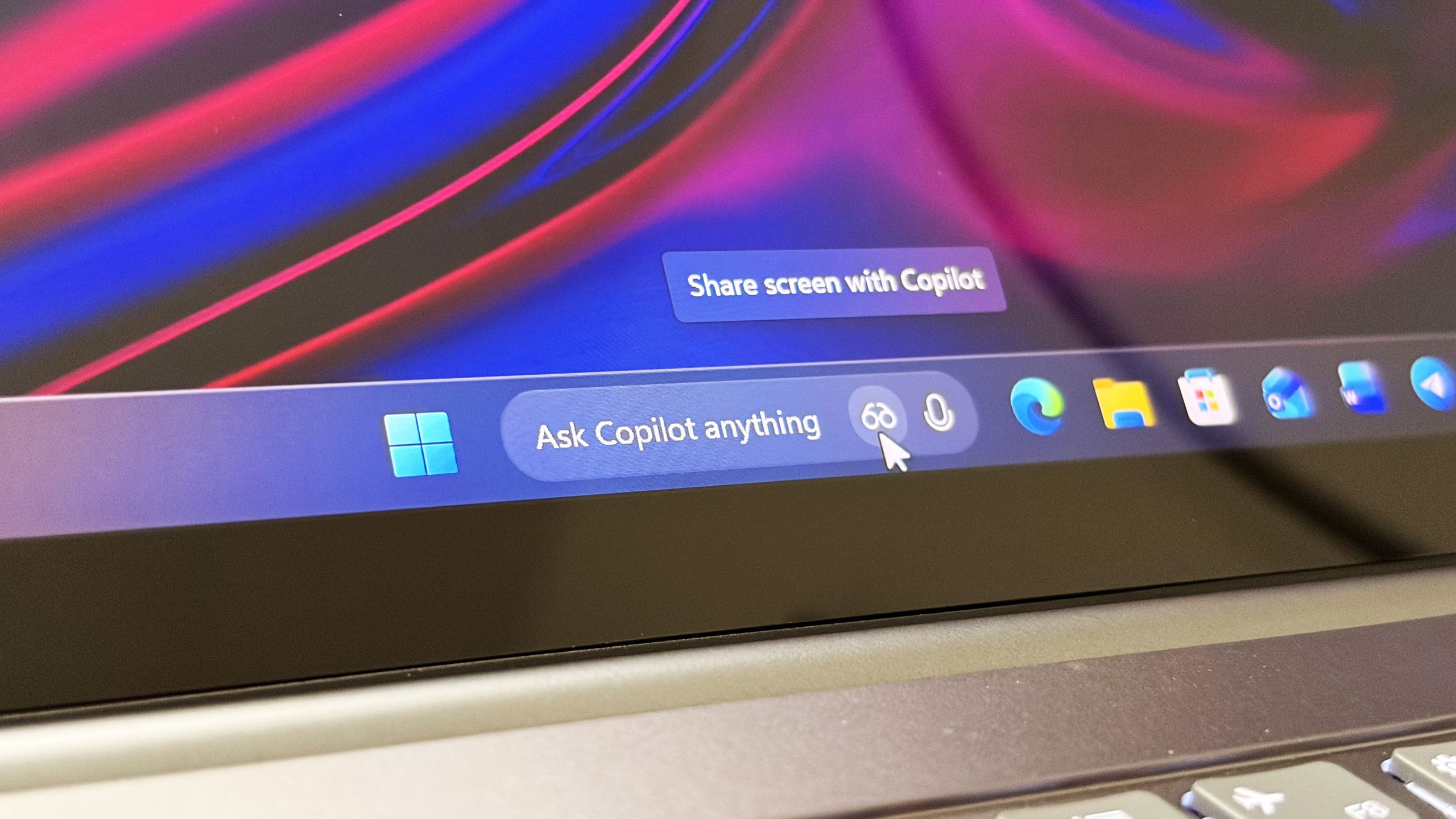
Microsoft is reevaluating its AI efforts on Windows 11
People familiar with Microsoft's plans say that the company moving to streamline or remove certain Copilot integrations across in-box apps like Notepad and Paint in 2026, after pushback from users.
www.windowscentral.com
FiestaST
Honorary Master

Grant
Honorary Master
oh, sweet jesus !!
one of my cleaning staff was given a laptop by someone leaving the country and returning to europe.
a rather nice machine - an asus aspire 5, only 18 months old.
she scribbled down the pin for the user account - illegible !
so it lands up with me - keeping in mind, im not a "tech" person.
so i figure a system reset to refresh everything.
well fark me - language is Portuguese.
so i manage to navigate my way thru the whole reset process - google translating along the way.
then come the setup process - my god can there be anything more laborious ?
and of course, microsoft wants to hem you in on their office 365 kark.
i get to the end of it all.
now to change the language from porra to englais.
joy of joys - i discover the windows version only supports a single language - porra, in this instance.
what does one do now - i'm not seeing much info on an os upgrade, or purchase of an english language pack ?
i thought apple was bad with all thier bullschit - charging for this, charging for that - this will be extra, that will be extra.
this language nonsense takes the cake.
w11 seems a rather clumsy os - better to wipe the drive and install w10. ?
one of my cleaning staff was given a laptop by someone leaving the country and returning to europe.
a rather nice machine - an asus aspire 5, only 18 months old.
she scribbled down the pin for the user account - illegible !
so it lands up with me - keeping in mind, im not a "tech" person.
so i figure a system reset to refresh everything.
well fark me - language is Portuguese.
so i manage to navigate my way thru the whole reset process - google translating along the way.
then come the setup process - my god can there be anything more laborious ?
and of course, microsoft wants to hem you in on their office 365 kark.
i get to the end of it all.
now to change the language from porra to englais.
joy of joys - i discover the windows version only supports a single language - porra, in this instance.
what does one do now - i'm not seeing much info on an os upgrade, or purchase of an english language pack ?
i thought apple was bad with all thier bullschit - charging for this, charging for that - this will be extra, that will be extra.
this language nonsense takes the cake.
w11 seems a rather clumsy os - better to wipe the drive and install w10. ?
Smiggles
Honorary Master
- Joined
- Feb 4, 2025
- Messages
- 12,037
- Reaction score
- 20,127
oh, sweet jesus !!
one of my cleaning staff was given a laptop by someone leaving the country and returning to europe.
a rather nice machine - an asus aspire 5, only 18 months old.
she scribbled down the pin for the user account - illegible !
so it lands up with me - keeping in mind, im not a "tech" person.
so i figure a system reset to refresh everything.
well fark me - language is Portuguese.
so i manage to navigate my way thru the whole reset process - google translating along the way.
then come the setup process - my god can there be anything more laborious ?
and of course, microsoft wants to hem you in on their office 365 kark.
i get to the end of it all.
now to change the language from porra to englais.
joy of joys - i discover the windows version only supports a single language - porra, in this instance.
what does one do now - i'm not seeing much info on an os upgrade, or purchase of an english language pack ?
i thought apple was bad with all thier bullschit - charging for this, charging for that - this will be extra, that will be extra.
this language nonsense takes the cake.
w11 seems a rather clumsy os - better to wipe the drive and install w10. ?
GitHub - massgravel/Microsoft-Activation-Scripts: Open-source Windows and Office activator featuring HWID, Ohook, TSforge, and Online KMS activation methods, along with advanced troubleshooting.
Open-source Windows and Office activator featuring HWID, Ohook, TSforge, and Online KMS activation methods, along with advanced troubleshooting. - massgravel/Microsoft-Activation-Scripts
 github.com

Format and install windows 11 Pro english US/international (depending on the KB layout), then use massgrave to activate it.oh, sweet jesus !!
one of my cleaning staff was given a laptop by someone leaving the country and returning to europe.
a rather nice machine - an asus aspire 5, only 18 months old.
she scribbled down the pin for the user account - illegible !
so it lands up with me - keeping in mind, im not a "tech" person.
so i figure a system reset to refresh everything.
well fark me - language is Portuguese.
so i manage to navigate my way thru the whole reset process - google translating along the way.
then come the setup process - my god can there be anything more laborious ?
and of course, microsoft wants to hem you in on their office 365 kark.
i get to the end of it all.
now to change the language from porra to englais.
joy of joys - i discover the windows version only supports a single language - porra, in this instance.
what does one do now - i'm not seeing much info on an os upgrade, or purchase of an english language pack ?
i thought apple was bad with all thier bullschit - charging for this, charging for that - this will be extra, that will be extra.
this language nonsense takes the cake.
w11 seems a rather clumsy os - better to wipe the drive and install w10. ?
Grant
Honorary Master
Thanks gents

