Dave
Honorary Master
Windows is Hell Right Now
I suppose there will always be people who have different definitions of “hell”.
South Africa’s biggest forum. Discuss, discover, and connect with thousands of members.
Windows is Hell Right Now

Hell is watching a video from that guy trying to be funny.I suppose there will always be people who have different definitions of “hell”.

 After running Dell Support tests the Computer restarted again and now it wants to do a nother repair (3rd time lucky?)

View attachment 1894426

View attachment 1894426
We would like to inform you that after going through the event viewer and mini dumps, we see an issue with the SSD drivers.
Well no bluescreen or restarts since the driverupdate. Also first time there are no errors in Event Viewer and Reliability Report. Although probably dont want to jinx it.Samsung SSD
Samsung-PM9F1-Solid-State-Drive-Firmware-Update_HCG1N_WIN64_7732.0509_A04_01
Microsoft says the March Windows 11 update breaks sign-ins with Microsoft accounts across multiple Microsoft apps, including Teams and OneDrive.
These sign-in issues appear after installing the KB5079473 cumulative update Microsoft released last week as part of this month's Patch Tuesday, and, according to a Windows release health dashboard update published on Wednesday, will trigger warnings that the impacted devices are not connected to the Internet.
The list of affected applications also includes Microsoft Edge, Excel, Word, and Microsoft 365 Copilot, which will display the same error message for features that require a Microsoft account sign-in.
"As a result of this issue, sign in attempts will display an error message with text similar to 'You'll need the Internet for this. It doesn't look like you're connected to the Internet.' This appears even if the device is connected to the Internet," Microsoft said.
"Please note that this issue occurs only with sign in operations involving Microsoft accounts, which are commonly used for Microsoft Teams Free. Businesses using Entra ID (previously known as Azure Active Directory) for app authentication will not be affected by this issue."
While working on a fix for this issue, Microsoft also provided a temporary workaround for those affected, which requires them to restart their PCs in the hope that the internet connectivity issues will resolve on their own.
"This issue occurs when the device enters a specific network connectivity state, and may resolve on its own. If you encounter this issue, restart the device while keeping it connected to the Internet. This should repair the device connectivity state and prevent the issue from occurring," Microsoft added.
"However, please note that if the device is restarted without an active internet connection, it might return to a connectivity state where the issue can occur again."
Since this month's Patch Tuesday Windows updates were released, Microsoft has also issued two emergency out-of-band (OOB) updates for hotpatch-enabled Windows 11 Enterprise devices that address a Bluetooth device visibility issue and several security flaws in the Routing and Remote Access Service (RRAS) management tool.
Microsoft has also shared guidance to fix C:\ drive access issues and app failures on some Samsung Windows 11 laptops, which are triggered by a buggy version of the Samsung Galaxy Connect (or Samsung Continuity Service) app.
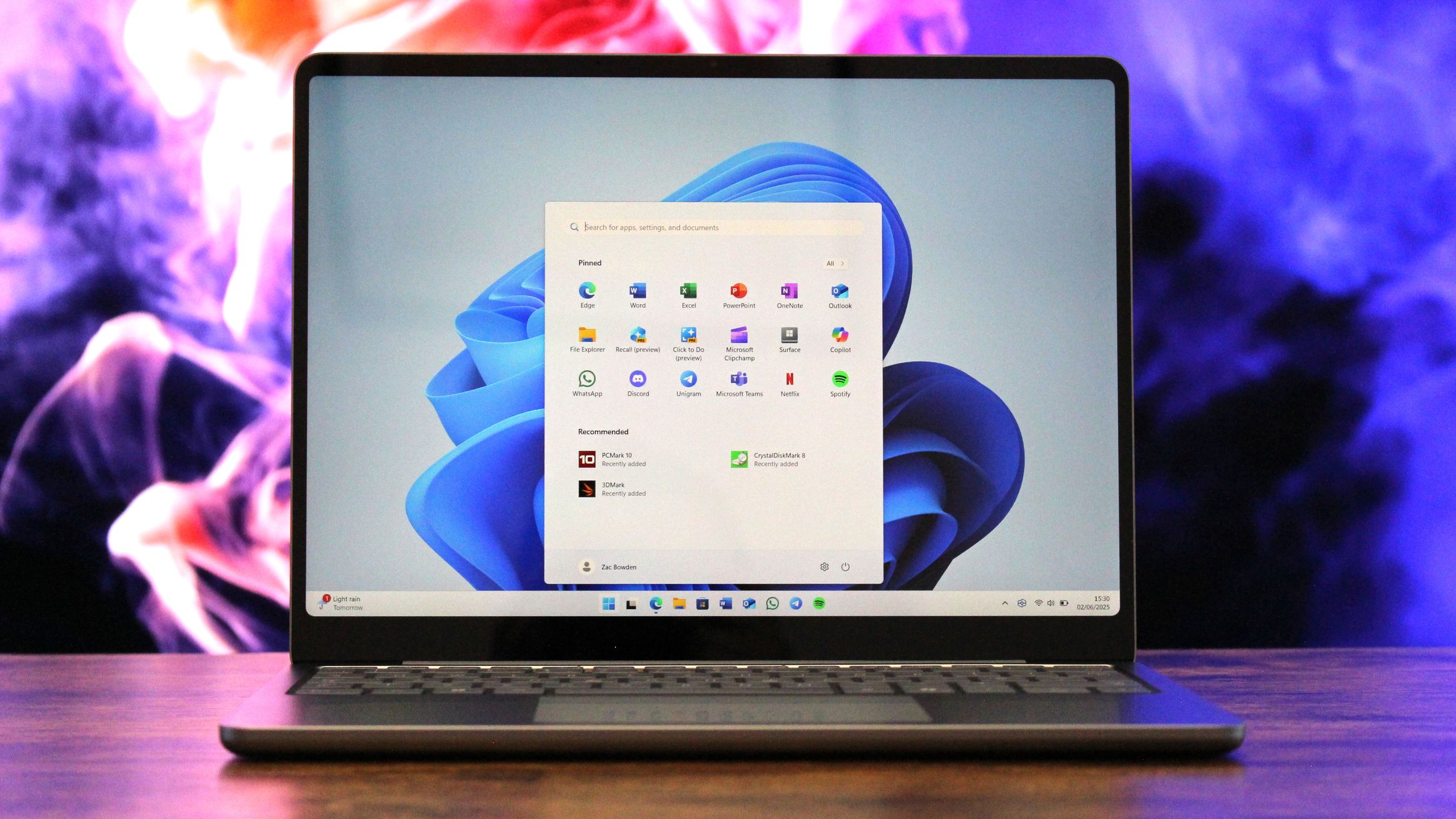
Microsoft just confirmed that it's working on multiple major updates to Windows 11 that will address user's biggest complaints with the platform over the last two years. Everything from general system performance and reliability to the ability to move the Taskbar and reduce ads will be addressed this year.
"We are focusing on making Windows 11 more responsive and consistent, so performance feels smooth and reliable," says Pavan Davuluri, EVP of Windows & Devices at Microsoft. "Over the course of the year, we’re improving system performance, app responsiveness, File Explorer and the Windows Subsystem for Linux, helping Windows stay fast as you move between apps and workloads.
By the end of this year, Microsoft says Windows 11 will be a much better, responsive OS that's more reliable and uses fewer system resources. It will feel faster and more consistent, with less annoyances from ads, AI, and updates. It will also be better at running on devices with limited memory.
Windows Search is also expected to be upgraded with faster and more accurate search results and a more unified experience across the Windows Search pane, File Explorer, and other areas of search in the system.
Microsoft is working with OEMs and driver vendors to ensure drivers that are delivered to devices are stable and of a much higher standard, which should help towards improving Windows' overall OS stability.

Microsoft is also vowing to use its native Windows UI framework, WinUI, in more areas of the system, such as the Start menu, which up until now has been built using React. Switching to native WinUI should improve performance, thanks in part to major performance upgrades to WinUI that Microsoft is also promising to deliver this year.
The company says that Windows Update will be improved to allow users more control over how and when updates install. It will let users pause updates for "as long as needed," and is working to reduce how often Windows Update requires a restart so that it doesn't get in your way as often.
Microsoft has also announced that it will be reducing the number of places where Copilot appears throughout the OS, starting with Notepad, Photos, Snipping Tool, and Widgets.
 www.windowscentral.com

Microsoft isn't just scaling back Copilot in Windows 11, it's also reducing access to Copilot Chat for certain Microsoft 365 commercial customers. Starting April 15, 2026, Copilot Chat users without a Microsoft 365 Copilot license will not be able to access Copilot in Office apps, at least directly.
At the moment and until the change takes effect next month, those with a work or school account and a qualifying Microsoft 365 business subscription can use Copilot Chat in Word, Excel, PowerPoint, and OneNote without an additional license.
After the cutoff in April, that functionality will be limited to the Microsoft 365 Copilot app for those without a Microsoft 365 Copilot license. Notably, Copilot in Outlook will sill work with inbox and calendar grounding for Copilot Chat users after April 15.
The change is explained in the Microsoft 365 Admin Center (MC1253858) and was first highlighted in a Discord channel.
"Starting April 15, 2026, Copilot will no longer be available in Word, Excel, PowerPoint, and OneNote for Copilot Chat users. To ensure a high-quality experience, we are reserving the full Copilot experience in these apps—with advanced reasoning and model choice—for users with a paid Microsoft 365 Copilot license. If you would like users to access these experiences, you can provide a Microsoft 365 Copilot license."
Copilot Chat forms a unified chat experience across Microsoft 365 apps, Microsoft Edge, and the Microsoft 365 Copilot app. The tool can be used to analyze data, create content, and help you interact with supported apps.
Microsoft will have to update its support page and record a new video. At the moment, the Copilot Chat in Microsoft 365 support page specifically states that you can access Copilot Chat in Microsoft apps "all at no extra cost, and you don't need a Copilot add-on license."
The company lists everything you can do with Copilot Chat even if you don't have a Microsoft 365 Copilot add-on. Admittedly, those options are limited compared to those paying a premium, but they are more than nothing (at least for now).
If you have a Microsoft 365 Copilot license, you won't see any changes. Those with a license will still be able to interact with Copilot Chat in apps such as Word, Excel, PowerPoint, and OneNote.
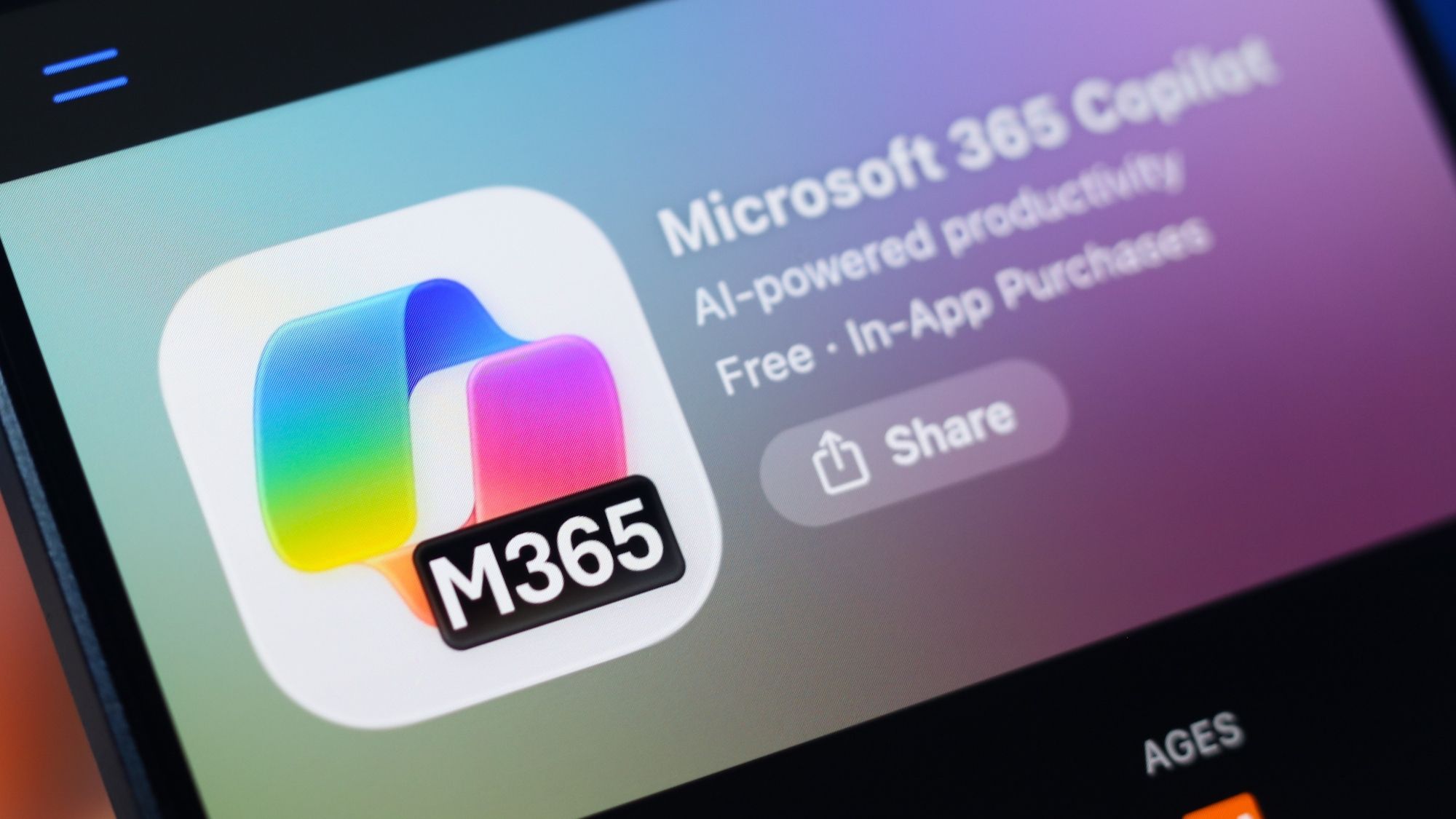
To reduce confusion, Microsoft will add in-product labels for users and admins. Those without a Microsoft 365 Copilot license will see "Copilot Chat (Basic)." Users with a Microsoft 365 Copilot license will see "M365 Copilot (Premium).
 www.windowscentral.com


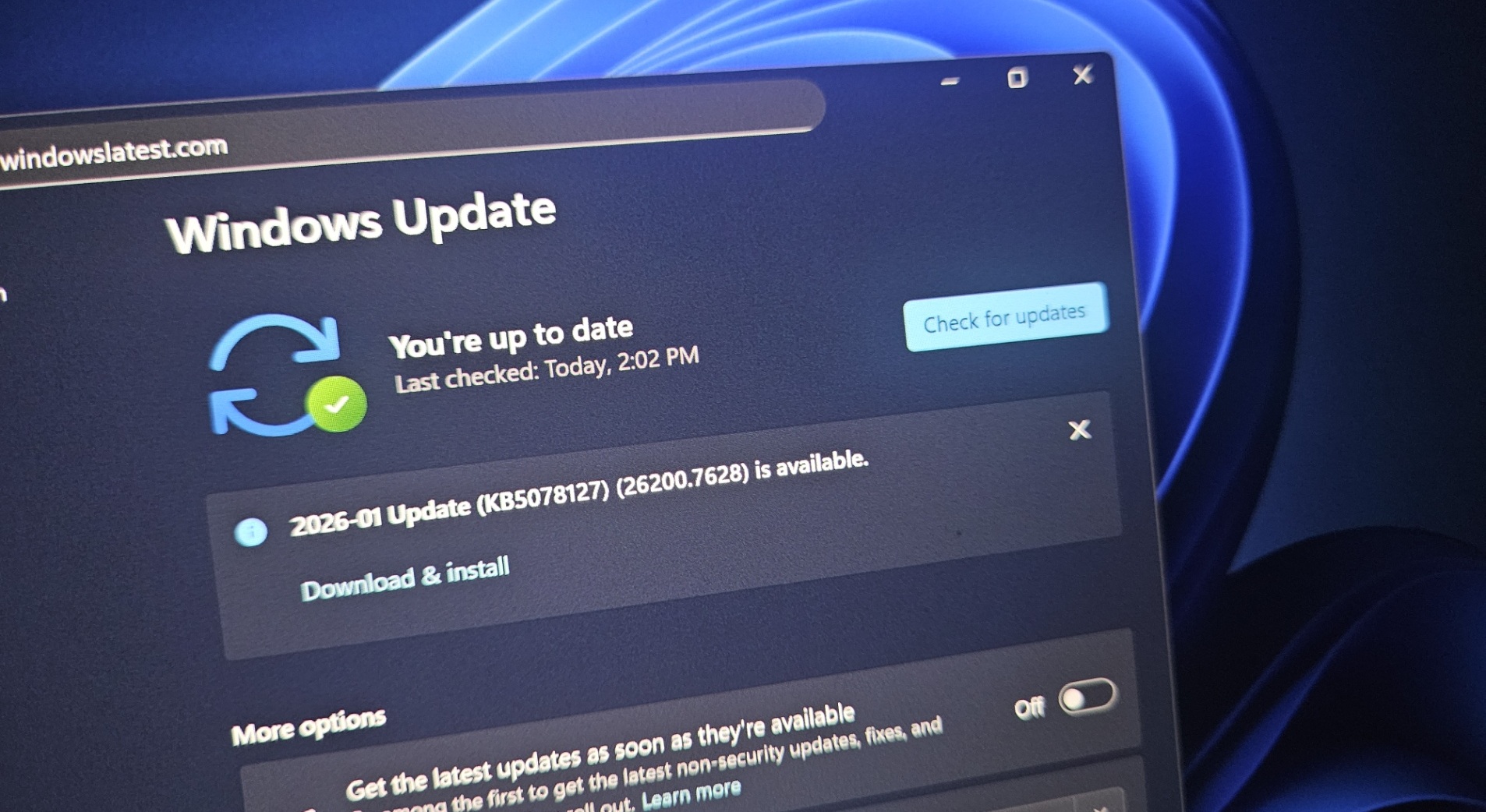
 www.windowslatest.com

Microsoft confirmed it’ll reduce Copilot in apps like Notepad, Snipping Tool, Photos, and Widgets, but there are no plans to remove AI entirely from the operating system. Windows Latest understands that Microsoft might also drop Copilot branding from some AI features and focus more on performance.
There’s no denying that Windows 11’s reputation is at an all-time low, largely due to the fact that Microsoft has been aggressively pushing Copilot. In fact, the internet has coined a rather famous term for the Windows giant, and that is ‘Microslop,’ which simply means the company is pushing AI slop.
Over the past several months, Copilot has expanded and invaded nearly all apps in Windows 11, including Office, Microsoft Edge, Photos, MS Paint, and even Notepad.
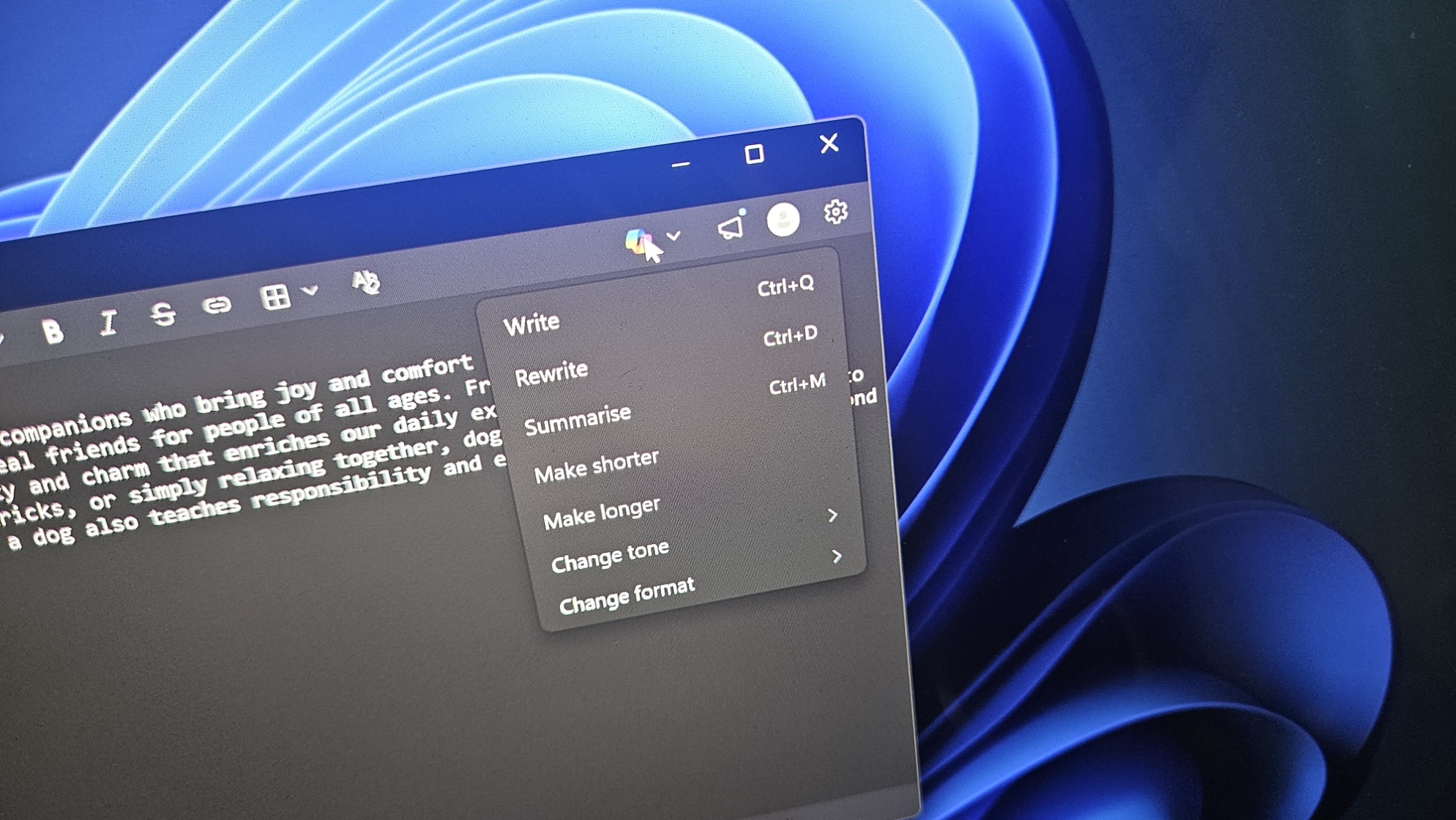
Notepad has always been the simplest text editor on Windows 11, but that changed recently as Microsoft started adding new features, including markdown support and even Copilot. In fact, if you select a chunk of text in Notepad and right-click, you can choose to summarize or rewrite content using AI.

You don’t expect Notepad to generate slop for you. The very purpose of Notepad is to note things down quickly, so why would you use AI to summarize content?
There are also upsells for Copilot and Microsoft 365 in Notepad, and nobody likes how a simple text editor has been transformed into an AI playground.
The good news is that Microsoft’s plans to reduce Copilot also cover Notepad.
The company says it won’t add Copilot to places where it doesn’t make sense, and one example is the Notepad app.
“You will see us be more intentional about how and where Copilot integrates across Windows, focusing on experiences that are genuinely useful and well-crafted,” Microsoft noted in a statement.
“As part of this, we are reducing unnecessary Copilot entry points, starting with apps like Snipping Tool, Photos, Widgets, and Notepad.”
It’s unclear if Microsoft will completely remove Copilot from Notepad or simply reduce the entry points, but either way, it’s a step in the right direction and gives me hope that the leadership is listening to feedback.
Notepad will continue to get new features, including full-fledged support for images, which isn’t exactly a bad thing because markdown is not only performance-friendly but can be turned off from Settings.
 www.windowslatest.com
It could possibly be a MASSIVE (MyBBEven less used operating systems like BSD seem to be having a lot less in the way of update bugs these days than Windows. Has anyone got to the core quality issues driving the Windows behavior?
 ) over-abundance of their 'Copilot' AI slop that's been forced upon Windoze 11 users...


I'm still on Win 10
Me too


 massgrave.dev

Microsoft has released an emergency update to address a major issue that breaks sign-ins with Microsoft accounts across multiple Microsoft apps, including Teams and OneDrive.
This issue appears after installing the KB5079473 cumulative update that Microsoft released as part of this month's Patch Tuesday, and it warns users that the affected devices are not connected to the Internet.
The list of affected apps also includes Microsoft Edge, Microsoft 365 Copilot, and Office apps such as Excel and Word, which display the same error message for features that require a Microsoft account sign-in.
"As a result of this issue, sign in attempts will display an error message with text similar to 'You'll need the Internet for this. It doesn't look like you're connected to the Internet.' This appears even if the device is connected to the Internet," Microsoft said when it acknowledged the bug on Friday.
"Please note that this issue occurs only with sign in operations involving Microsoft accounts, which are commonly used for Microsoft Teams Free. Businesses using Entra ID (previously known as Azure Active Directory) for app authentication will not be affected by this issue."
While working on a fix, Microsoft also provided a temporary workaround for affected users that requires them to restart their PCs in the hope that the internet connectivity issues will resolve on their own.
Over the weekend, Microsoft started rolling out the KB5085516 optional out-of-band update, which addresses this bug and includes all patches delivered with the Microsoft 2025 Patch Tuesday Windows security update.
"This issue was resolved by Windows updates released March 21, 2026 (), and later updates. We recommend you install the latest updates for your device as they contain important improvements and issue resolutions, including this one," Microsoft said in a Saturday center update on the Windows release health dashboard.
"This OOB update is available for Windows 11, versions 25H2 and 24H2 devices that receive standard Windows updates. It can be installed through Windows Update or the Microsoft Update Catalog."
Since this month's Patch Tuesday updates were released, Microsoft has issued two additional emergency updates for hotpatch-enabled Windows 11 Enterprise devices to address a Bluetooth device visibility issue and security vulnerabilities in the Routing and Remote Access Service (RRAS) management tool.
It also shared guidance for fixing C:\ drive access issues on some Samsung Windows 11 laptops, which were triggered by a buggy version of the Samsung Galaxy Connect (or Samsung Continuity Service) app.