


Smiggles
Honorary Master
- Joined
- Feb 4, 2025
- Messages
- 11,938
- Reaction score
- 20,031
South Africa’s biggest forum. Discuss, discover, and connect with thousands of members.


Microsoft has released the KB5089573 preview cumulative update for Windows 11 versions 25H2 and 24H2, which comes with 30 changes, including performance and reliability improvements.
The KB5089573 update is part of the company's non-security preview schedule, designed to introduce new features and fixes at the end of each month, allowing IT admins and users to test them before rolling them out to the general user base during next month's Patch Tuesday.
However, unlike regular Patch Tuesday cumulative updates, monthly preview updates are optional and do not include security updates.
With the May 2026 optional update, Microsoft is gradually rolling out general OS performance upgrades and several reliability improvements to Windows Hello.
"This update accelerates app launch and core shell experiences such as Start menu, Search, and Action Center," Microsoft said in a Tuesday support document.
"This update improves sign‑in behavior on the lock screen and sign‑in screen. When Windows Hello face or fingerprint is set up and available, it is now the default sign-in method every time you sign in, even if you used a different method previously. If you need to use your Windows PIN instead and use it three times in a row, Windows will stay with PIN until you switch to another sign-in method."
Additionally, KB5089573 improves Windows reliability in File Explorer, on the sign-in and lock screens, when changing themes in Settings, and when using touch gestures on touchscreen devices.
This preview update also improves performance when resuming from Modern Standby and reduces the number of unexpected blocks during Windows Hello Enhanced Sign‑in Security authentication.
You can install this update either by downloading it from the Microsoft Update Catalog or by opening Settings, clicking Windows Update, and then selecting "Check for Updates."
Because this is an optional update, you will be asked whether you want to install it by clicking the "Download and install" link unless you have the "Get the latest updates as soon as they're they're available" option enabled, which will prompt the OS to install it automatically.
Once installed, this optional non-security update will upgrade Windows 11 25H2 and 24H2 devices to builds 26200.8524 and 26100.8524, respectively.


Windows 11’s hidden CPU boost is now available in the May optional update!
I installed KB5089573 (Build 26200.8524) and tested the Low Latency Profile again. For now, this feature does not make your apps launch faster, as that particular change is not included in today's update.
However, the Low Latency Profile currently makes OS flyouts load faster. This means the Start menu opens with less lag, and Action Center feels smoother. Plus, right-click menus show less of that annoying rendering delay.
On slower PCs, this should matter even more because Windows briefly pushes the CPU harder during shell interactions, then lets it drop back to idle.
Some people call this a lazy band-aid, but that misses the point. macOS and Linux already have similar tricks. This is how modern systems make interactions feel instant.
The real win comes when Microsoft combines this with native WinUI 3 work and less WebView2 bloat.
Windows 11 finally feels like it’s being tuned for responsiveness again.


Shiny new Nvidia apps like the GeForce Experience and the “Nvidia app” have come and gone, but the old Nvidia Control Panel and its rotating green Nvidia logo have existed as an option for managing basic settings since it was originally introduced in 2006.
That’s ending with version 610.47 of Nvidia’s Game Ready and Studio drivers for GeForce GPUs. Nvidia says the old Control Panel will no longer be installed by default, since “all actively supported Nvidia Control Panel features for GeForce users have been modernized and transitioned” to the new Nvidia app.
“The NVIDIA app contains all of the modern functionality of the NVIDIA Control Panel available for GeForce RTX GPUs, and much more, while running faster and more efficiently,” writes Nvidia Technical Marketing Content Editor Andrew Burnes in the drivers’ release notes.
The Nvidia app also offers more advanced features than the Control Panel app had, including driver updates and DLSS overrides for using newer upscaling models with games that only natively support older DLSS versions.
If you already have the old Control Panel installed on your system, installing the new driver version won’t remove it unless you perform a clean install. If you lose the Control Panel and want to get it back, it will be available for the time being as a separate Microsoft Store download, but Nvidia will no longer update it with new features or fixes.
At least for now, the Control Panel will continue to be installed for users of RTX Pro, RTX, and Quadro GPUs using Nvidia’s workstation drivers, since Nvidia hasn’t migrated all of the relevant professional features from the Control Panel to the Nvidia app.
As best as I can tell from Reddit and Internet Archive sleuthing, the Nvidia Control Panel as it currently exists was introduced in February of 2006 in the ForceWare 83.60 driver package.
The old GeForce 7 series was Nvidia’s latest and greatest at the time, but the Control Panel would have been available on cards as old as the GeForce 2 MX, which was released way back in 2000.
The look and feel of the Control Panel has changed little since then, mirroring Windows itself: There’s a new, modern, shiny app that handles almost every setting you could want to change, but you’re never more than a couple of clicks away from a Windows NT-style dialog box that looks almost the same now as it did 25 years ago.
The Guru3D forum thread about the then-new ForceWare release shows there are some constants in computing and software development. Multiple users complain about feature regressions or about not being able to open the new Control Panel at all. One remarks on the size of the download (a whopping 45MB).
“New cpanel works for me but I dont like the new panel,” writes one poster. “Old one pwns it.”
 arstechnica.com

Microsoft is expected to begin rolling out the June 2026 Security Update for Windows 11 on Tuesday, June 9, 2026. In the sixth month of the year, the software giant is pushing new features, improvements to existing experiences, and security fixes.
In this new quality update, the software giant begins the gradual rollout of the Low Latency Profile feature. It's now possible for two people to listen to the same audio from a single source at the same time thanks to Shared Audio. In addition, Microsoft is updating Task Manager with improvements to monitor NPU usage.
As part of the improvements, the Camera feature is gaining the ability to stream the camera feed across multiple applications. The Out-of-box Experience now allows you to set a custom name for the account folder, as well as improvements to the Settings app, Windows Hello, USB, battery, personalization, and more.
In this guide, I'll highlight the most significant changes in the June 2026 Security Update for Windows 11 versions 25H2 and 24H2, since both are identical.

It's no secret that Microsoft has been pushing hard for its customers to transition from the built-in Windows Mail & Calendar apps to the new Outlook client.
However, the move has been met with backlash and reservations from users, including our Senior Editor Zac Bowden, who argued that the client isn't yet ready for prime time with its sluggish performance as one of the major pain points.
"Enshitification," a user lamented on Reddit. "Release a new product with less functions than the old one, but promote it constantly as "new", then charge customers extra to upgrade to a product which is nearly as good as the old one, but not quite, those extra bits you need are classed as a premium add-on."

15 mostly pointless features, and let's not forget - the new Outlook still SUCKSMicrosoft lists 15 new reasons to switch to the New Outlook but many users say it still isn’t ready - Windows Central
Microsoft lists 15 new features shipping to the New Outlook, potentially making the jump from the Classic client sweeter.
View attachment 1913693

Here are the 6 biggest features and improvements coming to Windows 11 in the June 2026 update on Tuesday - Windows Central
Microsoft's June 2026 Windows 11 update boosts responsiveness, adds Shared Audio, expands NPU metrics, and improves OOBE.
View attachment 1913690
Here are the 6 useless features and improvements coming to Windows 11 in the June 2026 update on Tuesday

With the June 24, 2026, expiration of the original Microsoft Secure Boot KEK certificate now days away, Microsoft held its second live “Ask Microsoft Anything” session on June 4 to address the flood of questions still coming in from IT administrators and enterprise customers.
The panel included Arden White (principal security engineer, Windows Servicing and Delivery), Kevin Sullivan (Windows ecosystem and commercial engagement), Richard Powell (engineering team), Scott Shell (enterprise and security, secure boot architecture and design), and Jason Sandys from the Intune product group.
If you missed our coverage of the first AMA, Microsoft already revealed what happens to Windows 11 PCs if you ignore the Secure Boot deadline. This second session went deeper into specifics that the first one left unanswered, particularly around enterprise rollouts, virtual machines, PXE boot scenarios, temporarily paused device buckets, and what IT admins should do in the next few days.
Here is our detailed look at everything that came out of Microsoft’s Secure Boot AMA session.
 www.windowslatest.com
Windows 11’s June 2026 Patch Tuesday update is out today, and the biggest change is Performance, not AI.
Windows 11 KB5094126 finally brings Microsoft’s new Low Latency Profile to everyone.
Microsoft calls it a “General Performance” improvement, but the idea is simple: when you open Start, Search, Action Center, or key shell experiences, Windows briefly pushes the CPU to max frequency for 1–3 seconds so the UI responds faster.
I tested it earlier, and the difference is most obvious on budget PCs. Start feels snappier, Search opens faster, and those tiny Windows 11 micro-stutters are reduced.
The catch: because of Microsoft’s Controlled Feature Rollout, installing today’s update does not guarantee it is enabled yet.
You can verify it with HWiNFO by watching CPU frequency spikes while opening Start.


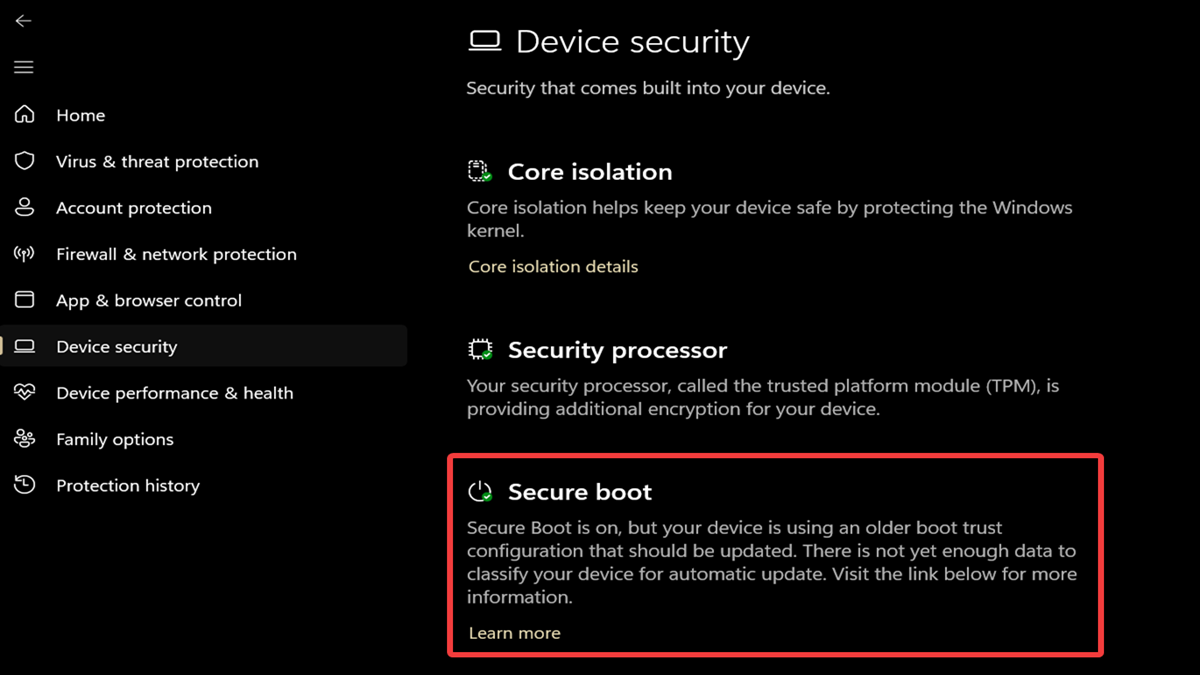
Secure boot is a security feature that's designed to stop malware from loading as your computer boots. Think of it as the first line of defense against bootkits, rootkits, and other threats that are otherwise hard to detect. There's a lot of talk about it these days, due to its security certificates expiring in June.
If secure boot is enabled, you should get the new certificates automatically via Windows Update. Still, it's not the smoothest update process. It may take several reboots and/or days for the changes to actually apply. I'm still waiting for it on my laptop; it's fun.
So, if this is your first time hearing about this feature, or you don't remember whether you've enabled/disabled it before, you may want to check its current state. If it's disabled or not supported, you won't be able to get the latest certificates.
However, some users prefer to keep Secure Boot off for Linux, custom software, or just for the sake of flexibility.

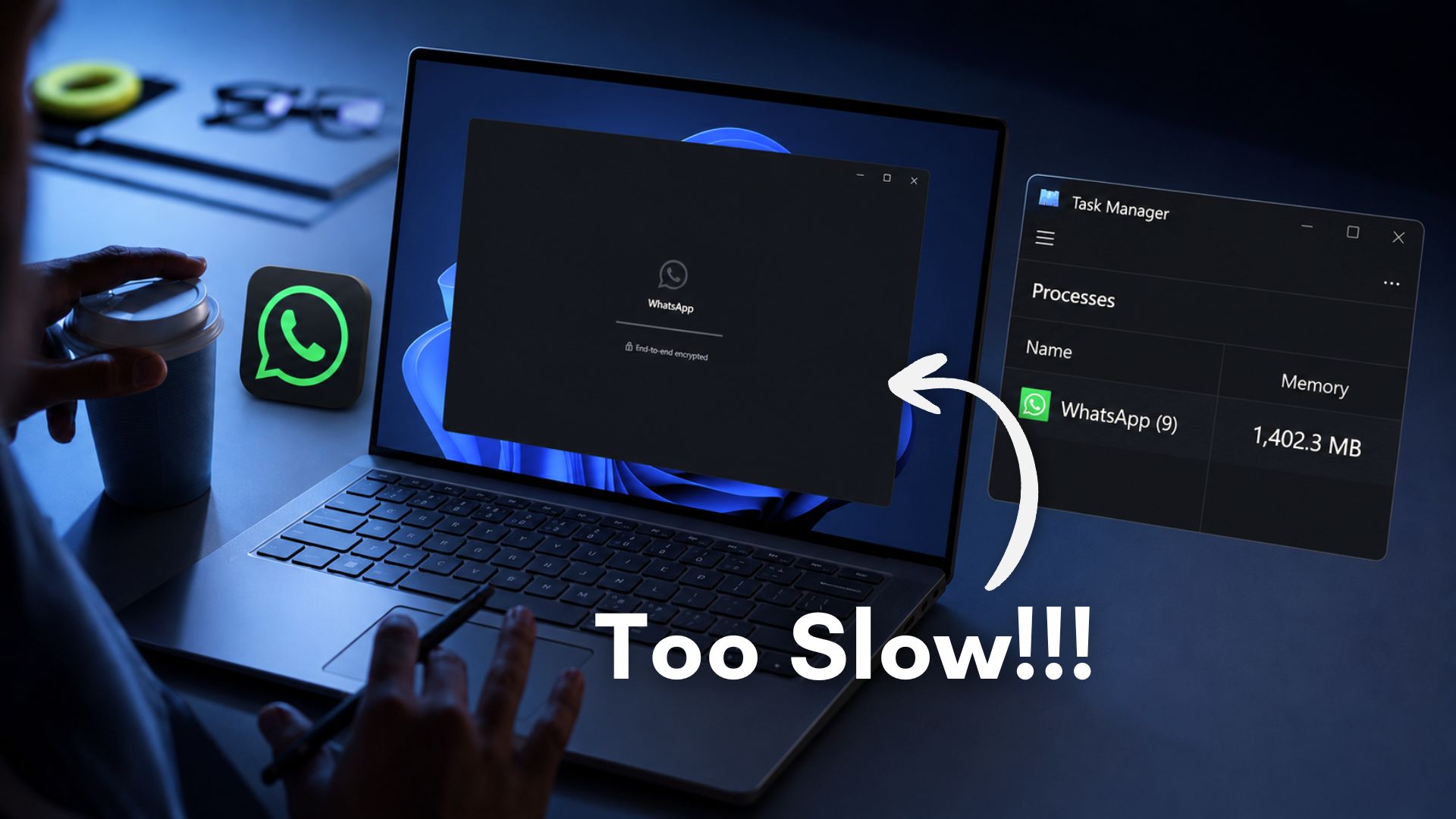
If you’re among the people who use WhatsApp as your primary messaging app, you’d know that the experience in Windows is beyond unusable. And because Meta is a trillion-dollar company with more than 75,000 employees, and all the data centres and AI chops to go with it, it’s not like they can’t fix the awfully slow WhatsApp for Windows.
WhatsApp has 3 billion monthly active users. Windows has 1.6 billion users. WhatsApp for Windows has millions of users, and I can confirm that there is not a single person who has a good experience using it, because I tested the web-wrapper-based WhatsApp for Windows on low-end, midrange, and high-end hardware. Props to Meta for giving the same experience on any budget!
 www.windowslatest.com

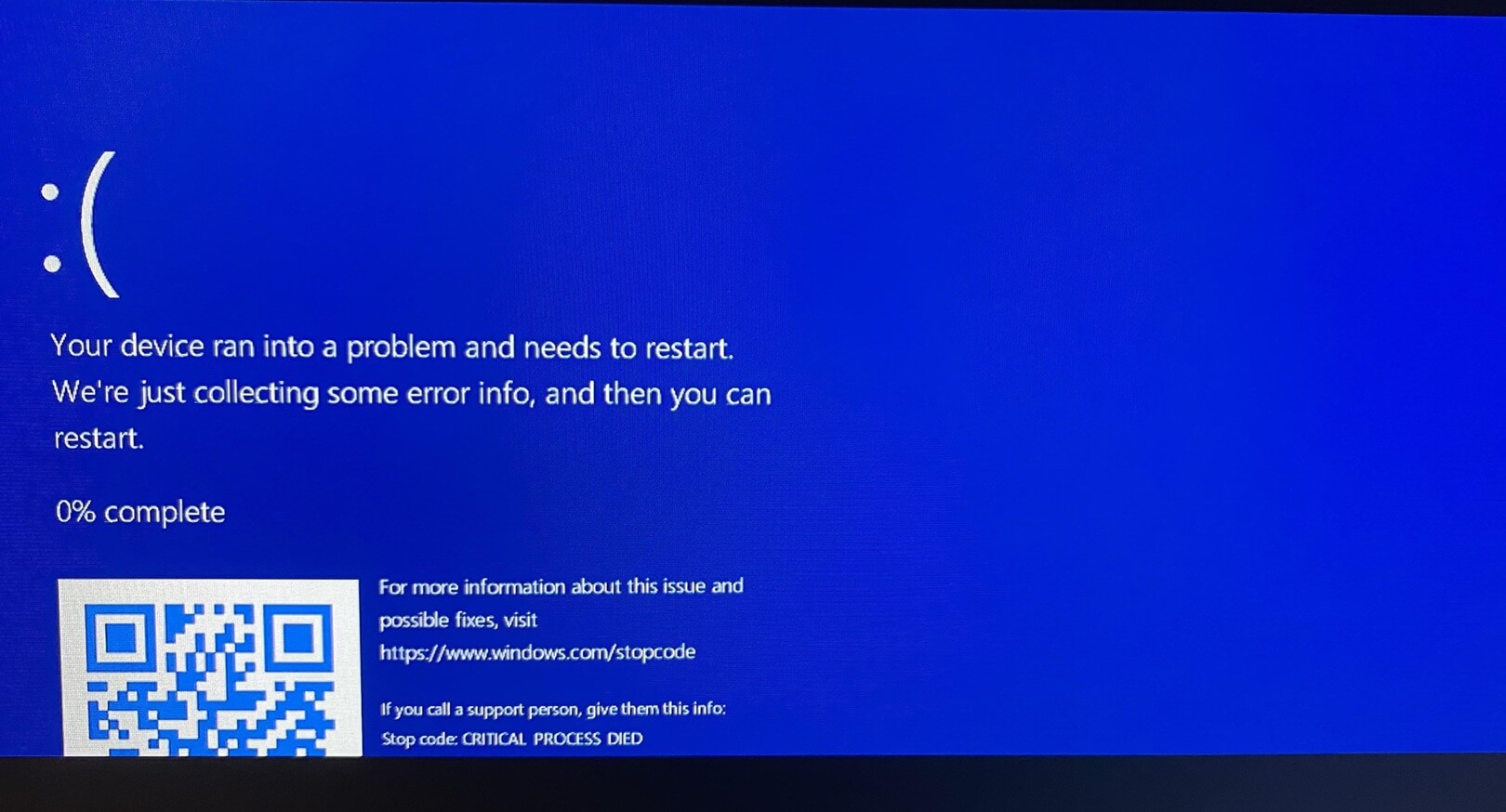
Windows 11 KB5094126 is the biggest update of the year with dozens of new features, including the highly anticipated Low Latency Profile. However, Windows Latest has received several reports that the June 2026 Update is causing boot failures (BSODs or BitLocker Recovery) on some PCs, mostly HP, and is also breaking cloud sync in File Explorer.
Microsoft released KB5094126 (Build 26200.8655) on June 9, 2026, as part of the company’s June 2026 Patch Tuesday cycle, and it installs automatically unless you’ve deferred the update before it was downloaded. The June update patches up to 200 security flaws, including 33 critical and five zero-day bugs.
But while KB5094126 is important and must be installed on all PCs, the rollout has not been smooth for everyone. One user told me that they manage hundreds of HP hardware devices at their organization, and after they deployed the June 2026 update, most PCs were unable to boot due to the BitLocker recovery screen or Black Screen of Death (BSOD, previously Blue Screen of Death).
One of the HP models that appears to be most affected is the EliteBook 840 G10, which is typically used by HP’s premium customers, mostly enterprises. But the problem is not just isolated to a specific HP model. Based on our research, the June 2026 Update is wrecking the following PCs:
Of course, you might own one of the listed PCs and never run into a problem, as the issue appears to be tied to the BIOS and Windows update. My understanding is that June BSODs are not Microsoft’s fault alone, as it appears to be due to a compatibility issue between the update and BIOS or EFI/System partition settings misconfigured by HP.
- HP EliteBook 840 G10
- HP ProBook 460 G11 / HP 460 G11
- HP Engage One Pro 15.6 G2 AiO POS
- HP ZBook
- Dell Precision
- Dell Precision 7530
 www.windowslatest.com

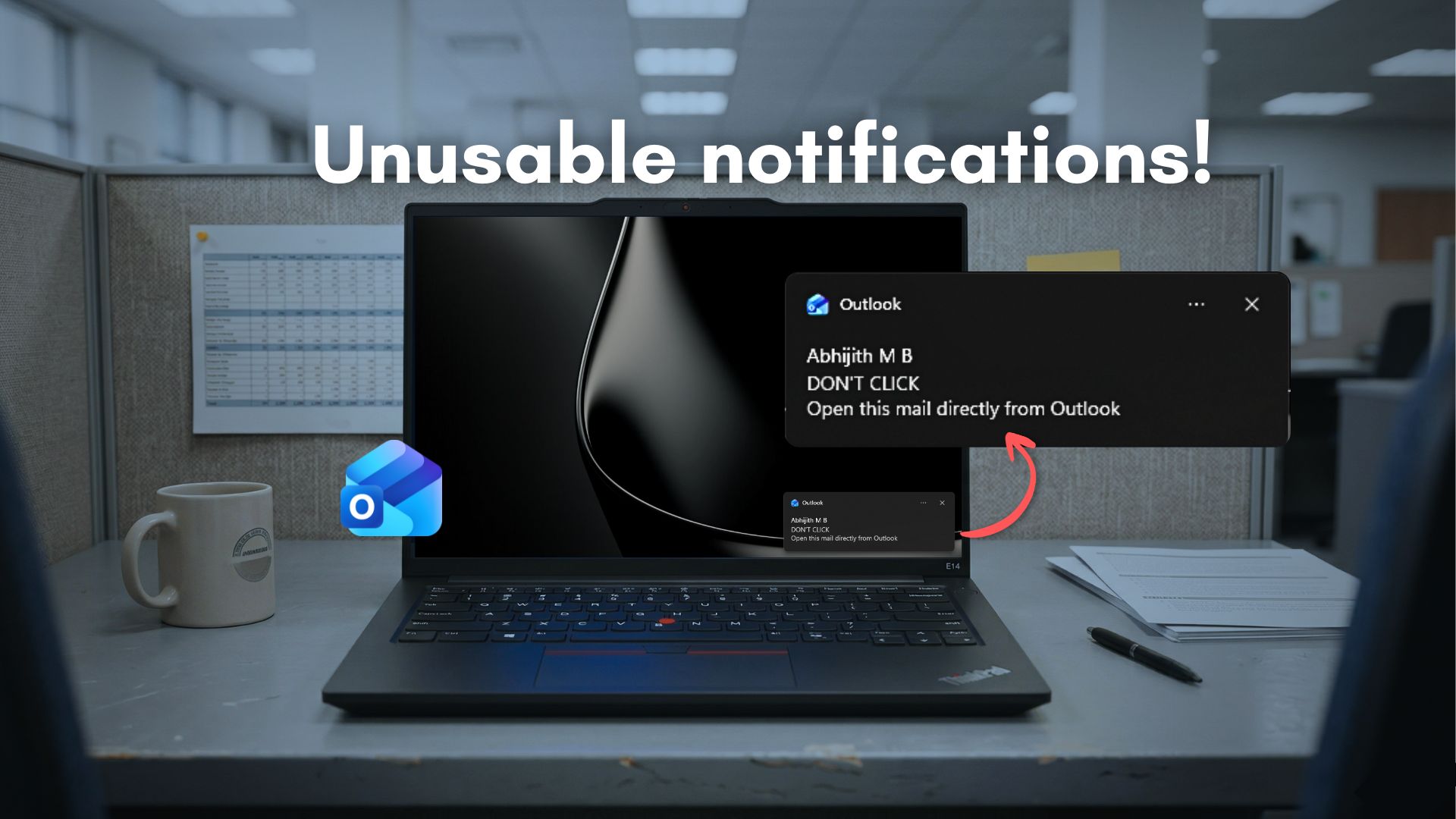
Microsoft’s Outlook for Windows has a notification problem that is hard to ignore. Clicking a Windows 11 notification for a new email is supposed to take you straight to that message. Instead, the new Outlook makes you wait, and the numbers are embarrassing.
Windows 11 ships with two versions of Outlook. There is Outlook Classic, the long-running Win32 desktop app built for power users, and there is the new Outlook, which Microsoft is pushing as the future of email on Windows.
The newer one is built on WebView2 and is, in essence, a browser window that loads Outlook.com. If you have ever used both side by side, you already know which one feels faster and which one does not.
Outlook has had a complicated reputation for years. The original Win32 app became infamous for being bloated and difficult to configure. Microsoft’s answer was to ditch native code and rebuild from the web up. The result, called the new Outlook, replaced the lightweight UWP Mail and Calendar apps that some Windows users had grown used to.
Windows Latest reported back in 2023 how users protested when Microsoft announced plans to retire those UWP apps in favor of a web wrapper. The company pushed ahead anyway, and by late 2024, the Mail and Calendar apps were officially shut down.
Microsoft has also been pushing the new Outlook at enterprises, though it postponed the forced opt-out deadline to March 2027 from the originally planned April 2026. A delay of a full year shows that even Microsoft knows the app is not fully ready for every workload.
New Outlook has improved in real ways since launch, but the performance story is still a mixed one, and nowhere is that more apparent than in how it handles notifications.
 www.windowslatest.com
