Windows 11 Support Thread

Microsoft has given you an extra year's Windows 10 ESU reprieve until October 2027...

Microsoft quietly extends free Windows 10 ESU support to October 2027 - Bleeping Computer​


nice theyve exteneded it
 
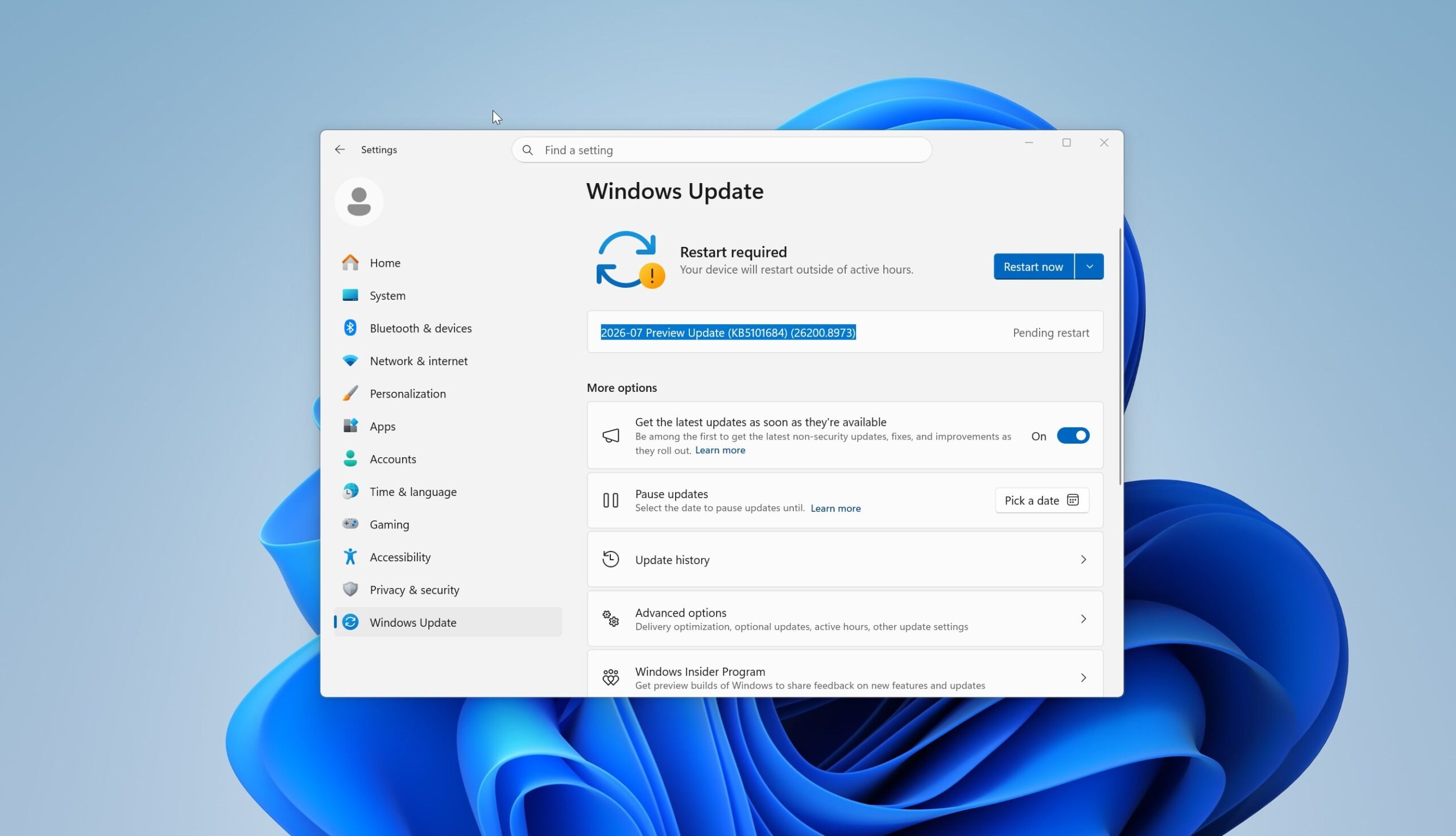
New update for MS Audio Processing Object Driver & the 2026-07 update (KB5121767) are now available...

View attachment 1922804


Since this is an update specifically for devices which were affected by that Intel IPF incompatibility issue, Microsoft says that it is not necessary to install this on other systems. But as it is a cumulative update, you can install this one if you did not install the previous release. It is available for manual downloading at this link on the Microsoft Update Catalog website. Once you update, the build should be 26100.8894 on 24H2 PCs and 26200.8894 on 25H2 ones.

Mine picked it up even tho I had the previous one installed.
 
1784720111873.png

It's happening: Windows 11 is getting a modern Properties sheet, replacing decades-old legacy code.

File Explorer’s classic Properties window, which still traces back to the Windows 95-era property sheet system, is now being rebuilt with WinUI 3.And yes, it supports dark mode.

This is not a cheap WebView2 shell either. The new Properties dialog appears to be native WinUI, with modern tabs, accent indicators, rounded checkboxes, and updated controls.

The current Properties dialog is ancient. It still comes from the old Win32 Common Controls world, and while it has been visually touched up over the years, the underlying system has barely changed.

But this is also why Windows modernization is hard.

Third-party apps like 7-Zip, Dropbox, antivirus tools, and codec packs can inject their own tabs into the Properties dialog using legacy shell extensions. Microsoft cannot just replace the old host without preserving those integrations.

Microsoft is now modernizing a 30-year-old Windows surface without breaking decades of apps.

Windows is so back!


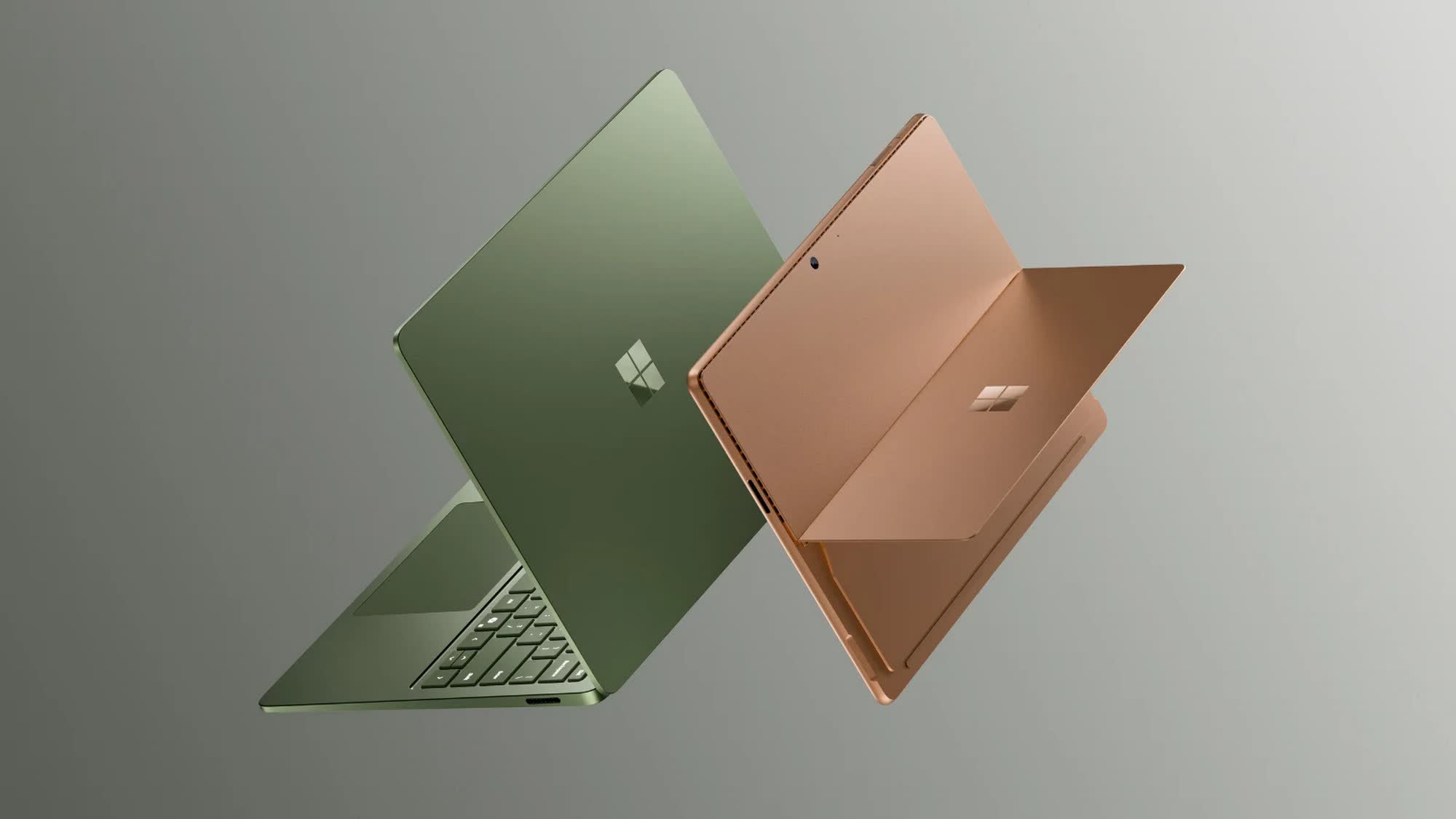
Windows 11 bloat proves too much for Microsoft's new 8GB Surface Laptop - TechSpot​

Thanks, Microsoft

1784727520460.png

Microsoft launched the more affordable Surface Pro 12 and Surface Laptop 8 last month, with prices starting at $849. The new models feature lower-end configurations than their flagship counterparts, including an older Snapdragon chipset and just 8GB of RAM instead of 16GB.

Reviews of the new devices are now in, and, as expected, 8GB of memory is simply not enough to run Windows 11 smoothly.

According to The Verge, 8GB of memory works mostly fine for basic tasks such as web browsing, text editing, and video streaming on YouTube and other streaming platforms.

However, the laptop would hang or freeze "for several seconds" whenever someone joined a video call on Microsoft Teams.

The report noted that the laptop struggled to handle the video stream even though it was not running any demanding workloads in the background. At the time, it only had about 10 Chrome tabs open, along with the Slack and Signal apps.

The laptop also froze randomly several times a day while working in Google Docs, even when no Teams calls or video streams were running in the background.

Windows Task Manager reported that the device was using around 6.7GB of its 7.6GB of available memory most of the time. Rebooting the PC with no unnecessary startup apps running in the background reduced memory usage to around 4.2GB, but opening around half a dozen Chrome tabs increased it to roughly 5.5GB.

The review suggests that Microsoft has not optimized Windows 11 well enough to make it run reliably on 8GB of RAM, despite promising to reduce the operating system's default memory footprint as part of its Windows K2 initiative.

Windows 11 technically requires a minimum of 4GB of RAM, but users have long complained that even 8GB is nowhere near enough for consistently smooth performance.

For years, Microsoft recommended 16GB of memory as the baseline for a smooth Windows 11 experience.

However, in June, the company changed its stance with the launch of new 8GB Surface devices amid a severe memory shortage that has driven hardware prices sharply higher in recent months.

The updated Surface Laptop page on the Microsoft Store describes 8GB of RAM as "great for everyday use like browsing, streaming, schoolwork, and productivity apps."

The 16GB recommendation is no longer mentioned, although the company notes that an additional 8GB of memory is required to access Copilot+ AI features.


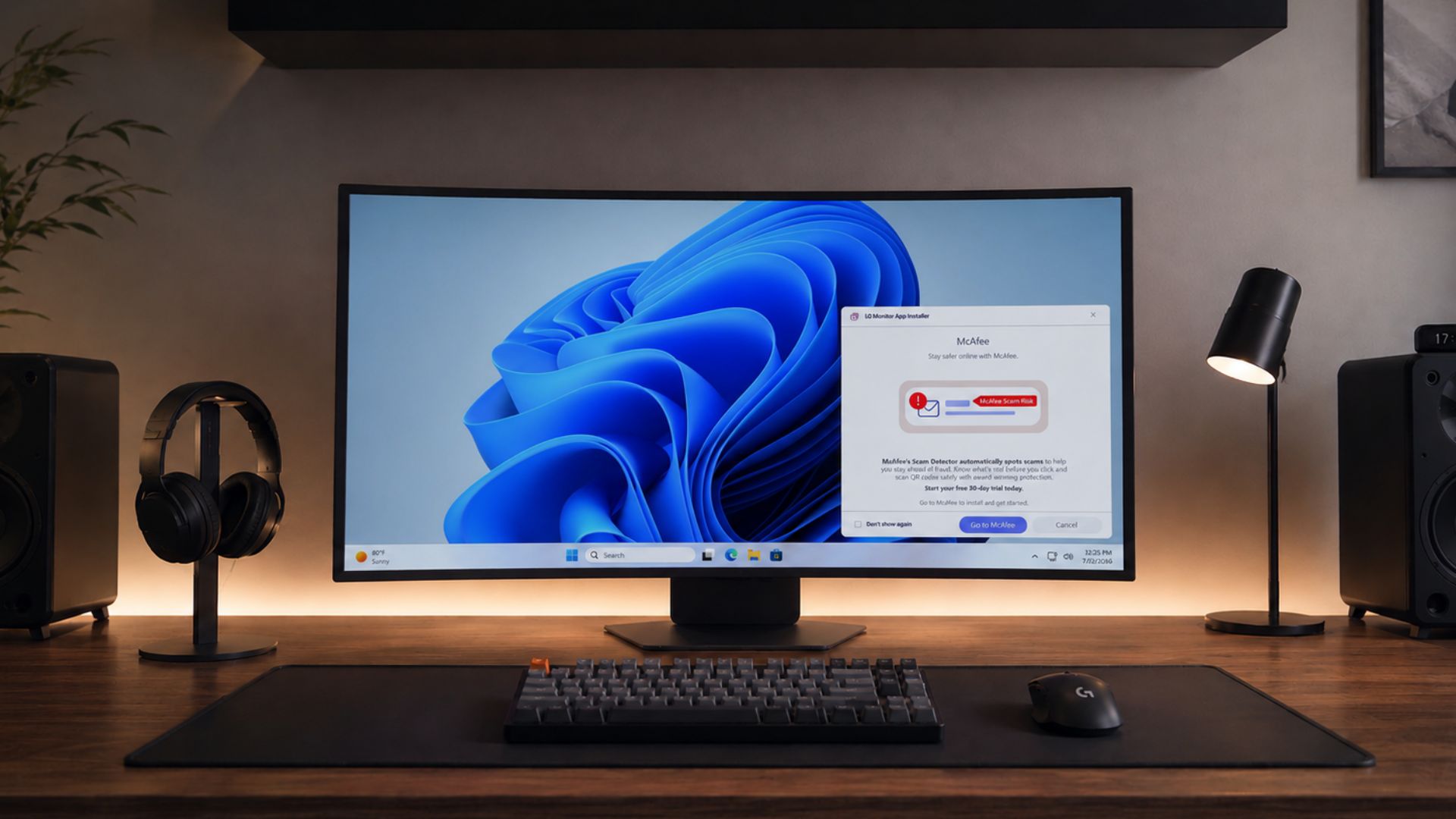
Microsoft is cracking down on Windows 11 bloatware ads, forces LG to pull McAfee popup - Windows Latest​

1784874271094.png

1784874312080.png

Sometimes a complaint gets heard by the right people. Following Microsoft’s intervention, LG has agreed to disable the McAfee ad pop-up in its Monitor App Installer as an immediate step, just days after public backlash about a driver update that silently installed LG’s app and pushed McAfee trial ads on connected PCs.

LG also responded to the outrage and defended itself, adding that McAfee is never installed without a user’s explicit consent and pointed to Microsoft’s Windows distribution process.

Our original report included the app’s changelog, which lists McAfee as an “Additional App” the company pushed in a recent update, and multiple users who never clicked an install prompt still ended up staring at a McAfee ad.

Regardless of how LG wants to frame it, Pavan Davuluri, Microsoft’s EVP of Windows and Devices, has now confirmed that LG is turning the pop-up off.

Whatever agreement let McAfee ride along inside an LG monitor installer almost certainly went through a large commercial negotiation, and Microsoft took it down in three days!

LG defends itself, blames Windows distribution and user consent​

LG sent a statement addressing the monitor issue:

“LG Electronics reiterates that McAfee is not installed automatically and is never installed without the user’s explicit consent. The LG Monitor App Installer is distributed through Microsoft’s official Windows distribution process, which included McAfee as an option. McAfee will be installed only if a user actively chooses to proceed with the installation and provides consent. Under no circumstances is McAfee installed automatically or without user authorization. The LG Monitor App Installer does not access, collect, or transmit any customer personal data.”

Clearly, LG is placing the blame on Microsoft’s distribution process and on customers who supposedly clicked through a consent screen. It doesn’t match what users recorded, though.

Also, our report documented the app’s changelog, which lists McAfee as an “Additional App” added in a recent update, alongside marketing copy describing a free 30-day trial.

1784874405573.png

Multiple users reported seeing the McAfee popup appear without choosing to install it. LG’s app was what showed up uninvited. Either way, the issue was never that McAfee could theoretically be installed without consent. It’s that an expensive monitor’s companion app had no reason to show a pop-up for antivirus software for Windows 11.

 
Finally got my Teams startup issue fixed.

Was supplied with a Lenovo update that solved it. Hopefully it will solve the multiple crashes I've been having too.
 
Random one. Only asking here because I still don't have an answer after scouring the internet.

10 work laptop was giving me **** after corporate forced 11 onto us. Had it replaced with a new one eventually with a clean 11 install out of the box. Everything is OK, except for the fact that even though I'm authenticated via the VPN, and can access my network drives, a specific file on the network drive still prompts me for credentials before I can open it. Every time. Oh, and everything has the standard username/password prompt, except for this: it insists on defaulting to biometrics (which don't even work, and which is disabled in settings).

And that's not even the most annoying part: the prompt always opens on my second monitor. Every time. I've tried dragging it, signing in, etc. Even shift + dragging. No matter what I try, it never remembers where I last had it, and it's driving me nuts. This has only ever happened on 11. On 10, if something opens up somewhere random, if I drag it where I want it, sign in, or close it, Windows remembers where it was the next time I log in. I tried disconnecting my second screen and opening it, and it defaults to the main desktop. Plug the monitor back in, and it goes back to the second screen.
 
Top
Sign up to the MyBroadband newsletter
X