-
- News
-
Categories
- 5G
- ADSL
- AI
- Banking
- Black Friday
- Broadband
- Broadcasting
- Business
- Business Telecoms
- Cellular
- Cloud and Hosting
- Columns
- Cryptocurrency
- Energy
- Enterprise
- Fibre
- Gadgets
- Gaming
- Government
- Hardware
- Industry News
- Internet
- Internet of Things
- Investing
- IT Services
- Motoring
- Reviews
- Science
- Security
- Smartphones
- Software
- Technology
- Telecoms
- Trending
- Wireless
- Press Office
- Forum
- Industry News
- What's Next
- Company hub
- Speed Test
- About us
- Advertise with us
- Contact
- Careers


-
Join the MyBroadband community
South Africa’s biggest forum. Discuss, discover, and connect with thousands of members.
-
Question of the Day: Are generic posters and flyers that are obviously AI-generated off-putting?

You are using an out of date browser. It may not display this or other websites correctly.
You should upgrade or use an alternative browser.
You should upgrade or use an alternative browser.
Windows 11 Support Thread
- Thread starter UrBaN963
- Start date


Dimpie (JIGSAW)
Honorary Master
OK, I'm just going to give up now. Logged on this morning, and it's back to opening on the wrong screen, asking me to sign in with biometrics.
View attachment 1925492
I would start over ...
Disconnect all shared drives, delete any shortcuts, then delete any logins saved ( https://support.microsoft.com/en-us/windows/security/credential-manager-in-windows ) via credential manager. ... and then simply start from scratch. Re-create the mapped drive. Re-save credentials. re-create any shortcuts. ??

HAL 9000
Honorary Master
- Joined
- May 27, 2008
- Messages
- 22,959
- Reaction score
- 26,948
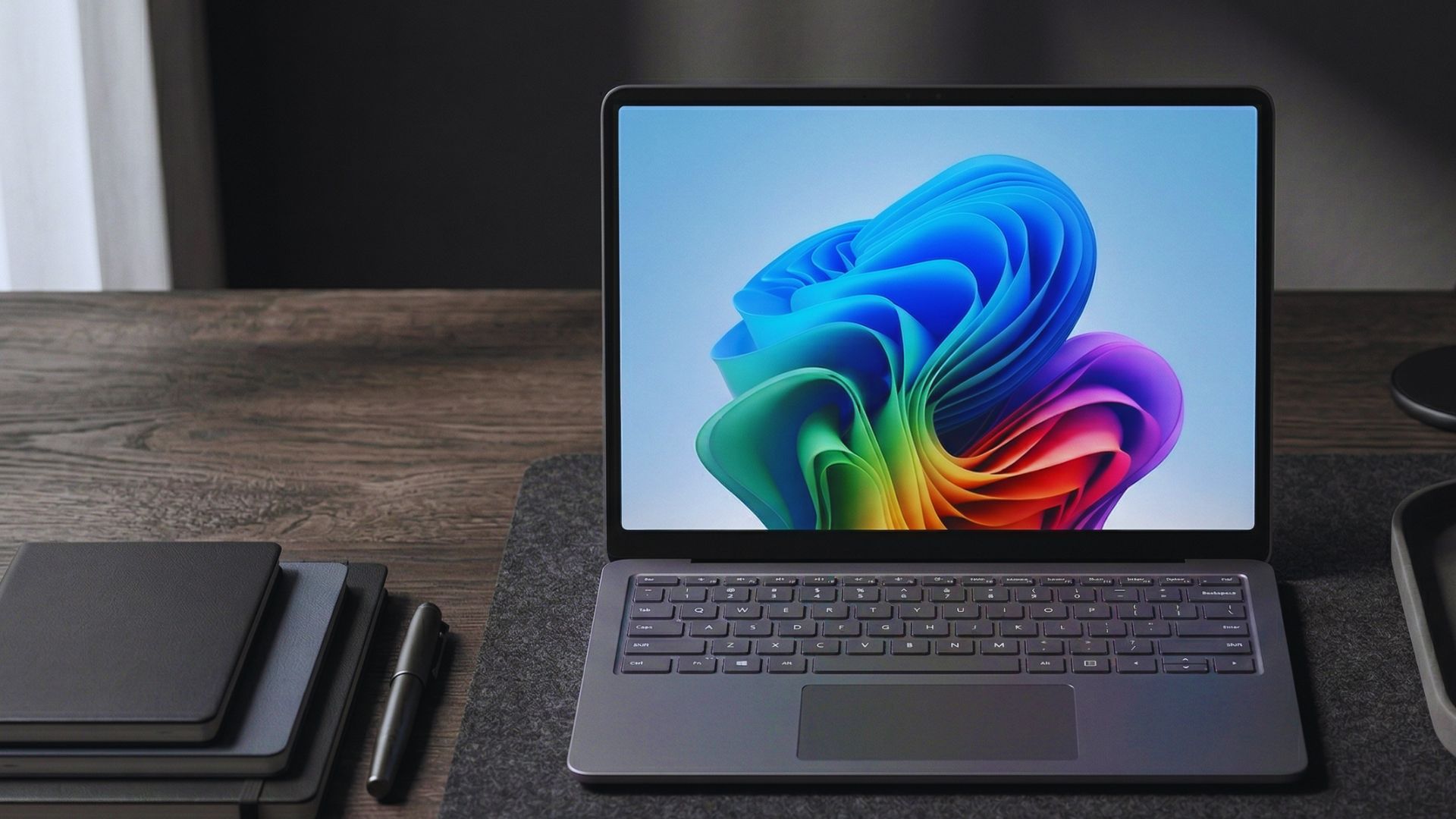
I tested Windows 11 July 2026 Updates. Here’s everything new, improved, and fixed - Windows Latest

Microsoft has started rolling out the July 2026 Patch Tuesday update for Windows 11, and we have tested all major features, improvements, and fixes in the mandatory security update.
The headline is Point-in-time restore, a full-system rollback that finally reaches a broad rollout after months of hiding in Insider builds. But personally, I’m happier about the Widgets being quieter!
The update ships as KB5101650 (OS build 26200.8875 and 26100.8875 for Windows 11 version 25H2 and 24H2, and it brings every non-security change from the June 23 optional update. So, you get a recovery overhaul, the biggest Bluetooth fix Windows 11 has had in years, a faster File Explorer, new accessibility tools, and the Secure Boot certificate rollout, all in one package.
Like all recent releases, the July update arrives in two phases. A gradual rollout hands features to devices over time, so a few of the items below may take extra days to appear after you install. A normal rollout goes to every eligible device at once and includes the security-critical pieces, including Secure Boot.
Microsoft also confirms the redesigned Start menu is now available on commercial and managed devices, after it already rolled out to everyone else earlier this month.
Note that Windows 11 version 24H2 Home and Pro reach end of updates on October 13, 2026, with Enterprise and Education supported until October 2027.
If you are still on 24H2 Home, Microsoft is already force-installing 25H2 to keep you current, and 24H2 is now on the list of 15 products Microsoft is retiring in 2026.
Full details at the link below:
I tested Windows 11 July 2026 Updates. Here’s everything new, improved, and fixed
Windows 11 July 2026 Patch Tuesday Security update (KB5101650) adds Point-in-time Restore, Bluetooth fixes, File Explorer upgrades and more
 www.windowslatest.com

Kosmos_
Senior Member
- Joined
- Oct 27, 2020
- Messages
- 551
- Reaction score
- 773
2 Problems I need help with please.
Firstly, Windows 11 loves to group my files (right click in Explorer-Group By and then your options). No matter how many times I choose None, it just goes back to grouping them.
Secondly, my external hard drives always show up twice, which is really confusing.
I've searched far and wide for solutions, but nothing work.
Thanks for any help.
Firstly, Windows 11 loves to group my files (right click in Explorer-Group By and then your options). No matter how many times I choose None, it just goes back to grouping them.
Secondly, my external hard drives always show up twice, which is really confusing.
I've searched far and wide for solutions, but nothing work.
Thanks for any help.
Dimpie (JIGSAW)
Honorary Master
^ Did you apply any tweaks / scripts / 3rd party software ? ... Sounds very strange 
Dimpie (JIGSAW)
Honorary Master
Tried a registry edit to the duplicate drives, however whatever I was told to delete, was not there. Otherwise, nothing used.
Try the solution in green ....

Completely disable file grouping, always, everywhere, in all windows, dialogs, everything! - Microsoft Q&A
Hello, File grouping is degrading my productivity. It is constantly getting between me and my work. I am aware of the methods to disable file grouping within individual folders. Please do not tell me how to do this, I already know. I am also aware of the…
learn.microsoft.com
Also watch this to apply the No Grouping to ALL folders .... but 1st delete those registry values as per above
Dimpie (JIGSAW)
Honorary Master
Is this the file in registry you had to delete for the duplicate drives ?
If not, copy that text to notepad and save as ***.REG ... then click to apply to registry
Windows Registry Editor Version 5.00
[-HKEY_LOCAL_MACHINE\SOFTWARE\Microsoft\Windows\CurrentVersion\Explorer\Desktop\NameSpace\DelegateFolders\{F5FB2C77-0E2F-4A16-A381-3E560C68BC83}]
If not, copy that text to notepad and save as ***.REG ... then click to apply to registry

FiestaST
Honorary Master
Rating Every Version of Windows
HAL 9000
Honorary Master
- Joined
- May 27, 2008
- Messages
- 22,959
- Reaction score
- 26,948

It’s a little sad being a fan of tech these days. AI is consuming the world’s art and emotion and spitting out slop, and it’s driving up the price of just about every piece of consumer electronics as it does.
If you don’t need to upgrade your computer anytime soon, then you’re in a good spot - except Windows 11 is doing its damnedest to be a mess of Copilot and bugs.
While Microsoft is moving to improve things (with Windows head honcho Pavan Davuluri promising big changes back in March), it feels as though we might be better off nuking the whole thing from orbit.
Read the full article here:
HAL 9000
Honorary Master
- Joined
- May 27, 2008
- Messages
- 22,959
- Reaction score
- 26,948
It's time for the monthly Patch Tuesday (Wednesday here in SA) Windows Updates again...


RedViking
Nord of the South
Windows 12 will be vibe coded. Can't wait.
HAL 9000
Honorary Master
- Joined
- May 27, 2008
- Messages
- 22,959
- Reaction score
- 26,948
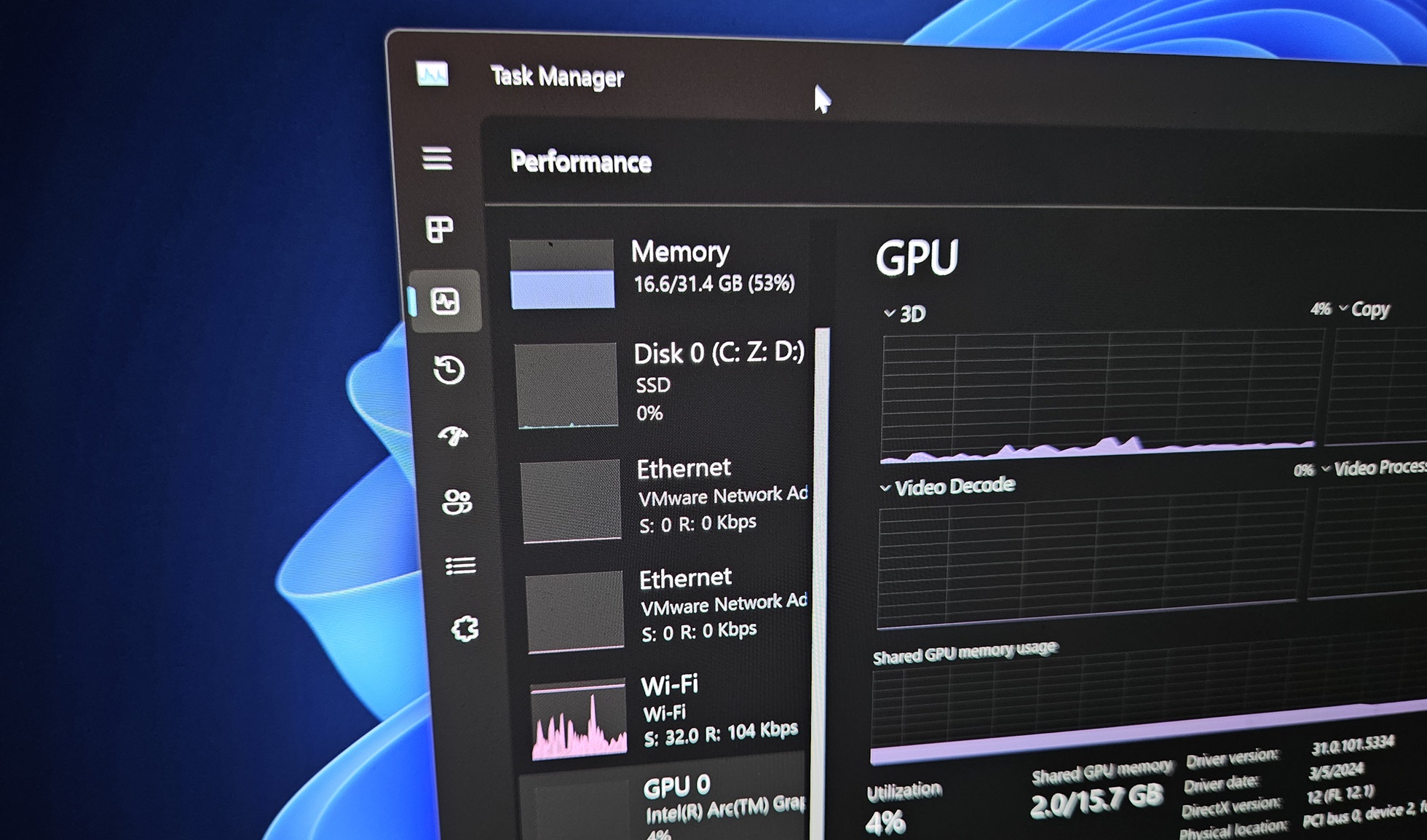
Windows 11 KB5121003 out with major changes, direct download links (.msu) - Windows Latest
Windows 11 KB5121003 is now rolling out, and it may not look like a big release, but it can make your apps launch faster on low-end PCs, improve File Explorer’s unit detection, and make Windows Search better at handling typos. In addition to Windows Update, Microsoft has published direct download links for KB5121003 offline installers (.msu).KB5121003 is a mandatory Patch Tuesday update, and it’ll download automatically because it’s rolling out as part of the Windows 11 August 2026 Update. In our tests, today’s update shows up simply as “2026-07 Security Update (KB5121003) (26200.9165)” and takes less than ten minutes to finish applying:

Windows 11 25H2 will advance to Build 26200.9165 after installing the August 2026 Patch Tuesday, but in the case of 24H2, you’ll move to 26100.9165. However, nothing is visibly different, as the two versions share the same underlying release platform. Also, Windows 11 24H2 support ends in October 2026, alongside 15 Microsoft products this year.
In addition to the August 2026 Patch Tuesday update, Microsoft has released the following updates for .NET:
.NET Framework is used by Windows apps, including Microsoft apps, and you should install these updates alongside today’s Windows update. This means Windows could reboot twice to finish installing all the available updates. Microsoft has also released “Windows Malicious Software Removal Tool x64 – v5.144 (KB890830)” as part of the monthly cadence.
- 2026-08 .NET 8.0.30 Security Update for x64 Client (KB5122104)
- 2026-08 .NET Framework Security Update (KB5120708)
- 2026-08 .NET 9.0.19 Security Update for x64 Client (KB5122105)
Windows 11 KB5121003 out with major changes, direct download links (.msu)
Windows 11 KB5121003 is now rolling out, and it may not look like a big release, but it can make your apps launch faster on low-end PCs.
www.windowslatest.com
HAL 9000
Honorary Master
- Joined
- May 27, 2008
- Messages
- 22,959
- Reaction score
- 26,948
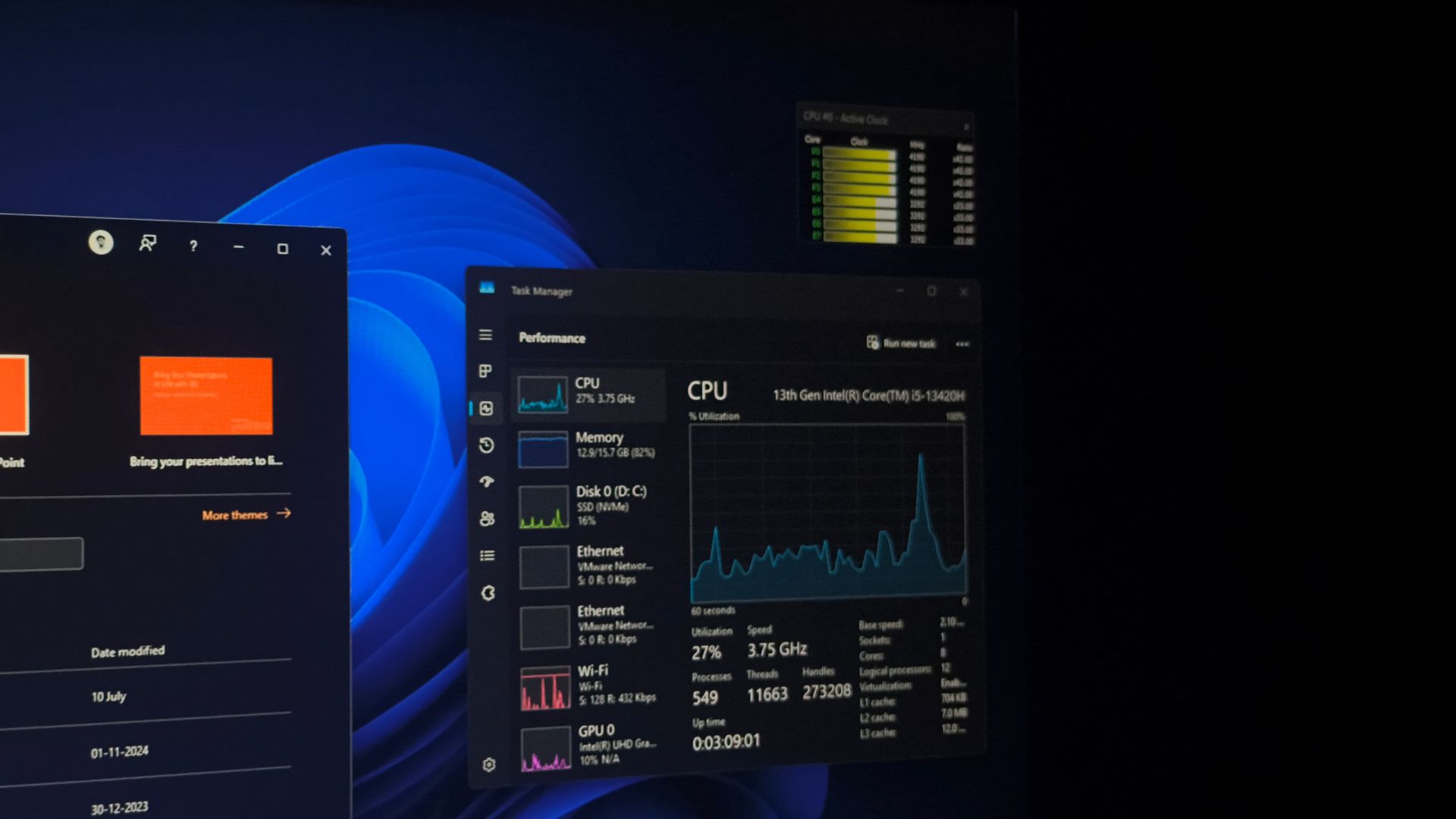
Windows 11’s faster app launches released today, enable it using these steps - Windows Latest

Windows 11’s CPU boost feature is now silently active while opening apps too, after installing the August 2026 security update. We tested this on the same PC, before and after installing the update, and can confirm all types of apps now launch faster.
The feature responsible is called Low Latency Profile. It works by spiking your CPU to near-maximum frequency for one to three seconds the moment you interact with something, then letting it drop back to idle almost immediately after.
In case you’re wondering, this isn’t a lazy workaround and has real engineering logic behind it, and Microsoft has already defended it against people assuming otherwise.
Low Latency Profile rolled out to nearly everyone back in June 2026, but until now, it only covered Windows shell elements, such as the Start menu, Search, Notification Center, and similar flyouts.
Microsoft’s original May changelog mentioned “app launch” as part of the feature’s scope too, but it didn’t work yet at the time, something we confirmed when we first tested the hidden feature back in May.
With the August 2026 update, KB5121003, Microsoft has finally turned that switch on, and apps now benefit from the CPU boost the Start menu has had since June.
Windows 11's faster app launches released today, enable it using these steps
Windows 11's August 2026 update silently extends the Low Latency Profile CPU boost to apps, and we tested it to confirm they launch faster.
www.windowslatest.com
HAL 9000
Honorary Master
- Joined
- May 27, 2008
- Messages
- 22,959
- Reaction score
- 26,948
I tested Windows 11 August 2026 update, here’s everything new, improved, and fixed - Windows Latest

Microsoft has started rolling out the August 2026 Patch Tuesday update for Windows 11, and after going through the full changelog and testing everything, I feel there is no headline feature this time. It is a quality-of-life update with dozens of small fixes and refinements.
The update ships as Windows 11 KB5121003 (OS build 26200.9165 and 26100.9165) for Windows 11 version 25H2 and 24H2, and takes everything from the July 28 optional preview, KB5101684, and adds it into the mandatory August security release.
Voice Access gets its biggest upgrade in a while, File Explorer finally shows file sizes properly, Windows Hello adds support for external fingerprint readers, and there is a long list of smaller reliability work across the taskbar, Start menu, networking, and power settings.
Like every recent release, and I feel like a broken record here, this update also arrives in two phases. A gradual rollout hands features to devices over time through Microsoft’s Controlled Feature Rollout system, so some of what is listed below may take extra days to show up after you install. A normal rollout goes to every eligible device at once and covers the security-critical pieces, including Secure Boot.
Speaking of which, Microsoft confirms that Secure Boot certificates from 2011 keep expiring in stages through 2026, and that PCs still waiting on the newer 2023 certificates will keep booting and updating normally in the meantime. If you have not checked your Secure Boot status recently, it is worth a look.
Windows 11 version 24H2 Home and Pro reach end of updates on October 13, 2026, with Enterprise and Education supported until October 2027. 24H2 is already on the list of 15 products Microsoft is retiring in 2026, and Microsoft is force-installing 25H2 on eligible Home devices to keep them up-to-date.
I tested Windows 11 August 2026 update, here's everything new, improved, and fixed
Windows 11's August 2026 update brings Voice Isolation, readable File Explorer sizes, external fingerprint sign-in, and reliability fixes.
www.windowslatest.com
RedViking
Nord of the South
No
Dimpie (JIGSAW)
Honorary Master
Done


RedViking
Nord of the South
No