


Dimpie (JIGSAW)
Honorary Master
Had a similar experience on one user's PC. Eventually I had to reinstall Windows with a 25H11 repair version. Crazy.
H11 you say ... special version ?
South Africa’s biggest forum. Discuss, discover, and connect with thousands of members.
Had a similar experience on one user's PC. Eventually I had to reinstall Windows with a 25H11 repair version. Crazy.

Oops, 25H2*H11 you say ... special version ?


Meet Windows 8 Remastered (2026) - AR 4789


PTSD triggered.Meet Windows 8 Remastered (2026) - AR 4789
The first thing you did to a new Windoze 8 install was to download ClassicShell as a replacement plug-in to regain your desktop & conventional Start menu....PTSD triggered.


Improvements to Windows 11 are still underway, with Microsoft previously confirming that it will bring optimizations to make the operating system run more efficiently on systems with 8GB RAM. However, those changes won’t include bringing compatibility with Copilot+ features, as leaked specifications of laptops belonging to an OEM reveal that you’ll still need double the memory count for that.
The commitments made by Microsoft don’t involve making lower-tier RAM machines Copilot+-capable, with reports sharing a few specification screenshots of upcoming notebooks in Lenovo’s IdeaPad Slim series, in the 14-inch and 15-inch models. While the entire family ships with AMD’s Ryzen AI processors, it won’t make them compatible with Copilot+, as you’ll still need to add a total of 16GB RAM to laptops that support removable sticks.
Notebooks that arrive with 8GB of memory are expected to be labeled as non-Copilot, but a closer look at the specifications reveals that Lenovo’s IdeaPad will ship with soldered memory since LPDDR5X chips aren’t available in the SODIMM form factor. We do have the LPCAMM2 standard, but we doubt Lenovo will bring it to its entry-level notebook range. Even if Microsoft doesn’t bring Copilot+ compatibility to 8GB RAM configurations, it’s not the end of the world, as there’s a long list of improvements that take priority over Copilot+ features.
For instance, the Weather app in Windows 11 can use up to 1.6GB of RAM in certain scenarios, and for notebooks or systems that are only equipped with 8GB of memory, we can all agree that making such apps more memory efficient is more important than experiencing AI features. The Dell XPS 13, which is currently a close rival to the MacBook Neo, can use up to 70 percent of its 8GB RAM without running any user-launched program.
Those who wish to take advantage of AI features can fire up ChatGPT or Google’s Gemini, though the only drawback is that you’ll need to be connected to the internet to leverage these LLMs.

 wccftech.com

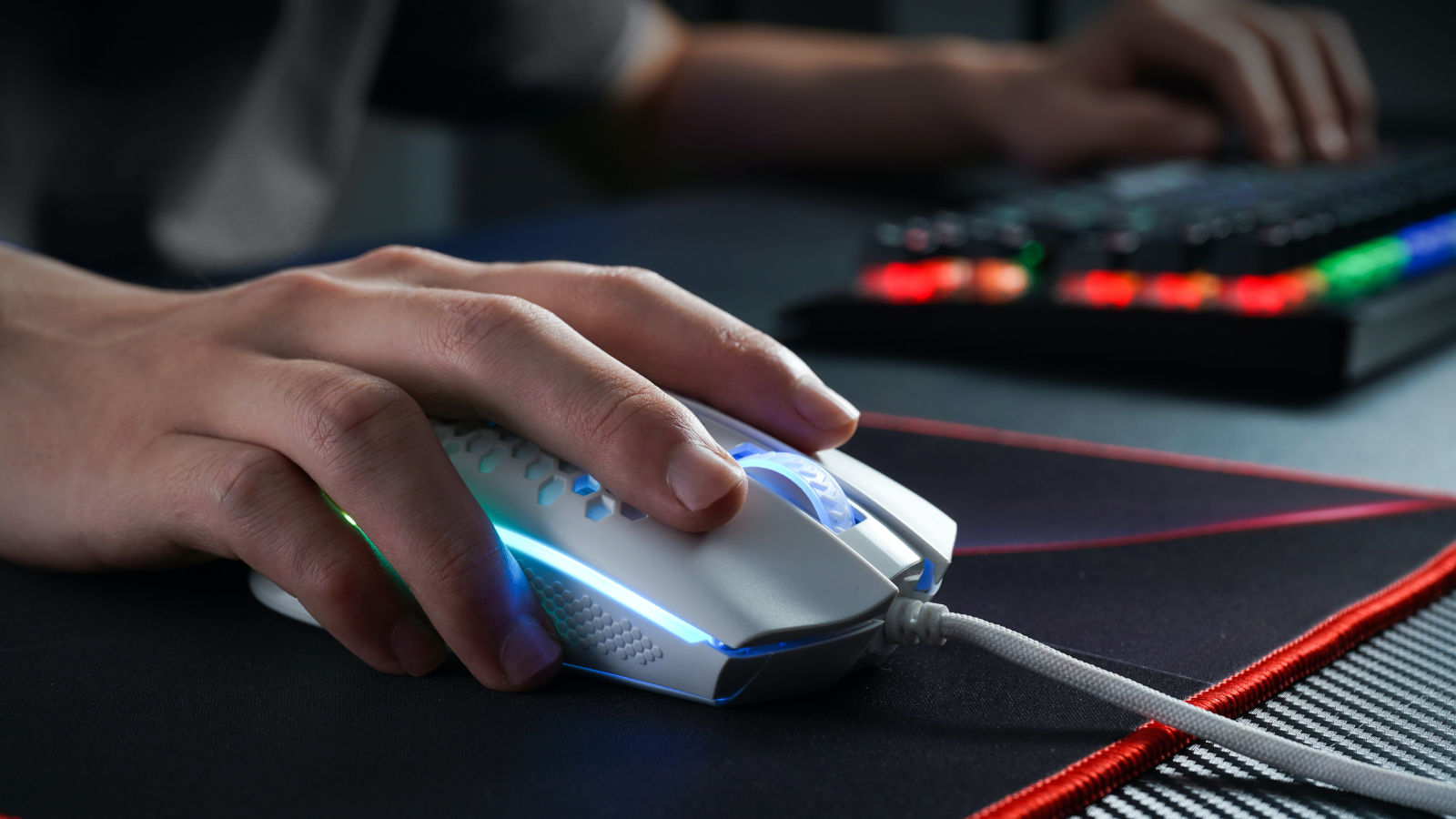
Microsoft says ongoing issues causing games to crash or fail to launch after installing the August 2026 Windows updates may be caused by peripherals with RGB lighting.
As Microsoft explained when it confirmed it's investigating on Wednesday, this known issue affects games like ARC Raiders, MARVEL Tōkon: Fighting Souls, and The Finals on systems running Windows 11 24H2 and 25H2.
"Following the release of Windows updates on August 11, 2026 (KB5121003) and later, Microsoft received reports of issues involving inability to run games as expected," Microsoft said on the Windows release health dashboard.
On impacted PCs, users are also experiencing gaming freezes, "EXCEPTION_ACCESS_VIOLATION" errors, and even unexpected system restarts.
In a Thursday update, Microsoft said the gaming issues may be caused by drivers or components installed by RGB devices on affected Windows systems.
"Ongoing investigation indicates that this issue is related to peripherals or internal device components which have RGB lighting features. Such devices may install drivers or code components with file names similar to inpoutx64. In systems where these drivers are found, the issue is then triggered by launching certain games," it noted.
"We are presently working to understand the relationship between these RGB components and the games which trigger this issue. We will provide an update when more information is available."
Embark Studios, the Swedish video game developer behind ARC Raiders and The Finals, also said these issues are caused by inpoutx64.sys, but added that they stem from changes made to the Windows kernel driver.
"We're aware of a crash that has been impacting some players since the most recent Windows update (KB5121003). This is a crash related to the file inpoutx64.sys, which changed with the Windows update," Embark said on Monday.
Until Microsoft ships an official fix, Embark shared a multi-step temporary workaround that requires users to delete the service and remove the inpoutx64 file from the Windows drivers folder.
This isn't the first time Microsoft has had to address gaming performance and stability issues caused by Windows updates. For instance, in October 2024, Microsoft blocked Windows 24H2 upgrades that caused Asphalt 8 crashes and Easy Anti-Cheat blue screens.
In January 2025, it also lifted a compatibility hold after fixing a bug in the Auto HDR Windows feature that was breaking some games on Windows 11 24H2 devices.
Early last year, Microsoft also removed several upgrade blocks that were preventing Asphalt 8: Airborne, Assassin's Creed, Star Wars Outlaws, and Avatar: Frontiers of Pandora players from upgrading their devices to the latest Windows version.

Copying files and folders in Windows 11 is as straightforward as it gets. For most everyday jobs, dragging something from one folder to another in File Explorer is all you need.
But Windows also comes with a much more powerful copying tool called Robocopy, and if you regularly move large amounts of data, it can do things File Explorer simply isn’t built for.
Robocopy stands for Robust File Copy, and it has been included with Windows for years. And as is the case with the best of Windows features, it doesn’t have a graphical interface.
You run it from Command Prompt or Windows Terminal, give it a source and destination, and then add options that determine exactly how the transfer should work.

Although the response to the New Outlook experience has been fairly lukewarm, and many IT admins, in fact, consider it "hot garbage", Microsoft is desperately trying to get customers to switch to its modern experience.
In its latest attempt, the Redmond tech giant is trying to make New Outlook more palatable for fans of the Classic version, at least from a visual standpoint.
As noted in Message Center advisory MC1458476, Microsoft is essentially adding a classic theme in New Outlook for Windows and Outlook on the web so that it is aesthetically similar to Classic Outlook. When users select this configuration, the icons, visual styling, typography, layout, and some interactions will be updated to align closely with Classic Outlook.
The purpose of this feature is obvious. It enables customers to utilize a more familiar experience without losing any of the features associated with New Outlook.
If you already use Classic Outlook, you are not impacted. Furthermore, triggering this toggle is simply an aesthetic change, it won't migrate you from Classic Outlook to New Outlook, and it won't override any admin configurations regarding the migration experience.
Microsoft says that this setting will be off by default for "most" users, but following its availability, it may be enabled by default for some users who have just migrated from Classic Outlook to New Outlook. It will be available via Settings > General > Appearance in Outlook as shown in the screenshot above. But, as stated previously, it will not override any existing migration configurations or mailbox data. It is simply a visual change to make New Outlook feel more familiar for people who have just switched over.
The Redmond tech firm plans to begin a Targeted Release schedule this month and complete it by the end of September 2026. General availability is scheduled from late September 2026, and is expected to be complete by late October 2026.
Yes, because the look and feel of it will change how **** it isMicrosoft is making New Outlook more palatable with classic theme - Neowin
Microsoft is adding a Classic Outlook theme to New Outlook, giving users familiar visuals while retaining the modern app's features.
View attachment 1931926
What is Robocopy in Windows, and why should you use it - Neowin
Robocopy is a built-in Windows command-line tool designed for more advanced file transfers than File Explorer.
View attachment 1931918
Read the full article at the link below:
Introduction
Windows helps keep your device secure and reliable by downloading and installing updates automatically. Some of these updates need your device to restart before installation can finish. In the past, different types of updates could each ask you to restart at different times during the month — which meant more interruptions than necessary.
Starting with the Windows updates released on and after July 28, 2026, Windows brings these updates together, so you restart just once a month. Instead of restarting for each update as it arrives and installs, Windows holds updates that need a restart and installs them together with the monthly security update. The result is a more predictable update experience with fewer interruptions.
What to expect
- Updates that need a restart wait quietly in the background until your next monthly security update is ready.
- When the monthly update is ready, Windows installs everything together and prepares a single restart.
- You will see these updates listed in Settings > Windows Update > Available updates.
- Your device restarts outside of your active hours whenever possible, so it is less likely to interrupt you.
Which updates are combined
Windows aligns the following updates to your monthly security update, so they share one restart:
Your monthly security update, typically released on the second Tuesday of each month, is the update that everything else lines up with. Because security updates are still installed on their normal monthly schedule, staying combined does not delay your security protection.
- Driver updates delivered through Windows Update
- .NET updates
- Firmware updates
When the restart happens
- Windows waits until your monthly security update is ready, then installs the combined updates.
- After the updates are ready, Windows schedules the restart outside your active hours. To restart sooner, do one of the following:
- Go to Settings > Windows Update and then select Restart now.
- Go to Start > Power and then select Update and restart or Update and shut down.
- Select the Windows Update tray icon and then select Restart now.
- To choose the hours when Windows should not restart your device, go to Settings > Windows Update > Advanced options > Active hours.
Updates that still install right away
To keep your device protected, some updates are not held for the monthly restart and are installed as soon as they are available. These include:
Many updates also install without any restart at all, so you will not notice them.
- Microsoft Defender security intelligence updates
- AI component updates
- Critical or expedited driver updates
- Emergency and out-of-band updates, including fixes released outside the normal monthly schedule
If you need more time
If you are not ready to update, you can pause updates for up to 35 days. Go to Settings > Windows Update and select Pick a date under Pause updates. When the pause ends, Windows checks for updates and installs the latest ones. For more information, see Pause updates in Windows.
Note
- This experience is rolling out gradually and might not be available on every device yet.
- Windows will not hold updates indefinitely. If a combined update has been waiting a long time, Windows will install it and restart to keep your device up to date and secure.
 support.microsoft.com

One restart a month for Windows updates - Microsoft Support
Applies To:
Windows 11 version 24H2, all editions Windows 11 version 25H2, all editions Windows 11 version 26H1, all editions
Original publish date: August 14, 2026
KB ID: 5121772
One restart a month for Windows updates | Microsoft Support
One restart a month for Windows updates


Who still uses Notepad on Windows? Just get Notepad++Dear Lord the Windows 11 Notepad is laggy. Can they not just leave stuff alone? I can't take it anymore. Downloaded this now https://apps.microsoft.com/detail/9nblggh4w20k?hl=en-US&gl=US
