FNB Fraud!

Is there nowhere on the app where you can turn the card on and off? Even Standard Bank offers this function. You can literally disable the card for abroad, and then different transactions locally too.
Exactly the same on Absa for years already. Choose what transactions can be allowed or just turn the card off completely.
 
Exactly the same on Absa for years already. Choose what transactions can be allowed or just turn the card off completely.
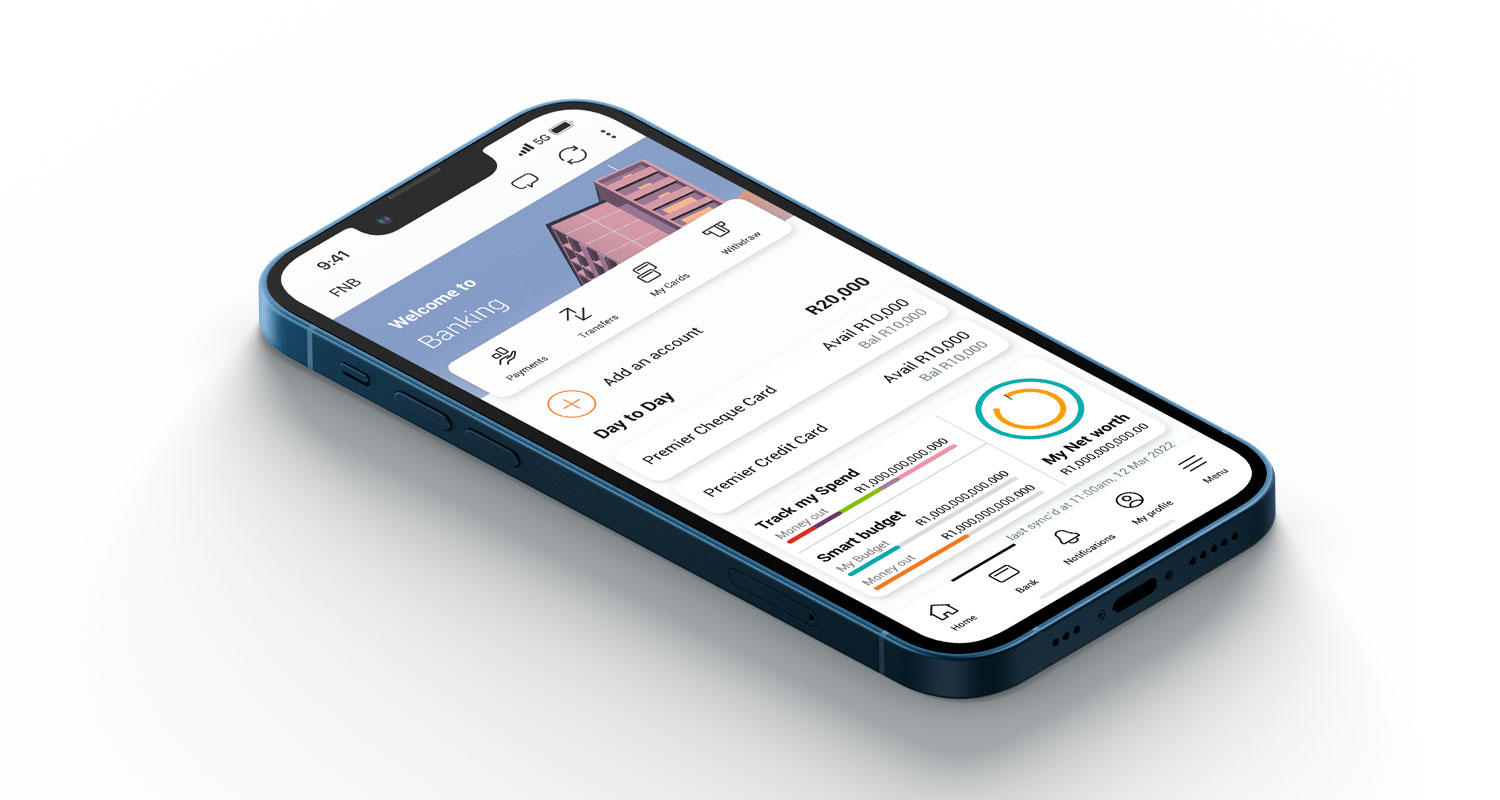
FNB has this too, people just don't use it. Turn cards on/off, set daily and monthly limits for in-store or online, as well as local and international.
 
I’m pretty sure you can still use the physical card without it being loaded in the app. If it shows the card is in the app but not activated, that might be something else?
You need to Activate the card In-app before it can be used
 
Got a sms (which my phone flagged as spam), for payment to release courier guy parcel. maybe just a fluke, but recently had a courier guy parcel so i had to read carefully.
decided it was junk and left it.
 
I need some help om a situation.

My sister's FNB account got hacked and they've empty the account took a big amount of money.

The card used for the Fraud was her new card number delivered the previous day.

The time the Fraud happened the card was still sealed in the envelope unopened. Not even even activated on her FNB app. She phoned FNB Fraud department and they did an investigation. Now FNB don't want to pay her back. What let me think that the fraud is coming from inside the bank.

I'm very disappointed in FNB with this matter.. I'm also with FNB and I want to move my account now because of this.


Did anyone experienced a similar situation? Or have any advice on going forward to resolve this situation. She is really in a need of her money to take care of her children..

the internet waits in anticipation as to the outcome... :popcorn:
 

  • An authentic digital wallet OTP notification from FNB will always warn the customer that they are attempting to link a specific card (indicating the last four digits of the card) to a specific wallet, and it will always inform the customer to call 0870 30 30 30 or log into the FNB app to complete or cancel the action.

Is this new then?
 
How did they manage to register their number as "MTN Online Upgrades"?

This just happened to a colleague:

"I received a call earlier today about an MTN upgrade. Long story short, the guy wanted me to accept a FNB (my bank) notification which would “authorise the upgrade”. Luckily 1) my TrueCaller app showed two phone call screens; one was “MTN Online Upgrades” and the other was “MTN Scam” and 2) I did not want to give my I.D. number over the phone but the caller seemed to have it already. In fact, he had all my info because I refused to offer the info so he read it to me CORRECTLY!

When I asked the guy to email the info to me so that I could read through it and check everything out beforehand, he told me that it was not possible."
 
Last edited:
This just happened to a colleague:

"I received a call earlier today about an MTN upgrade. Long story short, the guy wanted me to accept a FNB (my bank) notification which would “authorise the upgrade”. Luckily 1) my TrueCaller app showed two phone call screens; one was “MTN Online Upgrades” and the other was “MTN Scam” and 2) I did not want to give my I.D. number over the phone but the caller seemed to have it already. In fact, he had all my info because I refused to offer the info so he read it to me CORRECTLY!

When I asked the guy to email the info to me so that I could read through it and check everything out beforehand, he told me that it was not possible."
So your colleague made use of his brain cells?
 
Top
Sign up to the MyBroadband newsletter
X