


ADrunkTeddyBear
Expert Member
Noticed that as well. Would have happily paid R1k pm for that phone. But now they are charging R1.5k.....Anyone else notice FNB milking the iPhone shortage? 10k more for an iPhone 13 Pro 256gb. Leaves a bitter taste….
South Africa’s biggest forum. Discuss, discover, and connect with thousands of members.
Noticed that as well. Would have happily paid R1k pm for that phone. But now they are charging R1.5k.....Anyone else notice FNB milking the iPhone shortage? 10k more for an iPhone 13 Pro 256gb. Leaves a bitter taste….

The iStore in PE has no iPhone 13 stock. Lead time is expected to be 3-4 weeks. Ffs.
You can buy most of the models prepaid (and new/sealed) at any time on Carb. I was helping my Mom with a new contract though, so the lack of iStore stock is a problem.There's been very limited stock since the 13's release. There's a massive global shortage.
I put my name on the waiting list at the Waterfront iStore, Queens Park iStore and Canal Walk iStore almost 2 months ago (for the 256GB 13 Pro Max). Still haven't received stock confirmation from any of those outlets.
Managed to get my hands on a 13 Pro Max from Digicape a month ago. I kept refreshing their website and saw that they got a shipment in that morning and I was lucky to secure a device. I immediately phoned and asked them to keep one aside. When I got there the only device left was the one the kept aside for me. (no deposit required!). Their service is great!!!
My suggestion is to try smaller Apple retailers like Digicape - You'll have more chance of securing a device from them, as the iStore (being the biggest Apple reseller in SA) literally has hundreds of people on their waiting list per store. The sales rep at Canal Walk says they get about 20 calls a day asking about stock for the iPhone 13... That's just ONE store.

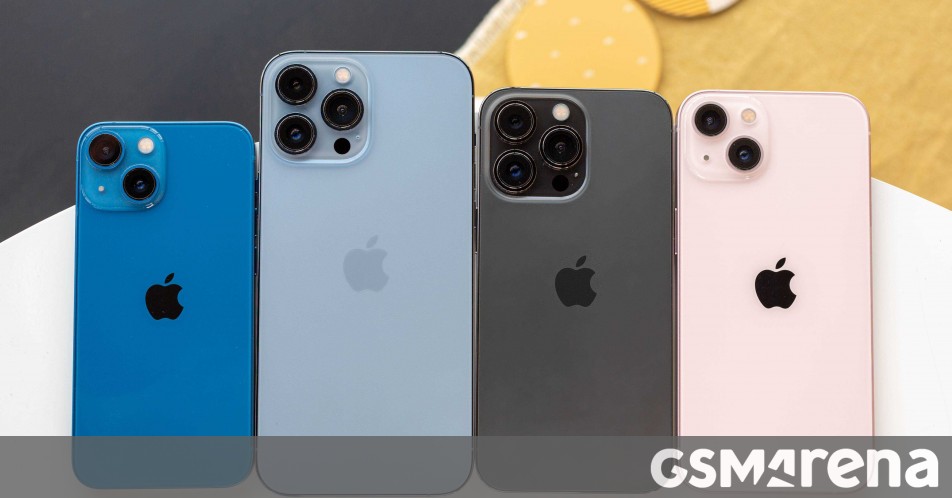

Apple are facing major supply constraints…
Nikkei: Apple has halted iPhone production for the first time in over a decade
Nikkei: Apple has halted iPhone production for the first time in over a decade
The report cites supply chain constraints and China’s power restrictions. For the first time since the pandemic started in 2020, supply chain constraints...www.gsmarena.com
unexpected power restrictions in China

You can buy most of the models prepaid (and new/sealed) at any time on Carb. I was helping my Mom with a new contract though, so the lack of iStore stock is a problem.


No I didn't. Installed the Tapatalk app as advised, and it's full of ads, too. Noticed that the MyBB app on the app store hasn't been updated in over a year, though.
Weird "issue" I'm experiencing: let's say I'm composing a new post on the forum, and I notice a word I could replace with something better. Or add a few words before. For whatever reason, I find it nearly impossible to just tap on a word, before it or after it. The cursor will go two lines above, or somewhere else - not anywhere on the line I need it to be. This seems to happen in any app where I need to modify/highlight text (including notes and emails).
Did a bit of digging, and turns out this started back in iOS 13 for a LOT of people (pages of posts on the official Apple support site). Others don't seem to have experienced it at all - where you point on the screen is where the cursor goes (which is what I've always been used to on Android). Apple don't seem to have recognised it as an issue, but it's also when the "hold down space to turn it into a trackpad" appeared.
While that's a cute feature, it slows down everything significantly, and should be an addition, not a replacement.
Anyone else had this happen?
Weird "issue" I'm experiencing: let's say I'm composing a new post on the forum, and I notice a word I could replace with something better. Or add a few words before. For whatever reason, I find it nearly impossible to just tap on a word, before it or after it. The cursor will go two lines above, or somewhere else - not anywhere on the line I need it to be. This seems to happen in any app where I need to modify/highlight text (including notes and emails).
Did a bit of digging, and turns out this started back in iOS 13 for a LOT of people (pages of posts on the official Apple support site). Others don't seem to have experienced it at all - where you point on the screen is where the cursor goes (which is what I've always been used to on Android). Apple don't seem to have recognised it as an issue, but it's also when the "hold down space to turn it into a trackpad" appeared.
While that's a cute feature, it slows down everything significantly, and should be an addition, not a replacement.
Anyone else had this happen?
Don’t even remember the things you are complaining about.
Using space is infinitely quicker and more precise and means no moving your hand off the keyboard.
But my cursor does go exactly where I point it, but almost never use it like that.
Possibly got zoom or something on that throws off the cursor?
Haha, glad it's consistently hit and miss at least!I have exactly the same problem! It's so frustrating. Happened on my iPhone 12 too - it's an iOS issue.
One thing I miss about Android is its far superior keyboard. Selecting, editing and highlighting words on iOS is a nightmare - never mind the terrible auto-correct too.

Yeah I pulled the trigger on the Pro version.It’s the same app.
There’s a paid for Pro version that doesn’t have Ads.
Haha, glad it's consistently hit and miss at least!
But agreed, definitely frustrating and difficult to have to get used to.
Honestly have no idea what you people are complaining about with the iOS keyboard.
It’s the best of all of them.
That being said I’ve had a dictionary for the iOS keyboard since the iPhone 3GS, so maybe it’s a new user experience thing.
Honestly have no idea what you people are complaining about with the iOS keyboard.
It’s the best of all of them.
That being said I’ve had a dictionary for the iOS keyboard since the iPhone 3GS, so maybe it’s a new user experience thing.
Talking about physically selecting text you’ve typed, not typing it or the keyboard used to type it. It’s an apparent issue for some people with the OS (at least 2 people in this thread alone). On my S10 the cursor goes wherever I put my finger in a paragraph, on my iPhone it goes wherever it wants to in the general area.
