MacOS Monterey

Whoa a 12gb update, that's impressive.
Why so big, that's around 3 times the install size of Win 11?
Presumably because that's the file size Apple need to run the update on my machine.

Honestly, it's been a while since I've given file sizes a second thought... Throw a little Atmos into a 4K movie download and you're in for 20 gigs and more.
 
Whoa a 12gb update, that's impressive.
Why so big, that's around 3 times the install size of Win 11?
Cause it's only once a year.
Windows on the other hand catches you with update surprises all the time.
u4asr.png
 
Maybe, I’ll check later. Using Windows PC to get things done for now.
Seems to be related to 3rd party plugins in Photoshop and Lightroom... if I use a different sequence \ workflow, then the performance seems ok.
 
Cause it's only once a year.
Windows on the other hand catches you with update surprises all the time.
u4asr.png
I'm wondering why the size is so big, I'm not starting an OS vs Os war of words, anyone know why it's so big?
 
So far on my MacBook Pro I'm loving the upgrade, it's more like a Snow Leopard bump, nothing much on the front side but everything is running better.

Going to upgrade my Mac Pro soon too.
 
Everything feels a LOT slower after updating to Monterey... and this running on a M1 Mac Mini. Prior to the upgrade all applications were quite zippy. Now it feels like I'm using a 2005 Celeron in anything that needs a bit more oomph than a web browser.

Likely your machine is re-indexing if this is happening right after updating.

Leave it on overnight and it should be fine by tomorrow.
 
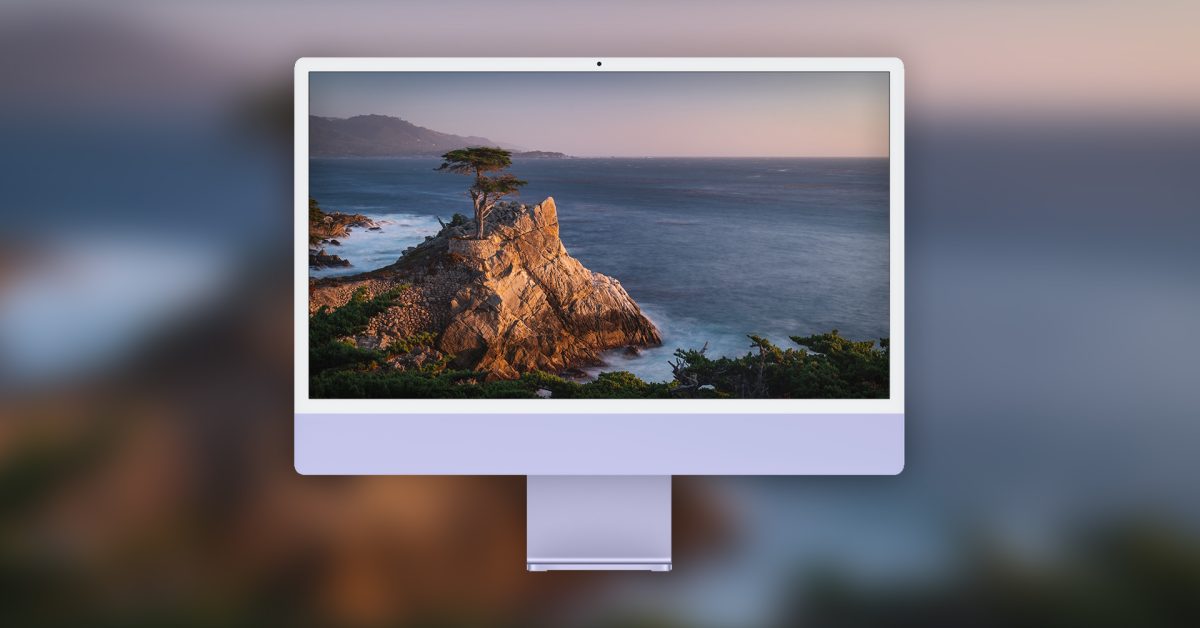
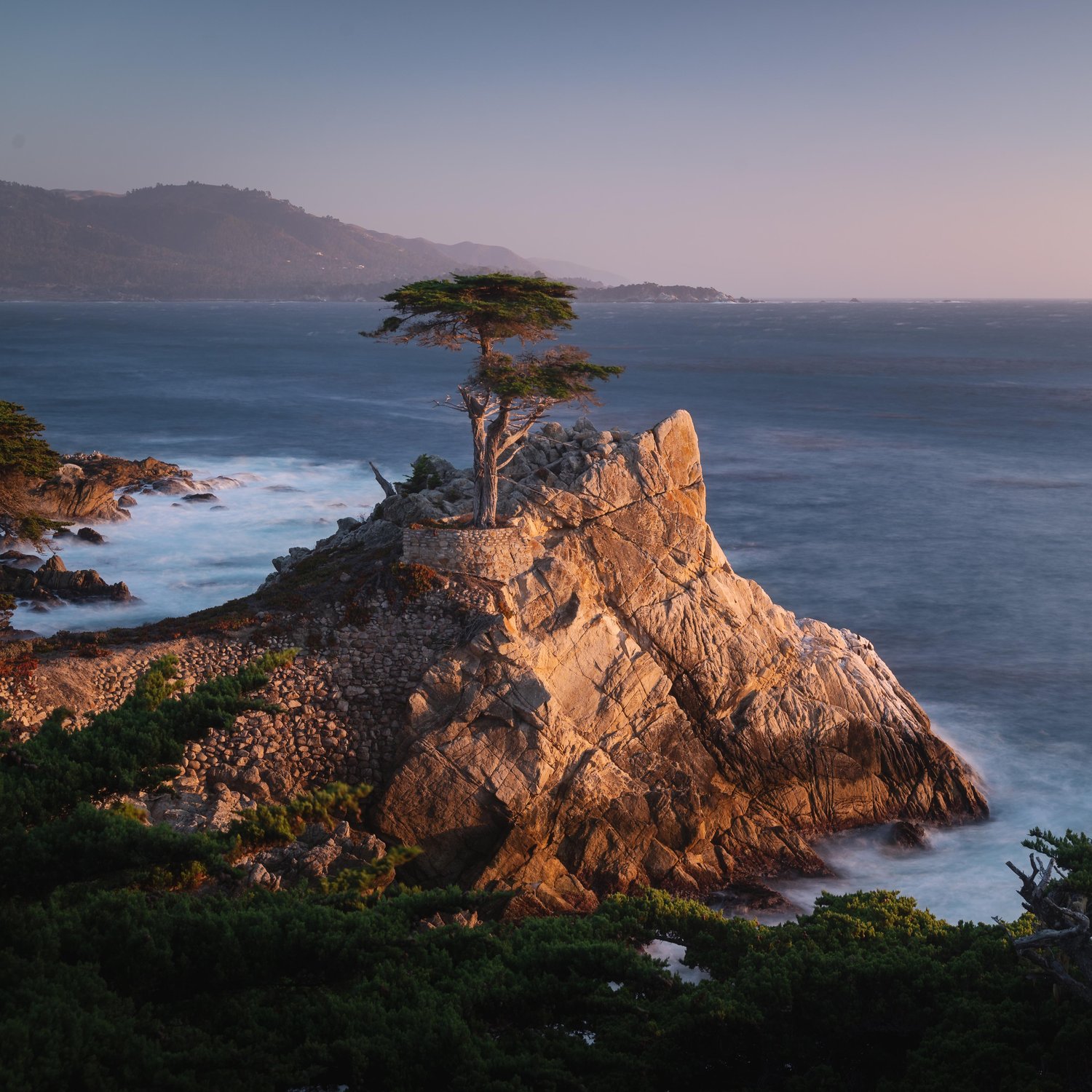
If anyone is not running Monterey & wants a high res wallpaper (normal & dynamic) of Monterey you can find it here:


Pretty cool, but the new abstract lines wallpapers in dark mode are pretty epic. Will take me a while to get tired of cycling between them.
 
Everything feels a LOT slower after updating to Monterey... and this running on a M1 Mac Mini. Prior to the upgrade all applications were quite zippy. Now it feels like I'm using a 2005 Celeron in anything that needs a bit more oomph than a web browser.
I still use a 2015 Macbook Air and I definitely can see the slow down. Sometime their are a 5 second delay between me typing and it appearing on the screen.
 
Everything feels a LOT slower after updating to Monterey... and this running on a M1 Mac Mini. Prior to the upgrade all applications were quite zippy. Now it feels like I'm using a 2005 Celeron in anything that needs a bit more oomph than a web browser.
Same, big sur felt responsive, Catalina more so, but with Monterey it just feels like everything hits the cpu harder, and uses more memory. 16gb of RAM seems to evaporate a lot faster. Not saying it's the os, but my stack hasn't changed significantly and everything feels slower.

My MBP is kept in really good nick, cleaned, cooled, scanned and maintained. So I can absolutely say the latest os upgrade, is at least partially the issue.
 
A pet peeve of mine in Safari is that you still can't right-click on a bookmark inside a folder and open it in a new tab. A CMD-click is required.

Right-clicking a bookmark not nested inside a folder gives the correct context-sensitive menu:

1636006878148.png

If you open the Bookmarks sidebar then it works as expected, but I prefer my bookmarks below my tabs and not eating up my left side screen real estate.

1636006946676.png
 
A pet peeve of mine in Safari is that you still can't right-click on a bookmark inside a folder and open it in a new tab. A CMD-click is required.

Right-clicking a bookmark not nested inside a folder gives the correct context-sensitive menu:

View attachment 1181074

If you open the Bookmarks sidebar then it works as expected, but I prefer my bookmarks below my tabs and not eating up my left side screen real estate.

View attachment 1181076
Try CMD click it
 
  • Like
Reactions: _A_
I still use a 2015 Macbook Air and I definitely can see the slow down. Sometime their are a 5 second delay between me typing and it appearing on the screen.
Weirdly the opposite is true for me. I have a 2020 MBP and with Big Sur was getting some slouchy responses - since the upgrade it seems faster...
 
Try CMD click it
I did mention that this works, but what bugs me is that the behaviour isn't consistent between right-clicking on a nested bookmark vs a standalone one on the bookmark toolbar
 
Performance seems better lately, though I haven't been doing much photo editing these past few days.
 
Here's another Safari gripe, relating to the above:

If you have an item on your bookmark toolbar, you can right-click it and get the context-sensitive options. If the bookmark runs off-screen, and you click the two arrows to expand it, it again reverts to the behaviour where you cannot right-click on it:

1636448095641.png
 
So I finally pulled the trigger on an M1 MacBook Air today, first time ever owning a Mac and experiencing MacOS, etc.

Got Big Sur out of the box so wanted to know if you guys recommend updating to Monterey - I see all the complaints about battery life, performance etc and do not want to run into troubles if one should rather wait for an update.

How often does MacOS get incremental updates? And can one upgrade to a higher version of Big Sur or did that possibility fall away when Monterey was released?
 
Top
Sign up to the MyBroadband newsletter
X