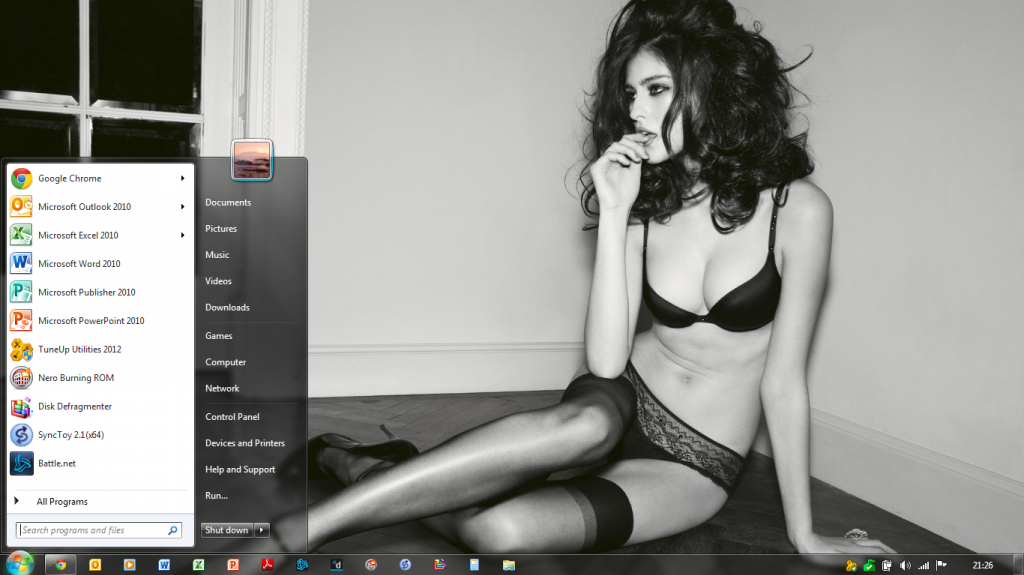
Well, thanks to Semaphore, I have installed Windows 10 Technical Preview, against my better knowledge, on my main PC. Just thought it would be fun to work with it through development phase. Besides, it appears stable enough to allow me to do my main daily tasks.
Be as it may, here are my first impressions of the new OS:
Upgrade
My PC has a 3.4GHz processor with 16GB RAM and I upgraded from Windows 8.1 to 10. Upgrade took around 30-40 minutes. It eventually upgraded without any hassles and this far all my programs appear to be working flawlessly without any driver errors.
Updates
Checking updates, I found only one update of 19.5MB. At first I received a '800B010F' error when checking for updates, but second time around it downloaded and installed perfectly.
Layout
I actually like the Windows 8 / 10 layout. I love the new almost frame-less boxes in Windows 10.

Also, there are no more folding-in menus to the sides of the screens!
I know Tech Preview is just a work in progress, but I sure wish MS could have removed the watermark when the OS was activated.
New Features
Search Icon
I see a new search icon in the taskbar. It appears if this search function search online and offline. A drawback is the fact that it seems I cannot easily remove the search icon. Will need to figure this out.
Task View
The task view icon in the taskbar is a useful application that shows all open apps or programs and one can easily navigate between them. This may actually be useful.

I love the newly added feature where users can create and manage virtual desktops through the task view.
File Explorer
A file explorer, similar to that in Windows 8, now opens a box that displays Favorites, Frequent Folders and Recent Files.
Start Menu
Yay! It is back! I missed the start menu in Windows 8 and 8.1 and had to make use of software such as Start8 to return it.
The new start menu is much better than any of those before. It actually now have multiple panes, where you can add or customize your start menu to the right.

A drawback - it appears I have limited customization options when it comes to the left of the start menu. Certain shortcuts cannot be added to the start menu.
Also, when hovering above links, the description is displayed behind the start menu (I suppose this will soon be fixed by Microsoft).
All apps are also displayed in the start menu, which makes it easier to access than with Windows 8.
Users can now pin their Recycle Bin to Start menu.
The start menu is also totally resizable!
Apps
Apps can now be closed from the desktop. You are no longer taken to a new screen from where you must struggle to close apps or move back to the desktop. (I know this feature was also introduced with the later Windows 8.1 version)
 Internet Explorer
Well, to be honest, IE is still IE - cannot compare it with Chrome... and, yes, Microsoft is still pushing out IE 11 with the current Windows 10 release.
 Task Manager
Windows kept its useful task manager introduced in Windows 8. In order to access all tabs or applications, you now need to click on 'More Detail'.
Command Prompt
Well, well, for those who did not know, there has been a number of changes to the command prompt in Windows 10.
It now supports copy and paste (Ctrl-C/Ctrl-V) and no longer do you need to type all those long commands!
Also, when you right click Command Prompt’s title bar and head to Properties then Experimental, you get a bunch of new options. See below:
 Start Up
I am glad I can startup back to the desktop and no longer the start page in Windows 8. Although, it appears there are an option for those who liked it, where you can choose between start menu or start screen.
Restart, Shut Down and Booting up takes much longer than Windows 8 or 8.1.
My Overall Feeling:
Well, I think Microsoft has hit the mark with Windows 10 and is now offering a decent operating system.
The new OS is fast and running smoothly. Although I upgraded from 8.1 I have experienced minimal driver errors (this far only with my Eset anti-virus).
The technical preview release is surprisingly stable, in fact, so stable that I am in a position to install it on my main PC. Yes, there are still a couple of layout issues, very small, but I am sure they will be addressed soon.
All the newly added features to Windows 10 makes it probably the best OS released this far by Microsoft. The OS is easy to use and understand and consumers will definately find it more user friendly than the previous Windows 8 and 8.1
Edit - Error List:
Okay, just noticed my fist error with Eset Nod 32. Not sure what this means, but will investigate:
communication with driver failed - HIPS is inactive