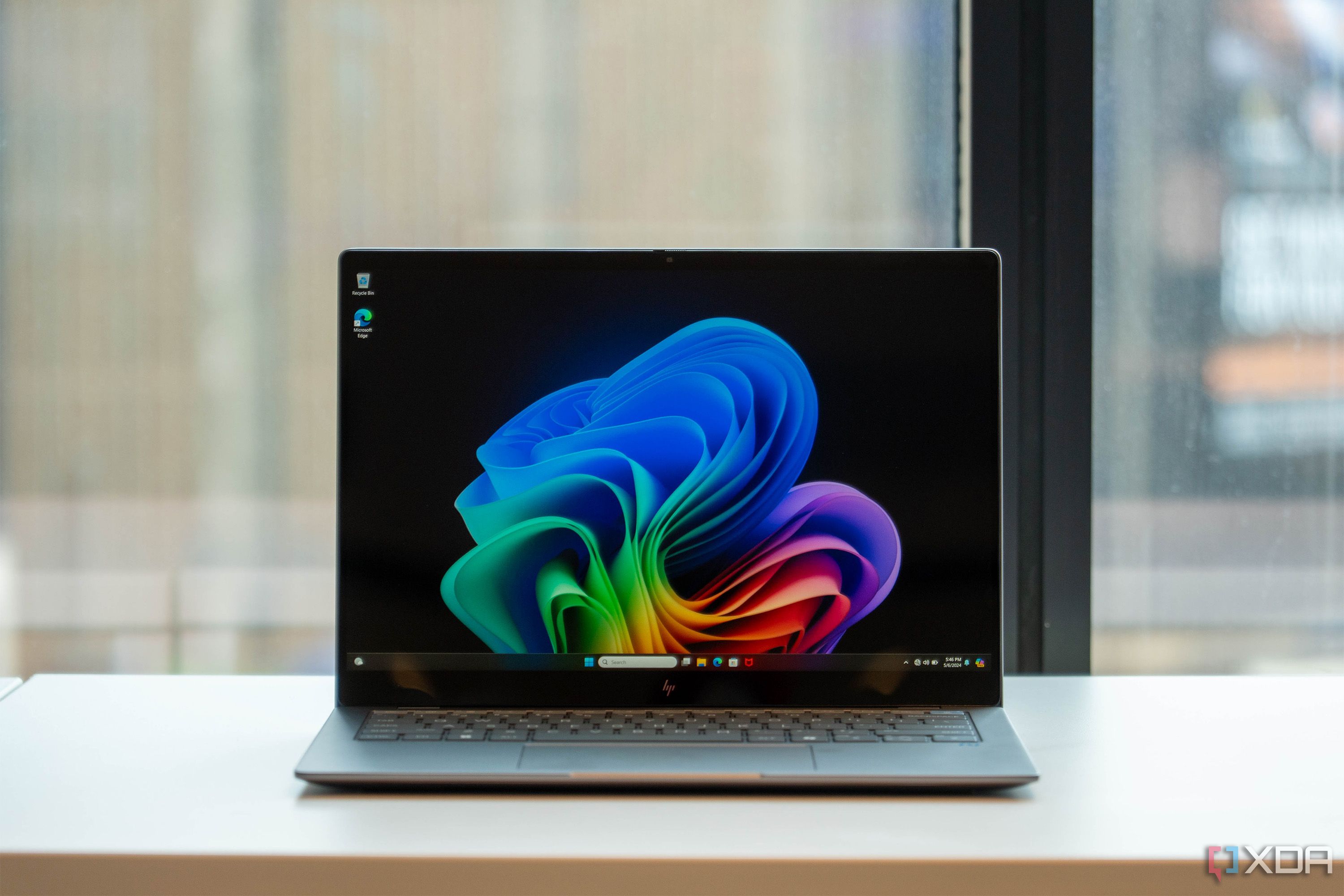
Windows 11 Support Thread

If anyone has the need for this to update to 24H2


Microsoft has been hard at work playing whack-a-mole by removing the ability to install Windows 11 on unsupported hardware. However the developer of the third-party tool Rufus has been hard at work finding ways to allow people to dodge them. Now, Rufus has gotten even better as it gains the ability to perform an in-place update to Windows 11 24H2 while skipping the system requirements.

If you're on an older version of Windows 11 and want to upgrade to 24H2 on unsupported hardware, you may have noticed that the upgrade system performs another system requirements check and deems your PC unfit. Fortunately, as noted in the Rufus 4.6 beta release patch notes, the tool now lets you perform an in-place upgrade without needing to fit the system requirements. The update also allows local accounts to have passwords that don't expire.

If you're using unsupported hardware and you're worried that 24H2 will make your PC even slower, don't fret. In fact, you may experience the opposite effect; people are reporting that Windows 11 24H2 runs better, even on unsupported hardware. And if this is the first time you've heard of this handy tool, check out how to create a bootable drive with Rufus - it's one of the main tools people use to dodge Windows 11's strict requirements.
Apparently 24H2 is not without problems.

 
If anyone has the need for this to update to 24H2


Microsoft has been hard at work playing whack-a-mole by removing the ability to install Windows 11 on unsupported hardware. However the developer of the third-party tool Rufus has been hard at work finding ways to allow people to dodge them. Now, Rufus has gotten even better as it gains the ability to perform an in-place update to Windows 11 24H2 while skipping the system requirements.

If you're on an older version of Windows 11 and want to upgrade to 24H2 on unsupported hardware, you may have noticed that the upgrade system performs another system requirements check and deems your PC unfit. Fortunately, as noted in the Rufus 4.6 beta release patch notes, the tool now lets you perform an in-place upgrade without needing to fit the system requirements. The update also allows local accounts to have passwords that don't expire.

If you're using unsupported hardware and you're worried that 24H2 will make your PC even slower, don't fret. In fact, you may experience the opposite effect; people are reporting that Windows 11 24H2 runs better, even on unsupported hardware. And if this is the first time you've heard of this handy tool, check out how to create a bootable drive with Rufus - it's one of the main tools people use to dodge Windows 11's strict requirements.
AV isn't happy with that Beta version :unsure:
 
Hi there. Quick question, how would I boot Windows 11 to open a specific web page in full screen via Chromium?
 
You know what is really annoying with W11, is the system sounds are so delayed compared to W7/10. Like if you click on something when you have an active window open, Windows will make a ding sound.

Not sure if its the audio driver on this laptop im using that is the issue.
 
Formatted the disk and installed Mint. Did not have to install any Drivers or anything. Finally had enough of Win 11 telemetry and bs.

Linux works way better than that shyteshow Win 11.
 

Windows 11 version 24H2 is basically Windows 12, and here's why - XDA​

1729339033128.png

Windows 11 version 24H2 is a very interesting update. Of course, it's the big annual update for Windows 11 this year, but it's also more than that.

Prior to it being officially announced, we thought for a while this would be Windows 12, but Microsoft seemingly changed its internal plans at some point and decided to label it as an update to Windows 11.

But in the end, I'd argue this is still very much Windows 12 — it's just disguised as an update. Here's why.

 
I'll wait until there's a last major update (like 22H2 for Win10 for example) before switching to Win11.
 
Top
Sign up to the MyBroadband newsletter
X