Windows 11 Support Thread

Are you sure it's off & how big is your e-mail pst file ? ... A very large e-mail data file will fnck up your indexing 6-love.

You say working from home? ... Do you log into a server at work to do your work? ... that could be why Teams struggles. Like I said, I would disable the startup & start it manually .... Teams is a bitch on startup even on a high-end PC.

It was definitely off. I even turned It on to see if it made a difference, and once the dust settled it was off again.

I ran a search on the C: drive and it didn't find any .pst files.

I have an app to connect me to the secure network where the mainframe is, but Teams doesn't need that. I assume it's connecting to some server on their side.
 
Last edited:
My work laptop has windows 11.

It takes an hour for Teams to start up after I reboot.
I just timed the Teams startup on my Linux laptop (PWA). About 1 second to start and everything loaded at the 5 second mark. You should be able to do a PWA installation on Windows as well, which may help with the problem.
 
I just timed the Teams startup on my Linux laptop (PWA). About 1 second to start and everything loaded at the 5 second mark. You should be able to do a PWA installation on Windows as well, which may help with the problem.

The organisation takes a dim view of non-standard software on their equipment, and usually don't allow us admin rights.

If it was my machine, it would be a different story - I wouldn't run Teams to start off with.
 
Seems recent quality update makes windows go into inaccessible boot device / can't connect network? Not my box but went away when I rolled back latest update, well that didn't work either, so I actually went around that and did restore point restore to 7th July. Lord knows what real issue was here (or not) but box back to booting. In this I do apricate *nix more, just boot un**** -> continue -> fin

edit
yes, I did check/scan the storage device, and its bootup items to clear it not being ****ed up. lol.
 

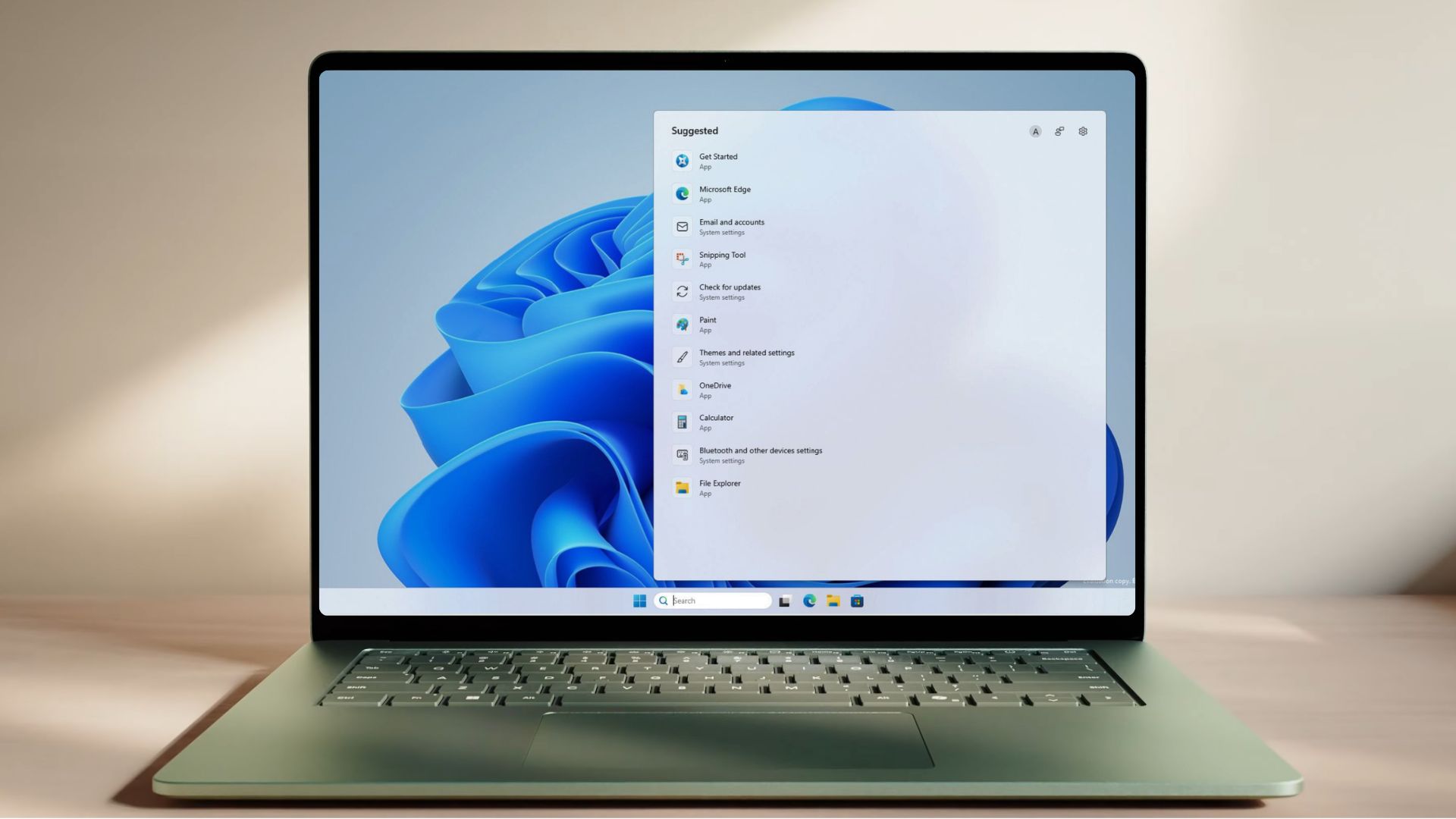
Microsoft just decluttered Windows 11 Search after years of MSN tiles, ads, and trivia - Windows Latest​

Windows Search has spent years shoving Bing, ads, and trivia in front of the apps and files you opened it to find. Microsoft is now rolling out a set of improvements to Windows Search to Insiders that walk back on all of it.

The changes went live on the Experimental channel on July 13, and they are arriving gradually, so not every Insider gets them on day one.

Microsoft is letting you turn off Bing/web integration, remove ads, and all unnecessary features to create a clean Search experience on Windows 11.

The home screen is calmer, promotional content is gone from web results, and search now labels results more clearly as app, setting, file, web, or Store. Local files, apps, and settings are prioritized when they are the better match.

And most importantly -- you can now control whether web and Microsoft Store results appear at all!!That means you can finally stop Windows Search from acting like a Bing launcher when you’re just trying to find something on your own PC.

Microsoft is also improving typo handling for apps, two-character file searches, settings ranking, cloud file discovery, and crash reliability.

1784014883227.png

1784014906124.png

1784014938304.png

1784014958088.png

1784015046481.png

1784015078878.png

Read the full article at the link below:


Microsoft reveals 15+ products losing support in 2026, check if you’re affected - Windows Latest​

1784015597461.png

Microsoft is walking away from more products this year than it did in 2025. Products that still run on millions of devices, including Windows 11 24H2, Office 2021, SQL Server 2016, and Windows Server 2012’s last ESU year, all expire in 2026.

While 2025 was mostly about Windows 10, 2026 is a pile-up.

Also, in case you didn’t know it already, once a product hits its date, security updates, bug fixes, and paid support stop, unless Microsoft happens to offer an Extended Security Updates program for it, and even ESU only covers critical security fixes, nothing else.

Note that this doesn’t mean a software becomes unusable. It just stops being protected. For a note-taking app, that’s alright. But for a database sitting behind your company firewall, the consequences can be devastating if you don’t do anything about it.

So, we went through Microsoft’s official 2026 lifecycle page, checked every date, and ranked all of it by how many people it hits and how bad the fallout.

Here is the list of all important Microsoft products losing support in 2026.

Read the full article at the link below:

 
Especially for @RedViking ...

Breaking: Microsoft blocks Windows 11's July 2026 Update on some PCs due to concerns of "poor performance, unexpected shutdowns, increased heat, and battery drain."

According to Microsoft, the July 2026 Patch Tuesday update (KB5101650) is blocked on some Dell PCs because of a bad Intel driver compatibility issue.

After installing the June 23 preview update KB5095093, some Dell devices may show a yellow warning icon in Device Manager next to:

Intel Innovation Platform Framework Processor Participant

Microsoft says affected devices can suffer poor performance, unexpected shutdowns, increased heat, and battery drain.

The issue is tied to an incompatibility between Intel’s driver and the new Windows USB-C Connection Manager interface.

Because of this, Microsoft is now holding back KB5101650, the July 14 security update for Windows 11 24H2 and 25H2, on affected Dell devices while it works with Dell and partners on a fix.

It's unclear if other OEMs are also running into problems.

 
Top
Sign up to the MyBroadband newsletter
X