Windows 11 Support Thread

Are you sure it's off & how big is your e-mail pst file ? ... A very large e-mail data file will fnck up your indexing 6-love.

You say working from home? ... Do you log into a server at work to do your work? ... that could be why Teams struggles. Like I said, I would disable the startup & start it manually .... Teams is a bitch on startup even on a high-end PC.

It was definitely off. I even turned It on to see if it made a difference, and once the dust settled it was off again.

I ran a search on the C: drive and it didn't find any .pst files.

I have an app to connect me to the secure network where the mainframe is, but Teams doesn't need that. I assume it's connecting to some server on their side.
 
Last edited:
My work laptop has windows 11.

It takes an hour for Teams to start up after I reboot.
I just timed the Teams startup on my Linux laptop (PWA). About 1 second to start and everything loaded at the 5 second mark. You should be able to do a PWA installation on Windows as well, which may help with the problem.
 
I just timed the Teams startup on my Linux laptop (PWA). About 1 second to start and everything loaded at the 5 second mark. You should be able to do a PWA installation on Windows as well, which may help with the problem.

The organisation takes a dim view of non-standard software on their equipment, and usually don't allow us admin rights.

If it was my machine, it would be a different story - I wouldn't run Teams to start off with.
 
Seems recent quality update makes windows go into inaccessible boot device / can't connect network? Not my box but went away when I rolled back latest update, well that didn't work either, so I actually went around that and did restore point restore to 7th July. Lord knows what real issue was here (or not) but box back to booting. In this I do apricate *nix more, just boot un**** -> continue -> fin

edit
yes, I did check/scan the storage device, and its bootup items to clear it not being ****ed up. lol.
 

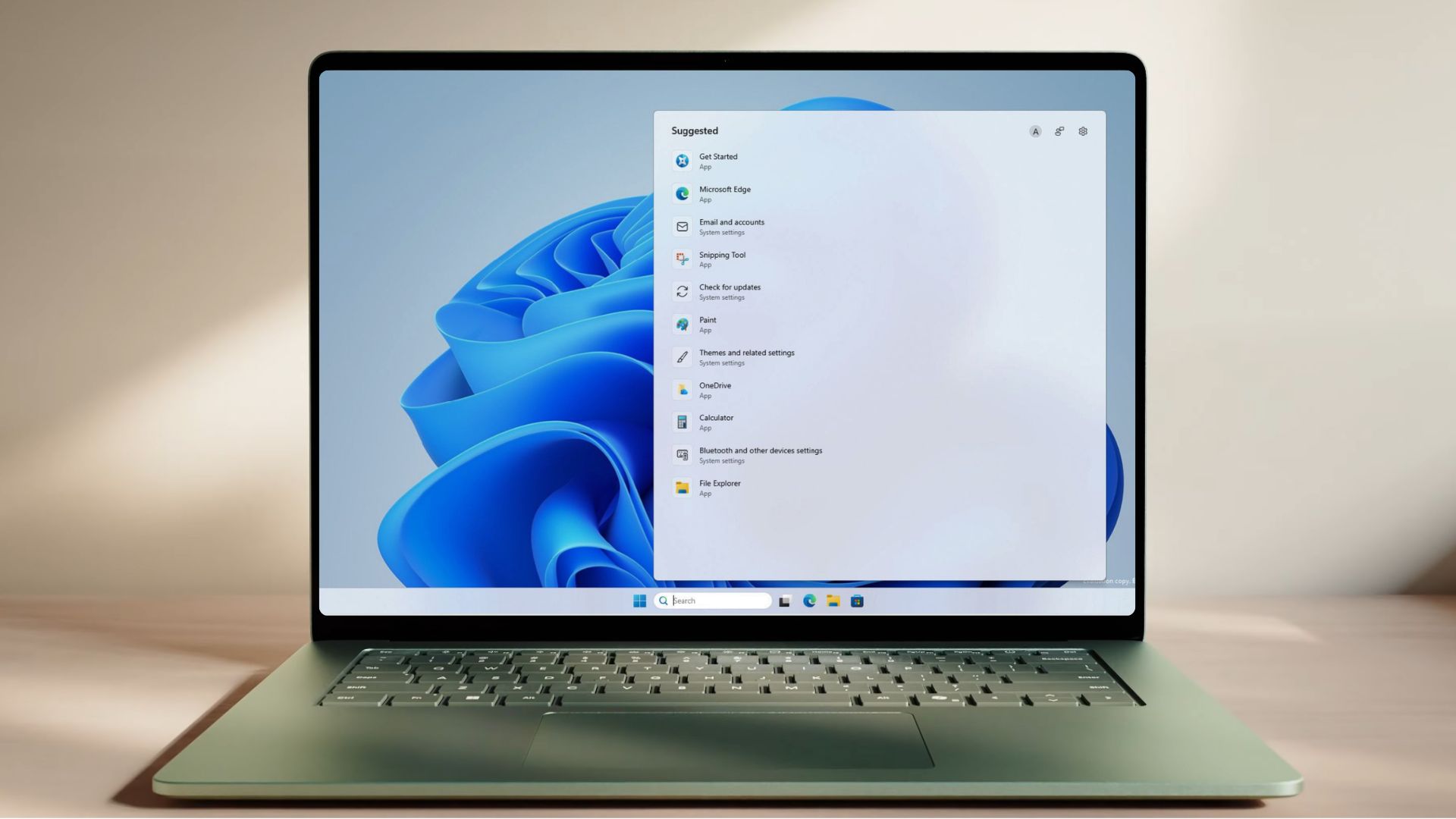
Microsoft just decluttered Windows 11 Search after years of MSN tiles, ads, and trivia - Windows Latest​

Windows Search has spent years shoving Bing, ads, and trivia in front of the apps and files you opened it to find. Microsoft is now rolling out a set of improvements to Windows Search to Insiders that walk back on all of it.

The changes went live on the Experimental channel on July 13, and they are arriving gradually, so not every Insider gets them on day one.

Microsoft is letting you turn off Bing/web integration, remove ads, and all unnecessary features to create a clean Search experience on Windows 11.

The home screen is calmer, promotional content is gone from web results, and search now labels results more clearly as app, setting, file, web, or Store. Local files, apps, and settings are prioritized when they are the better match.

And most importantly -- you can now control whether web and Microsoft Store results appear at all!!That means you can finally stop Windows Search from acting like a Bing launcher when you’re just trying to find something on your own PC.

Microsoft is also improving typo handling for apps, two-character file searches, settings ranking, cloud file discovery, and crash reliability.

1784014883227.png

1784014906124.png

1784014938304.png

1784014958088.png

1784015046481.png

1784015078878.png

Read the full article at the link below:


Microsoft reveals 15+ products losing support in 2026, check if you’re affected - Windows Latest​

1784015597461.png

Microsoft is walking away from more products this year than it did in 2025. Products that still run on millions of devices, including Windows 11 24H2, Office 2021, SQL Server 2016, and Windows Server 2012’s last ESU year, all expire in 2026.

While 2025 was mostly about Windows 10, 2026 is a pile-up.

Also, in case you didn’t know it already, once a product hits its date, security updates, bug fixes, and paid support stop, unless Microsoft happens to offer an Extended Security Updates program for it, and even ESU only covers critical security fixes, nothing else.

Note that this doesn’t mean a software becomes unusable. It just stops being protected. For a note-taking app, that’s alright. But for a database sitting behind your company firewall, the consequences can be devastating if you don’t do anything about it.

So, we went through Microsoft’s official 2026 lifecycle page, checked every date, and ranked all of it by how many people it hits and how bad the fallout.

Here is the list of all important Microsoft products losing support in 2026.

Read the full article at the link below:

 
Especially for @RedViking ...

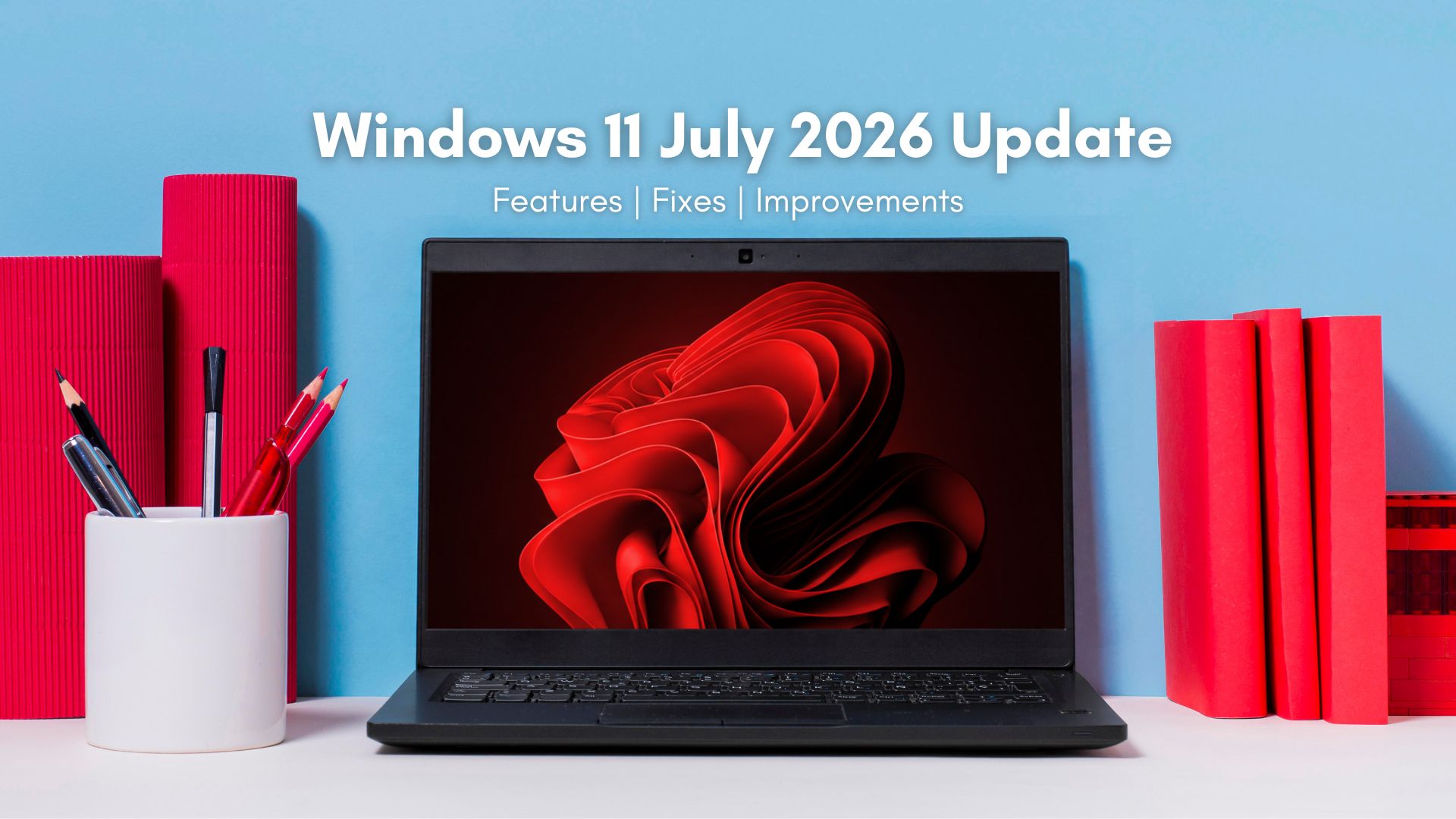
Breaking: Microsoft blocks Windows 11's July 2026 Update on some PCs due to concerns of "poor performance, unexpected shutdowns, increased heat, and battery drain."

According to Microsoft, the July 2026 Patch Tuesday update (KB5101650) is blocked on some Dell PCs because of a bad Intel driver compatibility issue.

After installing the June 23 preview update KB5095093, some Dell devices may show a yellow warning icon in Device Manager next to:

Intel Innovation Platform Framework Processor Participant

Microsoft says affected devices can suffer poor performance, unexpected shutdowns, increased heat, and battery drain.

The issue is tied to an incompatibility between Intel’s driver and the new Windows USB-C Connection Manager interface.

Because of this, Microsoft is now holding back KB5101650, the July 14 security update for Windows 11 24H2 and 25H2, on affected Dell devices while it works with Dell and partners on a fix.

It's unclear if other OEMs are also running into problems.

 
1784360845257.png

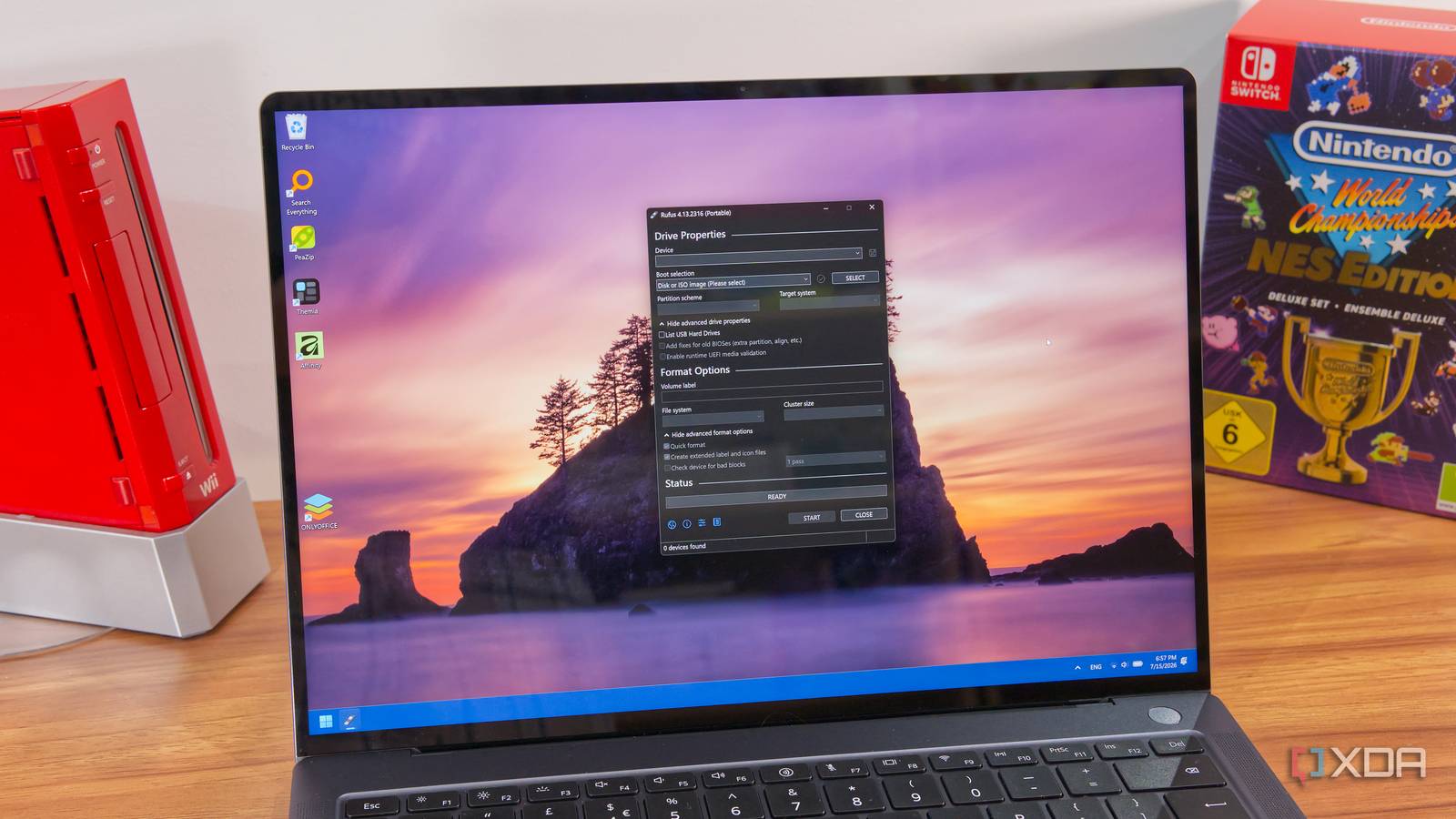
When it was first introduced five years ago, Windows 11 brought a lot of new system requirements that left behind a lot of older systems. But despite the outrage caused by Microsoft's official stance, it soon became apparent that it's actually possible to install Windows 11 on these "unsupported" machines using a tool like Rufus. This remained true for a long time.

More recently, however, Microsoft started introducing new blocks for older systems, and this time, there's no getting around it. Windows 11 simply will not run on CPUs that don't support specific instructions, and it could set a bad precedent for future updates.

The initial requirements for running Windows 11 seemed unnecessarily strict, dropping support for processors that were only a few years old at the time, as well as requiring a TPM 2.0 module, which many desktop PCs didn't have, even if they were relatively recent.

But all of those restrictions were really based on checks performed by the installer once it was already running. Microsoft itself allowed some workarounds to an extent, so if you created an ISO and booted from it, you could bypass certain requirements compared to using the official upgrade paths. Other requirements were checked even if you were booting from a USB drive, but again, only once the installer was running, and the Windows kernel was loaded.

This meant that all you needed was a program like Rufus, which modifies the installer files to remove those checks. The modified installer would boot up as usual, and just ignore any restrictions based on the arbitrary requirements Microsoft put out, so you could use Windows 11 just fine. It's possible you'd miss out on future updates, but you could always use the same workaround if you wanted a newer version.

In 2024, things changed when Windows 11 version 24H2 introduced a new block based on CPU instructions. With this update, Windows 11 required support for the PopCnt (short for "population count") instruction, part of the SSE4.2 instruction set, and it wasn't just a check run by the installer.

The instruction was required for the Windows kernel itself to run at all, which included the USB installer. You can use Rufus to create bootable media, but when you try to boot from the USB drive, you'd see no more than a black screen telling you the OS can't run.

It's not as bad as it sounds, though, because the SSE4.2 instruction set has been commonly supported for many years at this point. SSE4 was first introduced back in 2007, so any PC that doesn't support this instruction set would be largely unusable on Windows 11 anyway.

This particular CPU instruction set may not make much of a difference to the vast majority of people, but it sets a concerning precedent. Microsoft has now dipped its toes in blocking devices in such a way that even advanced users can't circumvent it, and this could open the door for more restrictions in the future, potentially barring perfectly usable hardware from newer updates.

It's easy to forget, but new generations of processors aren't always just "the same, but faster". There could be fundamental evolutions in the underlying technologies supported that enable new capabilities, and once specific features become standardized on new hardware, it can be easy for companies to decide old hardware is ready to be thrown out.

Without any known workarounds, Microsoft has the power to determine how long your hardware can be relevant and secure. Unless you're okay with switching to Linux, your computer may stop getting updates and start pushing you to buy a new computer so you can keep doing what you've always been doing. More computers sold means more Windows licenses, which is obviously a big financial incentive for the company as well as its hardware partners.

Whether this will happen or not is more of a "when" rather than an "if". It's certainly possible that Microsoft will hold out for a long time to avoid inconveniencing Windows users, but the company could just as well be tempted to bring Windows PC sales up. After all, you could argue that was the big motivator behind Windows 11's initial system requirements in the first place.

It's been a couple of years since Microsoft introduced the PopCnt instruction requirement, and since then, it hasn't introduced new requirements of the same kind, nor are there any signs of it happening in Insider builds.

For now, it looks like hardware that's supported today should remain supported for the foreseeable future. But a dangerous precedent has been set, so there's a looming sense of dread knowing that any update could be the one that renders your PC outdated.

 
my windows 10 updates end soon :eek:
Microsoft has given you an extra year's Windows 10 ESU reprieve until October 2027...

Microsoft quietly extends free Windows 10 ESU support to October 2027 - Bleeping Computer​

Microsoft has quietly extended its free Windows 10 Extended Security Updates (ESU) program for consumers by an additional year, allowing enrolled devices to continue receiving security updates until October 12, 2027.

The change was made without a formal announcement and instead appeared in updates to Microsoft's Windows 10 ESU documentation and as an "Editor's note" to a Windows Experience Blog.

"Editor's note – June 25, 2026 – This post has been updated to reflect that the Windows 10 Extended Security Updates (ESU) program for personal use devices is being provided for an additional year, with coverage now available through Oct. 12, 2027," reads the updated blog post.

"This extension provides customers with more time to transition to a new Windows 11 PC while continuing to receive critical security updates."

On October 14, 2025, Windows 10 reached the end of support, and Microsoft no longer provides technical support, feature updates, or security updates for the operating system unless you are running a Windows LTSC version.

For those who are unable to upgrade to Windows 11, Microsoft originally offered consumers an extra year of security updates if they enrolled in a free extended security updates (ESUs) program that would expire on October 12, 2026.

Enterprise customers could also enroll in the ESU program for up to three years, bringing the total cost per device to $427 over that period.

With today's quiet update, Microsoft has now extended the free consumer ESU program to October 12, 2027, giving users an additional year to upgrade to a newer operating system.

When asked why the free ESU program was extended, Microsoft shared the following statement with BleepingComputer.

"We understand that moving to a new PC can take time. As part of our ongoing commitment to helping customers stay secure during the transition, the Windows 10 Extended Security Updates (ESU) program for personal devices is being provided for an additional year," explained Microsoft.

"Coverage will now be available through October 12, 2027. This gives customers more time and flexibility to find the best PC for their needs while keeping them protected."

Consumers can continue to receive extended security for free using one of these methods:

  • Paying $30.
  • Backing up your Windows settings to your Microsoft account.
  • Redeeming 1,000 Microsoft reward points.
  • Users in the European Economic Area can receive ESU for free by logging in to Windows 10 with a Microsoft account.
Microsoft says an ESU license can be used on up to 10 devices associated with the same Microsoft account, and users already enrolled will automatically remain covered until the new October 2027 end date.

The company notes that the consumer ESU program is only for personal devices and is not available for systems joined to Active Directory domains, Microsoft Entra, or managed through Mobile Device Management (MDM). However, Microsoft Entra-registered devices are eligible.

The extension gives Windows 10 users another year of security updates as Microsoft continues encouraging customers to upgrade to Windows 11 or purchase new Copilot+ PCs.

 
Top
Sign up to the MyBroadband newsletter
X