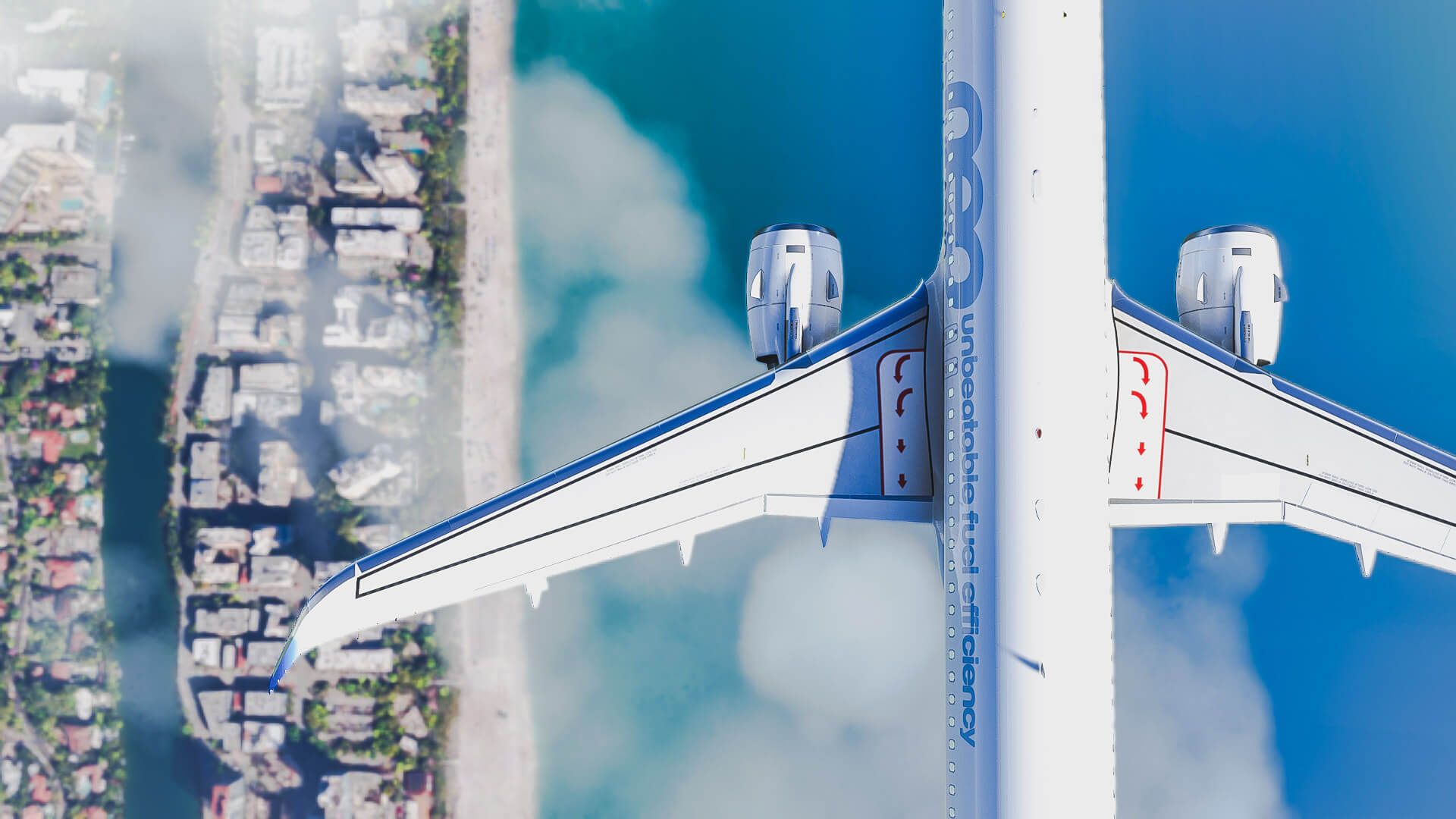
Flight Simulator 2020

GOTY edition is pretty cool. It's fun flying the F18 around.
Playing on the XBOX I have noticed some more automation though? Like the planes flaps/throttle/rudder are automated. A new setting for noobs that I can turn off I hope.
Auto rudder assist has always been under the accessibility options. So you should be able to remove it there.

Under the same options they have now included simulated G-force effects. So when you pull too many G's your pilot gets tunnel vision and can pass out. You even hear him breathing heavily after a hard G pull.

As for the flaps, the F/A-18 has a toggle in the cockpit (left side) for manual and auto flaps. You might have to disable assisted landing controls if you're getting auto flaps in other planes.
 

Microsoft Flight Simulator starts 2022 with new update - PC Invasion​

"The early bird gets the worm."

FlightSimulator_6SDkxZEB7f-800x400.jpg


Like clockwork, Asobo Studios has already managed to roll out a brand-new update for Microsoft Flight Simulator within the first week of 2022.

This new update deploys a lot of bug fixes to the sim, targeting areas such as abnormalities with the weather engine, sim crashes, VR issues, and some issues with different aircraft, just to name a few.

The initial update is just under 1GB. It’s exceptionally compact compared to the usual several gigs that Microsoft Flight Simulator updates have become infamous for being.

That said, make sure to also download the updates in the Content Manager, which may be just a few gigs depending on what you have installed.


Microsoft Flight Simulator starts 2022 with new update - PC Invasion​

"The early bird gets the worm."

FlightSimulator_6SDkxZEB7f-800x400.jpg


They need multiplayer co pilot mode. But I get why the networking for that might be a serious technical challenge.
 

Microsoft Flight Simulator Will Receive DLSS Support This Year - Tom's Hardware​

qN3KDp2fwZudPX7tgKKgDJ-320-80.png


Microsoft, via a developer Q&A blog post, announced that its hugely popular Flight Simulator would be receiving an update to add NVIDIA's DLSS (Deep Learning Super Sampling) support at some point throughout this year.

Purpose-developed by Nvidia for its RTX graphics cards, the technology should thus allow virtual captains to enjoy the majestic experience of flying some of the world's most famous aircraft - with framerates that are closer to actual cruising altitude.

Microsoft and Asobe Studios developed Flight Simulator, and the game's vistas and detailed models are known to stress even the graphics cards that make it into our Best Picks.

The addition of DLSS - which Nvidia says can improve framerates by over 70% when enabled, depending on settings - should thus allow for either increased performance or higher levels of detail.

The update will add another option for Nvidia users to improve performance. Still, it's not the first upscaling technology the game has implemented - that honour belongs to AMD's FSR (FidelityFX Super Resolution) upscaling technology.

However, gamers generally consider DLSS to offer a superior image quality than AMD's FSR (at least in still images). So it certainly comes as welcome news to users rocking an RTX-class graphics card from the green team.


Microsoft Flight Simulator devs outline plans for helicopters, historic planes, and Australia - PC Gamer​

The granddaddy flight sim's 2022 roadmap is coming into focus.

V65jeLwVJmUfDnpnADQ5ZV-320-80.jpg


Microsoft and Asobo Studio have detailed some exciting changes coming to Microsoft Flight Simulator over the course of 2022 in a development update and attending Q&A on YouTube.

Perhaps most notable was their further elaboration on plans to officially bring helicopters to the game by the end of the year.

Modders have implemented helicopters previously, but Microsoft Flight Simulator's impressive reproduction of the physics behind manned flight actually makes it difficult to get helicopters working in the game.

The simulation was developed with planes in mind, and the modders of the Hype Performance Group's helicopter pack used a brute-force approach in the current framework.

For their official implementation, Asobo will be first testing a more granular air simulation on some upcoming planes, before putting out their officially-sanctioned helicopters.

Much of the body of the Q&A was devoted to Microsoft Flight Simulator's upcoming world updates 7 and 8 for Australia and the Iberian Peninsula respectively.

The game's world updates are bespoke touch-ups of areas on Microsoft Flight Simulator's map, whose base form is generated from Bing maps data. We were previously quite impressed when the UK and Ireland got this treatment last year.

The video also outlined plans for more historic planes coming to Microsoft Flight Simulator, such as the Southern Cross, the first plane to ever successfully make a transpacific flight.

Asobo has provided a detailed roadmap for the first quarter of 2021, as well as a more nebulous outline for the entire year in the Q&A video.

Microsoft Flight Simulator remains an impressive feat of simulation and graphical fidelity, and it's exciting to see its continued support.

 
Any tips for a newbie? I just got into this lately :)

I'm focusing on the A320 mainly. Still getting used to all the controls and checks. Took a flight from JHB to DBN but for some reason the flight plan didn't line me up with the runway in Durbs. Wonder if those airports/plans are updated correctly or just me being a noob.

Also, do you guys fly with real ATC's (VATSIM?) and all assists off or not at that level yet?
 
Any tips for a newbie?

I started with the discovery flights. Do them all and just drift around and sight see. From there I would think of certain places I wanted to see, picked a plane, and drifted around looking at the scenery. After that I started doing the training missions (I forget what they are called, but they teach you the basics).

Everything else looks like big boy stuff and time sinks of note. Those bush flights are hella long. I spent a good hour or two on what I thought was the short one - it wasn't short, so I gave up. Landing challenges aren't for me because I can't land yet :D

I always picked the smallest slowest plane I could find because big airliners are too big, heavy, and fast for sightseeing.
 
Any tips for a newbie? I just got into this lately :)

I'm focusing on the A320 mainly. Still getting used to all the controls and checks. Took a flight from JHB to DBN but for some reason the flight plan didn't line me up with the runway in Durbs. Wonder if those airports/plans are updated correctly or just me being a noob.

Also, do you guys fly with real ATC's (VATSIM?) and all assists off or not at that level yet?
Look at getting the flybywire mod for the a320 if you haven't already. Watch videos from 320 Sim Pilot YouTube channel.

They are pretty update. Would need a navigraph subscription for most up to date routes
 
Top
Sign up to the MyBroadband newsletter
X