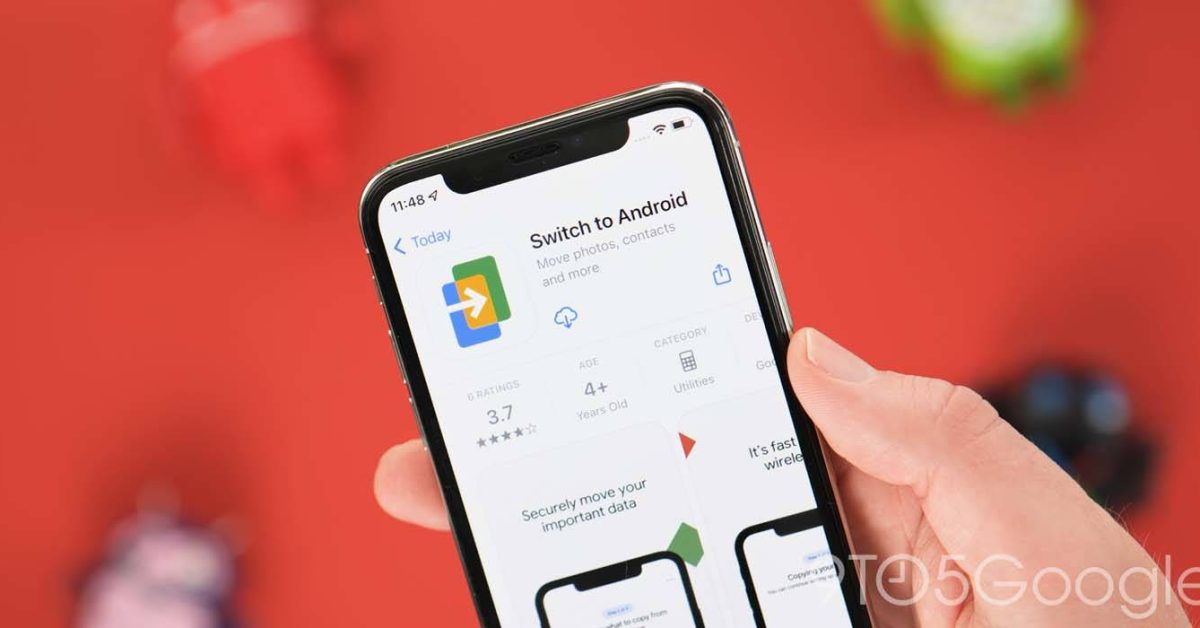
Google soft-launches iOS Switch-to-Android app


95EFECC6-D8A8-4F30-805E-906FE2EC474E.jpeg
 
I see it’s synced, wasn’t aware it was an issue to transfer these 4 items to android
 
Would love to see the stats on how many downloads this gets, because almost nobody is going to use it.
 
How to use ‘Switch to Android’ for iPhone and transfer your data from iOS

Since Android 12, you’ve been able to quickly sync all of your important data from an old iPhone to a new Google Pixel or Android device via cable. “Switch to Android” is a great option for those lacking a cable, and here’s how to use it.

The “Switch to Android” app is Google’s equivalent of the “Move to iOS” app that is available on the Play Store for those wanting to make the jump from Android to iOS. This brand-new application should work with most Android devices that have been updated or restored recently.

In some cases, you may need to pass through the initial Android setup phase and download any system updates before it you can access the new option to transfer some of your most important iPhone data without needing a wire.

That said, using a wire is the best way to transfer all of your iPhone data to an Android phone. This even includes SMS messages and even any apps that you may have downloaded. Our advice is to use a lightning to USB-C cable where possible to ensure that all of your data is fully synced.


Top
Sign up to the MyBroadband newsletter
X