MVC - Middleware ignores exceptions

Solarion

Honorary Master
Joined
Nov 14, 2012
Messages
28,051
Reaction score
17,804
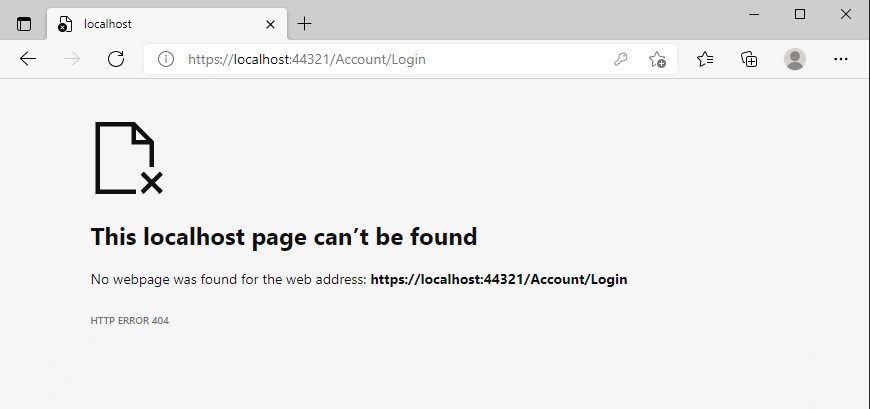
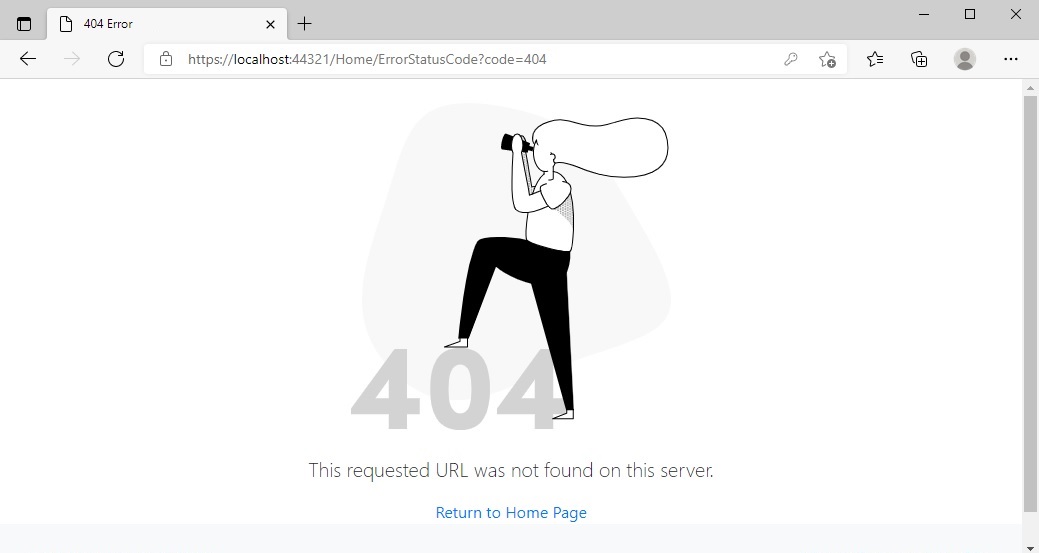
Hello everyone. I am still digging through issues with an MVC project I have. I am able to get an 404 page displayed when navigating to an incorrect url.

However any exceptions thrown and I still get a 404 page instead of my 500 page. Both the 404 and 500 are pages I created with some prettier styling.

FYI I have been struggling to get this to work since 3PM. I have tried every site I could get my hands on, every piece of ExceptionHandlingMiddlware I could try I tried. I've done it all and to no avail because I have still not tried the one that works.

Here is my middlware.

Code:
if (env.IsDevelopment())
{
    app.UseDeveloperExceptionPage();
}
else
{
    app.UseExceptionHandler("/Error");
    app.UseStatusCodePagesWithRedirects("/Home/ErrorStatusCode?code={0}");
}

And my home controller.

Code:
[Authorize]
public class HomeController : Controller
{
    [AllowAnonymous]
    public IActionResult ErrorStatusCode(int code)
    {
        if (code == 404)
        {
            return View("404");
        }

        return View("500");
    }

    public IActionResult Index()
    {
        return View();
    }
}

As I said, every single error I can produce always results in a 404 error even if I flippn switch the database off entirely, still 404. How would I get the Exception from the pipeline?
 
Last edited:
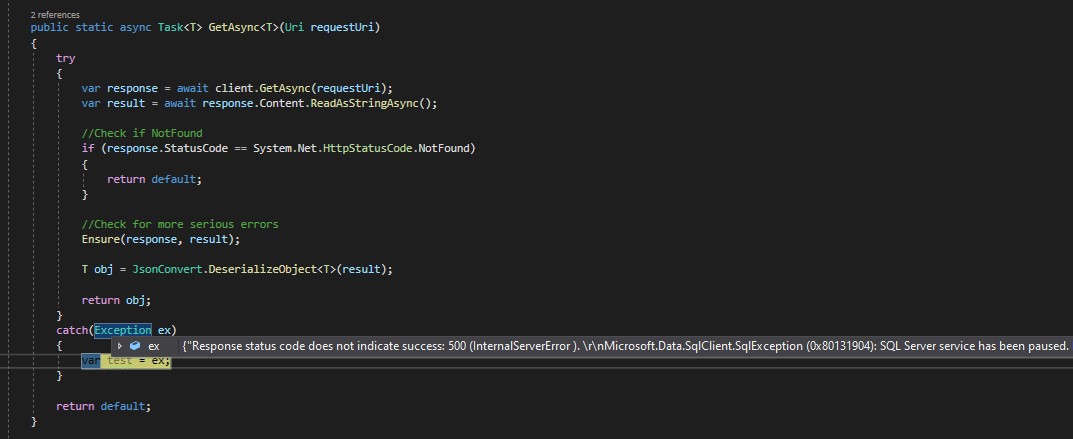
Providing more information. I have wrapped my Service caller (MVC side) in a Try Catch block (It's not there by default)

This is the error I get from a Paused server after trying to login.

Server-Error.jpg


Still a 404

404-Not-Found.jpg
 
And you are running NOT in Development mode?

you’ll need to change this in launchSettings.json to another value

 
And you are running NOT in Development mode?

you’ll need to change this in launchSettings.json to another value


Yeah in production alright. Strange :D :D

Code:
{
  "iisSettings": {
    "windowsAuthentication": false,
    "anonymousAuthentication": true,
    "iisExpress": {
      "applicationUrl": "http://localhost:14865",
      "sslPort": 44321
    }
  },
  "profiles": {
    "IIS Express": {
      "commandName": "IISExpress",
      "launchBrowser": true,
      "environmentVariables": {
        //"ASPNETCORE_ENVIRONMENT": "Development"
        "ASPNETCORE_ENVIRONMENT": "Production"
      }
    },
    "EmployeeManager.WebUI": {
      "commandName": "Project",
      "launchBrowser": true,
      "applicationUrl": "https://localhost:5001;http://localhost:5000",
      "environmentVariables": {
        //"ASPNETCORE_ENVIRONMENT": "Development"
        "ASPNETCORE_ENVIRONMENT": "Production"
      }
    }
  }
}
 
Think I'm going to start a fresh project and set up call to the API, a simple get, and then pause the server and see the result. There could be some background noise or clash happening in this project.
 
Increase the log level to TRACE.

I assume you do actually have the Error controller action and view?
 
Increase the log level to TRACE.

I assume you do actually have the Error controller action and view?

I have the Error view in the Shared folder but no ErrorController. I'm not sure where to set that log level tbh.
 
This is the Repo. It is a barebones project which calls an API endpoint which does not exist and throws an error. Despite all efforts to catch the unhandled exception I still get a 404 page returned. I am basically stumped. I won't sit with this forever though and if I cannot resolve it I will just move on and settle for a 404 :thumbsup:

The idea I am going for is to actually return a custom 500 Internal Server page. I have a really great Bootstrap one I'd like to use. Please feel free to have a look and see if you can figure this one out.

 
appsettings.json is where you set the log level to find out lol
The login page is the hint to the problem.

Nvm it's probably because I was screwing with the project so much trying to figure out what was going on. This is how I have it setup after ditching all the breaking changes. Trying to login into the api that is offline. In fact ever single exception redirects me to this. It must go to the 500 page I have in place but after 9 hours of struggling, I am simply out of ideas and tired now.

Exception.jpg
 
Think I have made some progress here, by accident, like the discovery of Penicillin type of accident. It came from this article. Specifically from this block of code here. I have noticed that when I try to navigate to a url that does not exist, the exception result is null. However when I thrown an exception anywhere such as try to navigate to a non existing api end point then the IExceptionHandlerFeature raises an exception. Something new learned.

Fyi the code that gets passed in is always 404 no matter what happens.

Code:
[Route("/CustomErrorPages/{code}")]
public IActionResult StatusCodeErrors(string code)
{
    var error = HttpContext.Features.Get<IExceptionHandlerFeature>();

    if (error != null)
    {
        return View("UnhandledException");
    }

    if (code == "404")
    {
        return View("NotFound");
    }

    return View("Error");
}

Code:
if (env.IsDevelopment())
{
    app.UseDeveloperExceptionPage();
}
else
{
    app.UseExceptionHandler("/Error");
    app.UseHsts();
}

 app.UseStatusCodePagesWithReExecute("/CustomErrorPages/{0}");
 
Last edited:
I have updated the Repo to show the changes. Two links are on the nav bar. One to try to navigate to a non existing url, the other to navigate to a non existing API address. The correct 404 and Unhandled Exception (500) pages now display.

 
Top
Sign up to the MyBroadband newsletter
X