


SauRoNZA
Honorary Master
Apple hot and heavy with the iOS updates, 13.1.1 out


And while many will call this a failure, this is exactly why Apple wins because they actually care to update and fix ****.
South Africa’s biggest forum. Discuss, discover, and connect with thousands of members.
Apple hot and heavy with the iOS updates, 13.1.1 out
So just tried it now. Shows in notification that it’s triggered but doesn’t run the commands unless I click on notification /\

How’s everyone finding battery life on iOS 13? My XS Max seems to have improved slightly, I’m sure dark mode is helping a little where it can, but overall the device seems to be running “healthier” than before, very impressed, although I have picked up 1 or 2 bugs
13.1.1 has made a huge difference on my XS.
13.1 B4 wasn’t bad at all. There must of been a bug in 13.1 official because my battery life took a knock.
Yah I’ve managed to replicate it as well.
I’m pretty sure this worked in Beta.
I have a feeling it’s not the system itself but rather the (third party) actions that are broken.

The battery knock is a feature not a bug. I guess they just accidentally enabled it too early in the life cycle. You can expect that feature to roll back out before the launch of the next Iphone. ;-)
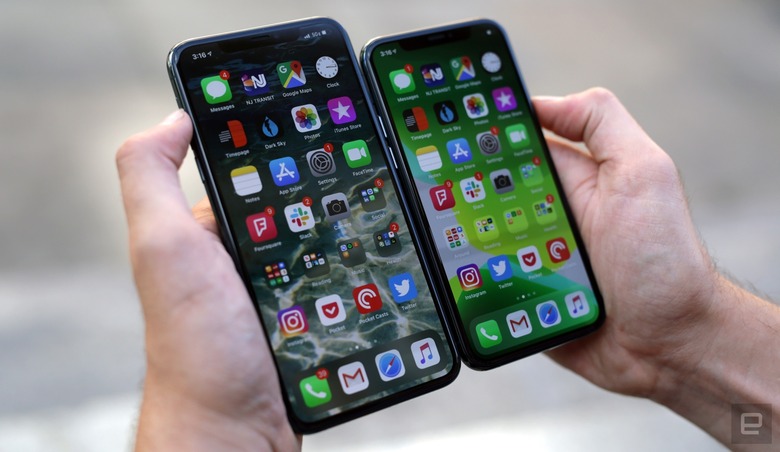
 www.engadget.com

I wanted to go this route, but man that is a lot of effort.Might be a schlep, but after each version update, or a "point 1" bump, I wipe my iPhone and restore from backup (I use iTunes for that) and I've never had any issues. It seems to clear whatever cache is on the device and gives it that new car smell again.
One thing I noticed is that the "Silence Unknown Numbers" feature doesn't route to voicemail, the call just gets cut off from my number almost as though it's not active on the network anymore, but I suspect that's a provider issue (Vodacom) as opposed to the device. I need to investigate further.

iOS 13.1.2 is out now.
Cant you keep up?

Even my automation to turn on WiFi when I get home (system config only) doesn’t work.. just shows the run notification which I need to click on run to execute.

I don't have that setting on my automation.It seems this “Ask Before Running” toggle is on by default and hidden from many shortcuts and thus the problem.
This automation to turn my bedside light brighter if I hit snooze worked perfectly by itself this morning.

 \
\

