


-
- News
-
Categories
- 5G
- ADSL
- AI
- Banking
- Black Friday
- Broadband
- Broadcasting
- Business
- Business Telecoms
- Cellular
- Cloud and Hosting
- Columns
- Cryptocurrency
- Energy
- Enterprise
- Fibre
- Gadgets
- Gaming
- Government
- Hardware
- Industry News
- Internet
- Internet of Things
- Investing
- IT Services
- Motoring
- Reviews
- Science
- Security
- Smartphones
- Software
- Technology
- Telecoms
- Trending
- Wireless
- Press Office
- Forum
- Industry News
- What's Next
- Company hub
- Speed Test
- About us
- Advertise with us
- Contact
- Careers
-
Join the MyBroadband community
South Africa’s biggest forum. Discuss, discover, and connect with thousands of members.
-
Question of the Day: Have you had a bad taxi / ride hailing experience in South Africa?
You are using an out of date browser. It may not display this or other websites correctly.
You should upgrade or use an alternative browser.
You should upgrade or use an alternative browser.
Xbox Series X / S
- Thread starter bokka1
- Start date

AlphaJohn
Honorary Master
Hahahahaha, No.
Im working.....
Im working.....
Last edited:
AlphaJohn
Honorary Master
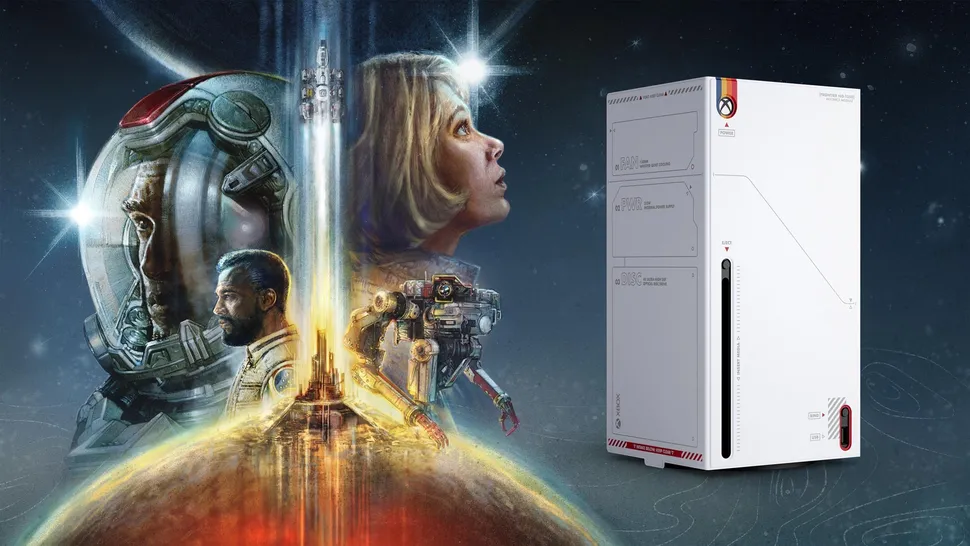
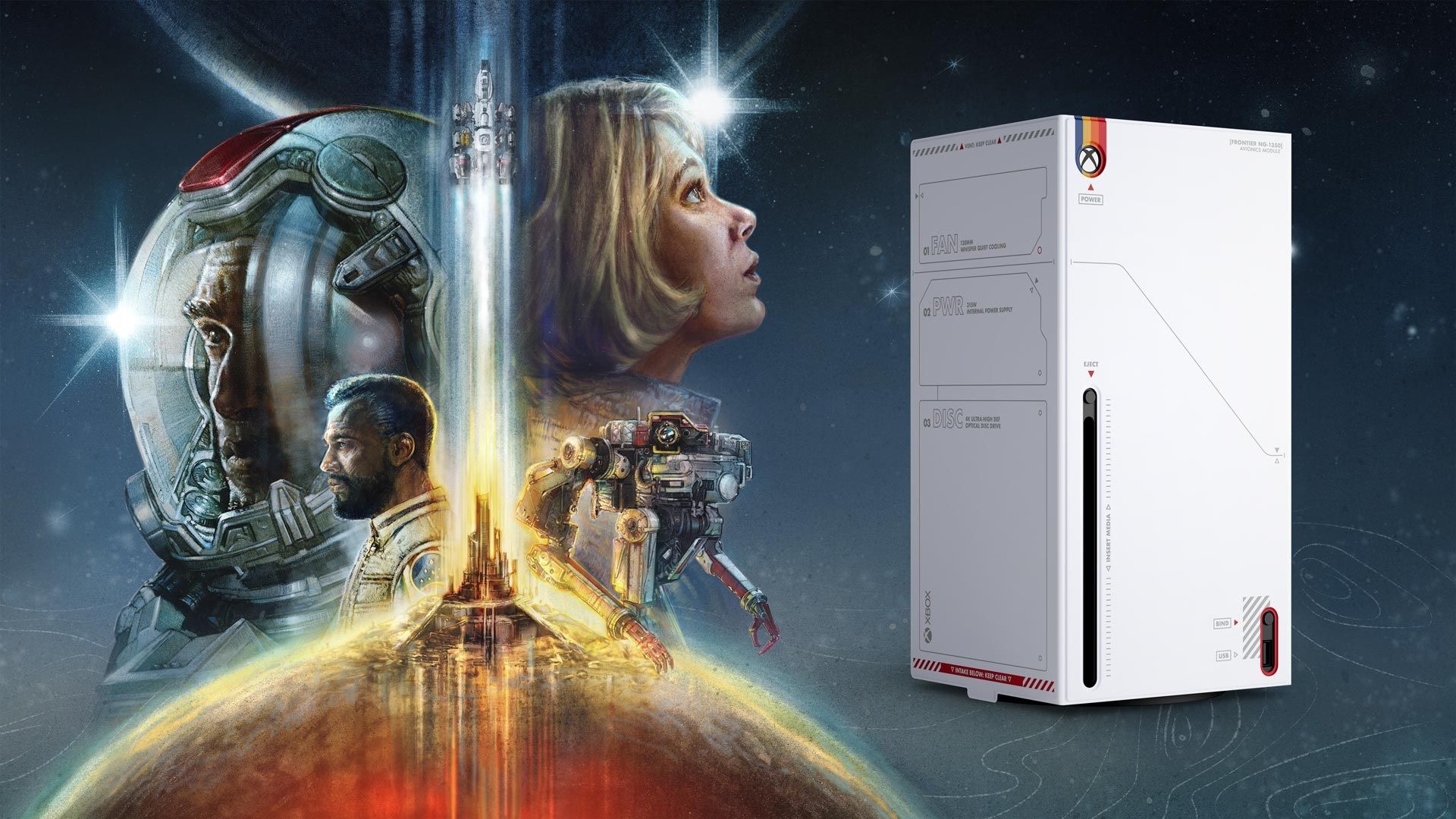
Microsoft reveals Xbox Series X Console Wraps starting with Starfield
Arctic Camo and Mineral Camo are also available.
 www.windowscentral.com
What you need to know
- Microsoft is introducing Xbox Series X Console Wraps.
- Made from "solid core panels" that ensure "console performance is preserved," the first Wraps include a Starfield-themed version, as well as Arctic Camo and Mineral Camo options.
- All three Wraps are available for preorder at the Microsoft Store, with the Starfield Wrap launching in October and the other two launching in November.
All I can say is but why? I hated the Series S because of it being white:

It looks soo much better with the X:

AlphaJohn
Honorary Master
I need some assistance. I subbed my little nephew to Xbox Gamepass Ultimate. I added some vouchers to his account and signed up to Xbox Ultimate. Now the damn thing is on a month to month billing cycle, with money remaining in his account. I can't have the money left in his account, as he will just use it all up on some cosmetics.
Is there a way to top up the sub to a year at least? I can't seem to find 3 month voucher on the MS store. Just their forced monthly billing.
Not if the money is in the wallet.
You can add a pin for purchase req:

Source
And
XBOX Support
 support.xbox.com
I need some assistance. I subbed my little nephew to Xbox Gamepass Ultimate. I added some vouchers to his account and signed up to Xbox Ultimate. Now the damn thing is on a month to month billing cycle, with money remaining in his account. I can't have the money left in his account, as he will just use it all up on some cosmetics.
Is there a way to top up the sub to a year at least? I can't seem to find 3 month voucher on the MS store. Just their forced monthly billing.
Seems like MS has limited it to 1 month for Ultimate. However, what you could try (disclaimer: not entirely sure if it will work though), is buy Xbox Live Gold code and redeem it. It will convert to Ultimate at a favourable rate: https://www.xbox.com/en-ZA/live/gold/upgrade#conversion
3 Month Gold - https://www.microsoft.com/en-za/p/xbox-live-gold-membership-digital-code/cfq7ttc0k5zm
Maybe test with a 1 Month Gold first.
How much is left on the balance? Also, you can turn off auto-renewal here: https://account.microsoft.com/services
Turn off the auto-renew option and let it expire. You can then try the conversion trick.@AlphaJohn that's good advise, thanks.
@Praemon I get a "subscription conflicts with another" trying to buy Xbox Live Gold. So it seems once you are on Gamepass, you are screwed. I should have gone Gold first. Too late now.
It seems I just have to do the month to month, with the pin.
AlphaJohn
Honorary Master
Now also in double barrel:

Last edited:

Lupus
Honorary Master
- Joined
- Apr 25, 2006
- Messages
- 92,240
- Reaction score
- 62,786
Very nice


10:10
Expert Member
Sorry to ask here, but what do I need for an Xbox controller to work on a pc? I am thinking of buying one but don't really know where to start.

AfricanTech
Honorary Master
If it's a wired controller you don't need anything - just plug it in.Sorry to ask here, but what do I need for an Xbox controller to work on a pc? I am thinking of buying one but don't really know where to start.
Edit: You can also just plug a USB cable into any XBox controller and turn it into a Wired Controller that way (thanks for the reminder @Stillie - I forgot that you can do this)
For Wireless, you need the XBox Dongle
Edit:
Well damn - looky here - Controller and Dongle for the price of the Dongle
Edit 2: Oh wait, that's a clone not the original - blech!
Last edited:

Could also just plug a USB cable into the remote and into the tv, although i do hate having a cable on the controller so @AfricanTech solution is the better one of the twoIf it's a wired controller you don't need anything - just plug it in.
For Wireless, you need the XBox Dongle
AfricanTech
Honorary Master
Oh yes - doh! completely slipped my mind that you can just plug a Wireless controller in to convert it to Wired.Could also just plug a USB cable into the remote and into the tv, although i do hate having a cable on the controller so @AfricanTech solution is the better one of the two
PS: I think you meant to type pc not tv
where the f*** did tv come fromOh yes - doh! completely slipped my mind that you can just plug a Wireless controller in to convert it to Wired.
PS: I think you meant to type pc not tv
 thanks for spotting that, yea pc... its friday, forgive me
Lupus
Honorary Master
- Joined
- Apr 25, 2006
- Messages
- 92,240
- Reaction score
- 62,786
You don't need a wireless dongle, they are bluetoothIf it's a wired controller you don't need anything - just plug it in.
Edit: You can also just plug a USB cable into any XBox controller and turn it into a Wired Controller that way (thanks for the reminder @Stillie - I forgot that you can do this)
For Wireless, you need the XBox Dongle
Edit:
Well damn - looky here - Controller and Dongle for the price of the Dongle
Edit 2: Oh wait, that's a clone not the original - blech!
SeRpEnT
Executive Member
Only need the MS USB dongle for the old Xbox 360 wireless controllers AFAIK.
AfricanTech
Honorary Master
Depends - I had zero luck with that - I tried a number of 3rd party Bluetooth dongles (my PC doesn't have a Bluetooth chip onboard) and none of them worked properly which is why I eventually imported the genuine thing (which works flawlessly)You don't need a wireless dongle, they are bluetooth
Lupus
Honorary Master
- Joined
- Apr 25, 2006
- Messages
- 92,240
- Reaction score
- 62,786
I got a cheap third party blue tooth and never had an issue, got a second one for another machine without issues, might be where you put it?Depends - I had zero luck with that - I tried a number of 3rd party Bluetooth dongles (my PC doesn't have a Bluetooth chip onboard) and none of them worked properly which is why I eventually imported the genuine thing (which works flawlessly)
AfricanTech
Honorary Master
That's brilliant - it was a couple of years ago though so maybe those things have improved since then.I got a cheap third party blue tooth and never had an issue, got a second one for another machine without issues, might be where you put it?
Placement wasn't the issue - it was on one of those extender things on the desk
Do you have a link to the one that works for you?