


Bionic
Expert Member
Yup. Dns is fine.


South Africa’s biggest forum. Discuss, discover, and connect with thousands of members.
it doesn't show that you're using them tho (solid green circle). set your dns in router or network adaptor to 9.9.9.9 and 1.1.1.1.Yup. Dns is fine.
That's weird. Dns is set to auto on router and showing the correct ip's.it doesn't show that you're using them tho (solid green circle). set your dns in router or network adaptor to 9.9.9.9 and 1.1.1.1.
if you manually set them in your network adaptor or instead of auto, manually set in router? maybe auto is using isp dns whatever that is? what ip's is it showing in the router?That's weird. Dns is set to auto on router and showing the correct ip's.
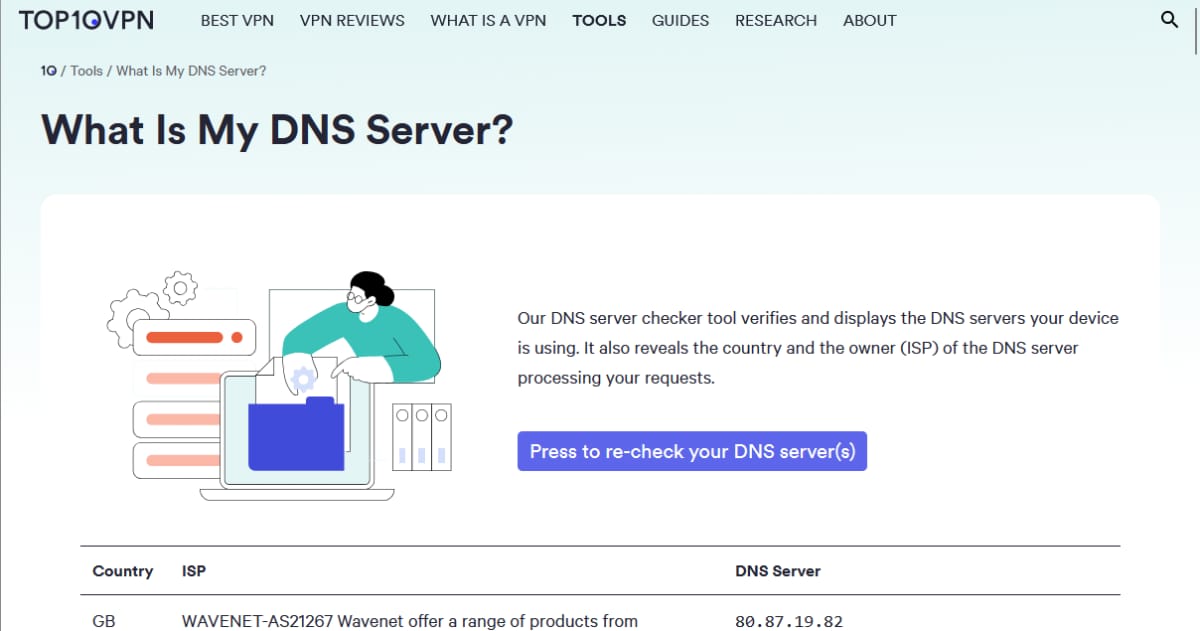
 www.whatsmydnsserver.com

Although it's set to auto, primary is 9.9.9.9 and sec 1.1.1.2. Will try setting manual and run againif you manually set them in your network adaptor or instead of auto, manually set in router? maybe auto is using isp dns whatever that is? what ip's is it showing in the router?
how do you do this? i would like to check mine.So set mine to static 9.9.9.9. Still getting 74.63.23.243 when I check online. If I run the benchmark it says this dns server is not replying to queries. Could this be a relay?
I did this on the router. Manual dnshow do you do this? i would like to check mine.
if you open network and sharing centre, choose change adapter settings, right click your network adapter, double click internet protocol 4 and enter 9.9.9.9 and 1.1.1.2 under dns, what does online say? i wouldn't be too concerned about the not replying message, i also got that for the cloudflare servers yesterday.
you can also try entering dns manually on your router under dhcp?
So set mine to static 9.9.9.9. Still getting 74.63.23.243 when I check online. If I run the benchmark it says this dns server is not replying to queries. Could this be a relay?

Seems like normal on my sideAnyone else experiencing slow connection this morning?

no issues hereAnyone else experiencing slow connection this morning?

Nope mines all good I'm on 20/20 pings 4ms and upload and download are above 20.I'm still having issues with a slow connection, steam also takes forever to load as well. I'm on a 50/50 line.
Ping: 28ms
Download: 11.55Mbps
Upload: 24.7Mbps
It's been up and down all day,
Ping: 28ms
Download: 48.55Mbps
Upload: -1Mbps
Taken about 2 minutes apart, nothing streaming or downloading in the background.
Wtf, lol.
I'm still having issues with a slow connection, steam also takes forever to load as well. I'm on a 50/50 line.
Ping: 28ms
Download: 11.55Mbps
Upload: 24.7Mbps
It's been up and down all day,
Ping: 28ms
Download: 48.55Mbps
Upload: -1Mbps
Taken about 2 minutes apart, nothing streaming or downloading in the background.
Wtf, lol.
MTS/ vumatel no issues
what FNO are you on?


Might be that your ONT is faulty. A friend of mine had a similar issue with another ISP on Vumatel. They eventually figured out that the ONT needed to be changed. But it took him a while before the ISP "listened" and got Vumatel to investigate.Vumatel, no issues reported locally.

