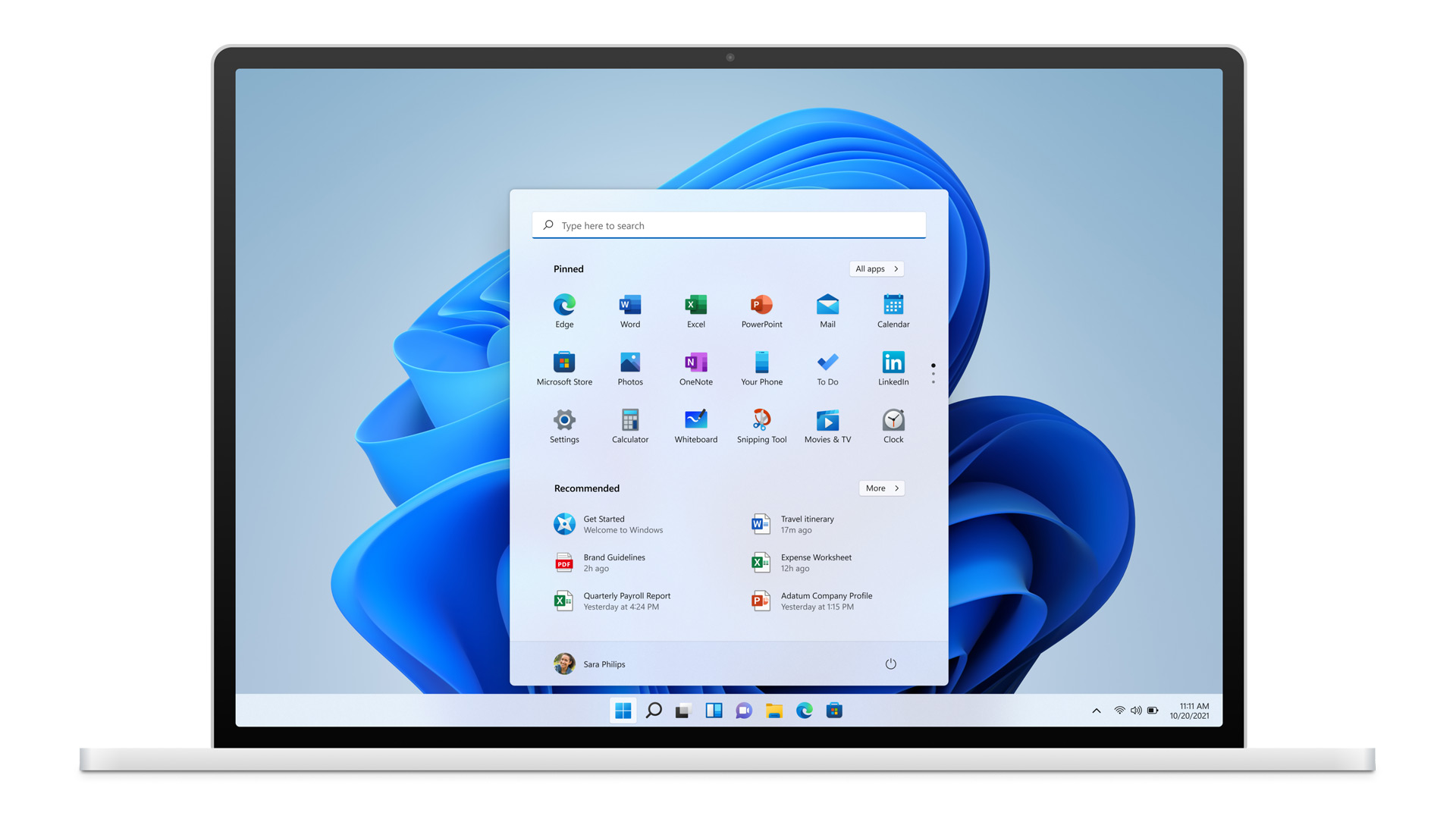
Windows 11 Support Thread

I did notice something this morning, the CPU's that are the minimum for win11..... are the same CPU's that M$ blocked for win7.
 
Anyone running 10.0.22000.120? can't seem to update from 10.0.22000.100... (via iso, setup). Starts setup, reboots, then returns with message saying it couldn't complete and rolled back.
 
Last edited:
I suspect I am the only person running N versions of windows but just incase anyone else is
Code:
DISM /Online /Add-Capability /CapabilityName:Media.MediaFeaturePack~~~~0.0.1.0
From root worked to fix missing dll's that some games needed.
 
Wanna tell me its this easy to get my Linux sub system back

In Windows 11 = 2 commands

wsl --install
wsl --install -d Ubuntu

Me like.
 
Source: https://wccftech.com/microsoft-drops-windows-11-iso-files-for-build-22000-132/
ISO files are now available for Windows 11 Build 22000.132. Windows Insiders can now clean install the latest operating system through the ISOs.


To be able to download Windows 11 ISOs, you will need to follow these steps to get yourself enrolled in the Windows Insider Program. [Windows Insiders can directly download Windows 11 ISO files]


Microsoft is also currently working on the upcoming Windows 10 version 21H2, which follows another smaller update, the May 2021 Update. Both Windows 11 and Windows 10 version 21H2 are expected to be released to the public later this year.
 

Microsoft won’t stop you installing Windows 11 on older PCs - The Verge​

Windows 11 will run on older CPUs

1630087713202.png

Microsoft is announcing today that it won’t block people from installing Windows 11 on most older PCs. While the software maker has recommended hardware requirements for Windows 11 — which it’s largely sticking to — a restriction to install the OS will only be enforced when you try to upgrade from Windows 10 to Windows 11 through Windows Update.

This means anyone with a PC with an older CPU that doesn’t officially pass the upgrade test can still go ahead and download an ISO file of Windows 11 and install the OS manually.

Microsoft announced its Windows 11 minimum hardware requirements in June, and made it clear that only Intel 8th Gen and beyond CPUs were officially supported.

Microsoft now tells us that this install workaround is designed primarily for businesses to evaluate Windows 11, and that people can upgrade at their own risk as the company can’t guarantee driver compatibility and overall system reliability. Microsoft won’t be recommending or advertising this method of installing Windows 11 to consumers.

It’s a big change that means millions of PCs won’t be left behind, technically. Consumers will still need to go to the effort of downloading an ISO file and manually installing Windows 11, which the vast majority probably won’t do.

But for those happy to install Windows manually, the actual minimum Windows 11 specs mean that CPU generations don’t matter, as long as you have a 64-bit 1GHz processor with two or more cores, 4GB of RAM, and 64GB of storage.

Microsoft is now planning to update its PC Health Check app (a preview is available here) to include the new Intel CPUs and provide much greater clarity on why your PC might not be able to officially upgrade.

The new PC checker app will let Windows users know if they need to simply enable Secure Boot or TPM 2.0 to upgrade, which is much better than the vague unsupported message that greeted many in June.

Microsoft also details how it arrived at these minimum system requirements for Windows 11.

Microsoft wants to push Windows toward modern DCH drivers and modern security with Trusted Platform Module (TPM) support and virtualization-based security (VBS).

There’s never a good time to try to change hardware requirements, but with a workaround in place it does cushion the blow of what Microsoft is trying to achieve around improving the security, compatibility, and reliability aspects of Windows 11.


Windows 11 Is Getting a Handy Microsoft 365 Widget - How-to-Geek​

Windows 11 is getting all sorts of exciting new features for computers that are actually able to run it.

Microsoft just announced another cool goodie in a Microsoft 365 widget that’ll bring lots of handy functionality right to your desktop.

Microsoft 365 Widget in Windows 11

Microsoft pushed Windows 11 Insider Preview Build 22000.168 to the Dev and Beta channel. One of the standout features offered by the update is a Microsoft 365 widget that brings documents, news, and meeting recordings to enterprise users.

1630122140542.png

The company says that “this personalized list will help users stay on top of their work and find the information they need with ease.”

The other features in this build are minor, but they’re still worth noting. For example, Chat with Microsoft Teams now supports multiple languages. You can use the OS language setting or set one specifically for Microsoft Teams, which could end up being quite useful.

Of course, the company also released all sorts of bug fixes and minor improvements that make testing Windows 11 far more enjoyable and less buggy.

 
Top
Sign up to the MyBroadband newsletter
X