


APoc184
Honorary Master
Order already shipped.
Impressed!
Impressed!
South Africa’s biggest forum. Discuss, discover, and connect with thousands of members.
Doubt it. Takes a few days. Follow link to dhl for true status.Order already shipped.
Impressed!
Ah. Makes sense now that the DHL tracking number has no info.Doubt it. Takes a few days. Follow link to dhl for true status.
But will be on its way in a few days and probably reach you next week. DHL quite quick.

Should be in your hands in a week or so if there are no delaysAh. Makes sense now that the DHL tracking number has no info.
Reolink order page shows completed with DHL tracking number. But no info yet when you follow link or manually search tracking number.


^^^ I honestly hope someone can post a guide for the AI on BI. I'm battling to get it to work and the guides over at ipcamtalk are a little outdated. Truth told, I've not spent too much time getting it working and I'm mentally lazy at this point
I am at this very same point at the moment^^^ I honestly hope someone can post a guide for the AI on BI. I'm battling to get it to work and the guides over at ipcamtalk are a little outdated. Truth told, I've not spent too much time getting it working and I'm mentally lazy at this point
Thanks! But things have moved on since then. That's the issue; those are outdated now. And the original developer of the AI plugin isn't working on it anymore, someone else took it over so the howto's are irrelevant. Eish
I still have a sneaky feeling that DeepStack will pull a fast one in the future.
Welcome to the club i am on system no.5 .I must say that when I started this I did not think it will be a new rabbit hole for me..
My situation was that I needed security at the house im renting, but was not willing to pay 15K on an alarm system that will be left when I move here, so after a bit of reading up I decided to get on 1 Wifi camera that will alert when it picks up any motion.
Got the EZViz C3W wifi cam and that's when it really started. Long story short is my EZViz is not as good at motion detection as I hoped and that prompted the need to the next stage.
Lots of helpful links and tutorials from 2 of the MyBB members and a week or so later I had my 2 Reolinks inbound.
A week later and now im sitting here planning the next stage and that's running my cams through Blue Iris with AI for more accurate motion detection.
The above has not even been completed yet but this kinda pulled me into the the next 'phase' and that's Home assistant and automating as much as I can right now.
my point is... Don't think that your CCTV mission will stop here. If you've made it to this thread and ordered some Reolinks, just know that next home assistant is coming soon
Do you mind sharing some more info on you AI part of the cameras? Thats what Im aiming for, the only goal at this point is to get accurate and reliable motion detection.Welcome to the club i am on system no.5 .
I get a be in my bonnet some times about one or other part of my CCTV system and then it is time to change .
ATM i am planning a change from my hybrid system to a IP system all 5M possibly a 4K system with Ai .
I have some AI cams on my system and they are great no false alarms .

I run a stand alone system , the system i run i just bought the board and put it in a box , it has some sort of AI built in for human and face recognition .Do you mind sharing some more info on you AI part of the cameras? Thats what Im aiming for, the only goal at this point is to get accurate and reliable motion detection.
 www.hisilicon.com
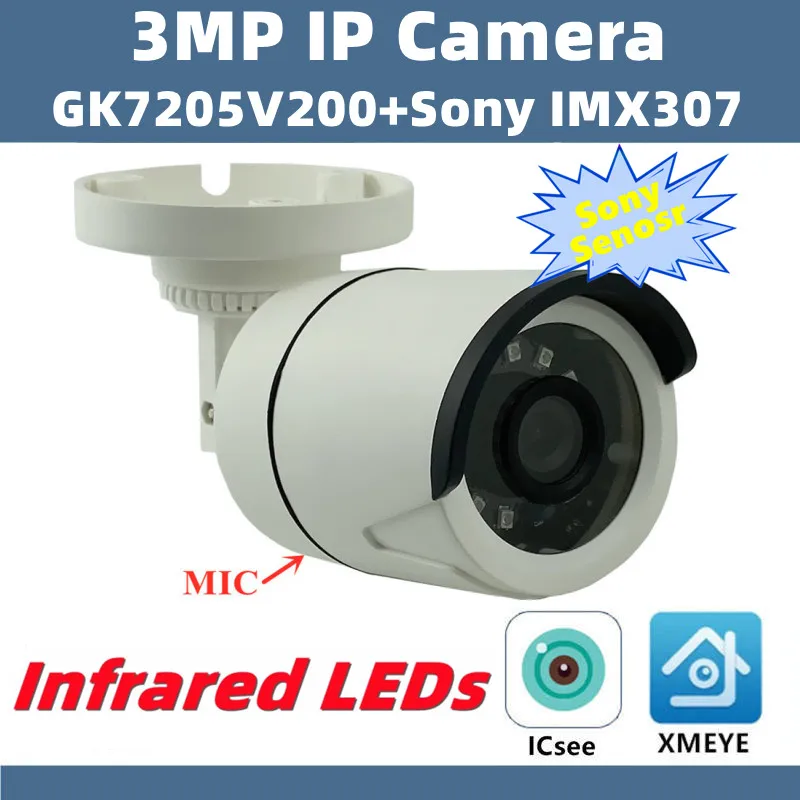
 www.aliexpress.com

Xy seems to be their own rebrand of various oems from experience,YMMVCommunica ...
Cameras on sale. Not familiar with the brand.
Have you looked at this again? I started with the Hook Up video guide, but then started moving over to the new method described in the AITool guide, where you flag Blue Iris. I need to set up the camera again in BI but I am still trying to get Deepstack working. There are a lot of things to figure out.Thanks! But things have moved on since then. That's the issue; those are outdated now. And the original developer of the AI plugin isn't working on it anymore, someone else took it over so the howto's are irrelevant. Eish
Are they all going to be using IR at night? Thats where a lot of the power draw goes.quick question,
With regards to the POE switches one should consider getting for the RLC-410 IP cameras, the spec sheet said that each cameras power consumption is <10W, if I'm looking for a 8 camera system does that mean I need to budget for a POE switch that can deliver at a minimum 80W or will i get by with say for example a Tenda Switch that provides a total power draw of 58W to the device?
Would it be better to get one POE switch to power all IP cameras or should one get more than one as a redundancy?


