Facebook   Twitter    e-mail newsletter    YouTube    RSS Feed    Android App    iPhone and iPad App     BlackBerry App    


Page 3 of 45 FirstFirst 123 456713 ... LastLast
Results 31 to 45 of 673

Thread: Show your Android Screenshots!

  1. #31

    Default

    Quote Originally Posted by francoislr View Post
    Anyone know how/where to get that cool text clock?
    You referring to this? Tajm
    Android 4.2.1 Jellybean Samsung Galaxy Nexus
    ROM: [AOSPA 4.2.1] PARANOIDANDROID 2.99b+

  2. #32
    Grandmaster
    Join Date
    Apr 2008
    Location
    Pretoria
    Posts
    1,151
    Blog Entries
    1

    Default

    Quote Originally Posted by cyb3rt View Post
    You referring to this? Tajm
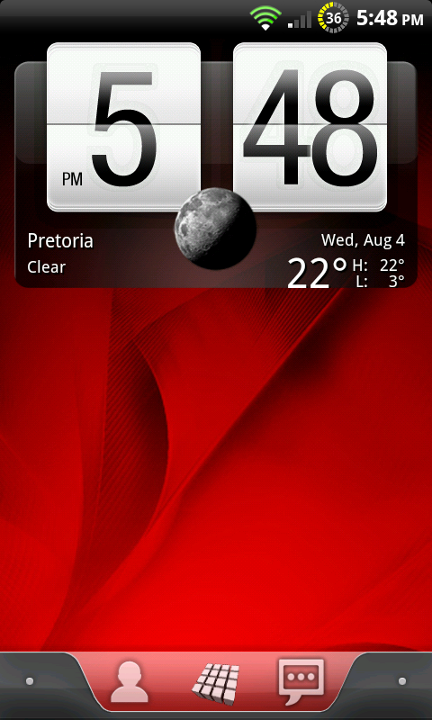
    YES! Thanks so much! You have no idea how much I looked and googled and had no success! You are my hero today...or this week for that matter Cyb3rt! Thank you again! :-)

  3. #33

    Default

    lol, no problem mate
    Android 4.2.1 Jellybean Samsung Galaxy Nexus
    ROM: [AOSPA 4.2.1] PARANOIDANDROID 2.99b+

  4. #34
    Super Grandmaster sand_man's Avatar
    Join Date
    Jun 2005
    Location
    Johannesburg
    Posts
    14,205

    Default


    Last edited by sand_man; 23-08-2010 at 04:06 PM.

  5. #35

    Default


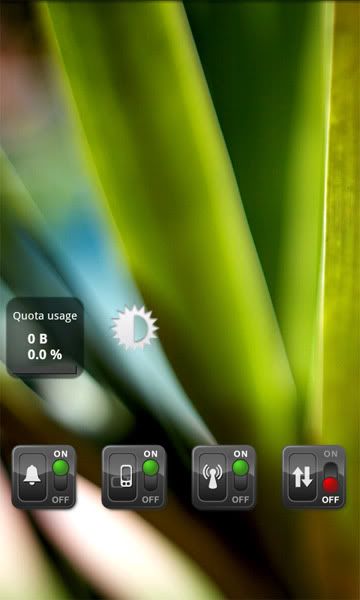
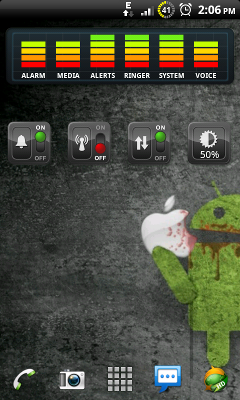
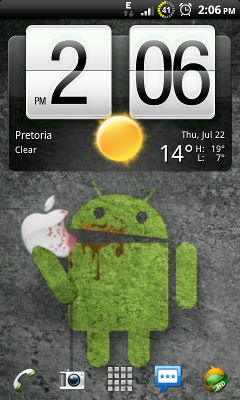
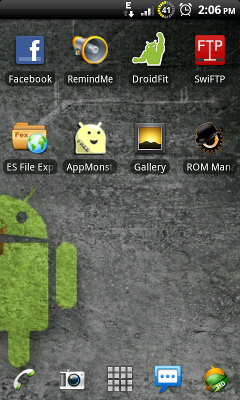
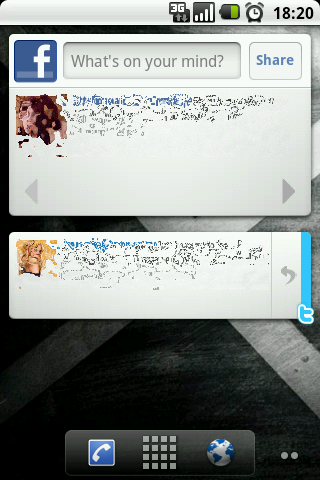
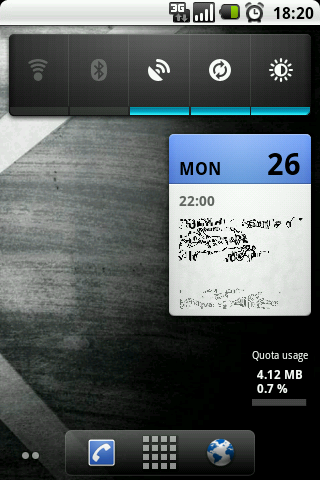
    Just a quick look at one i am working on.
    I'm not a part of your system!

  6. #36

    Default

    Quote Originally Posted by Monkey101 View Post


    Just a quick look at one i am working on.
    Very nice! I like the background. Makes me think of Limbo (the game), but in color. Hopefully I'm getting my Desire today!

  7. #37

    Default

    Quote Originally Posted by Monkey101 View Post


    Just a quick look at one i am working on.
    This looks stunning dude!

  8. #38
    Active Member
    Join Date
    Sep 2009
    Location
    Western Cape
    Posts
    74

    Default

    Can you guys please list some of the themes you dowloaded for your galaxy s...i'm looking for a couple of themes but haven't really come across any that i like

  9. #39

    Default

    Quote Originally Posted by sandmanm34 View Post

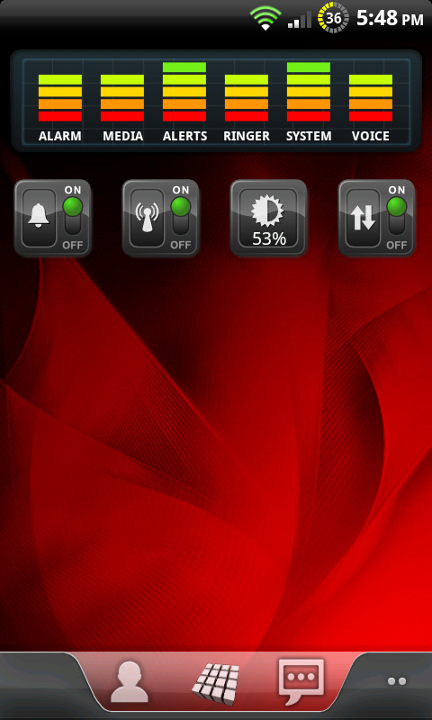
    What is that app at the top with the power selector, air phone mode etc?
    DWC guys do it with High Frequency - www.dwc.za.net

  10. #40
    Super Grandmaster sand_man's Avatar
    Join Date
    Jun 2005
    Location
    Johannesburg
    Posts
    14,205

    Default

    Quote Originally Posted by Bobb View Post
    What is that app at the top with the power selector, air phone mode etc?
    SwitchPro Widget
    Every minute I stay in this room, I get weaker, and every minute Charlie squats in the bush, he gets stronger

  11. #41

    Default

    Quote Originally Posted by sandmanm34 View Post
    SwitchPro Widget
    I assume this is only available in the US store?
    DWC guys do it with High Frequency - www.dwc.za.net

  12. #42
    Super Grandmaster sand_man's Avatar
    Join Date
    Jun 2005
    Location
    Johannesburg
    Posts
    14,205

    Default

    Quote Originally Posted by Bobb View Post
    I assume this is only available in the US store?
    Correct. You would need a rooted phone with Market enabler installed to fake US credentials...
    Every minute I stay in this room, I get weaker, and every minute Charlie squats in the bush, he gets stronger

  13. #43

    Default

    monkey101, is that snowstorm widget for weather you are running there? if so how did you get the transparency? also how did you get the time and weather together? is the time thing the TAJm app?

  14. #44

    Default

    Quote Originally Posted by The Philosopher View Post
    monkey101, is that snowstorm widget for weather you are running there? if so how did you get the transparency? also how did you get the time and weather together? is the time thing the TAJm app?
    Yes it is snowstorm. There is a background transparancy option in settings.
    And its both Tajm and BattStatt side by side. With Snowstorm above it. (the widget next to the time is BattStatt)
    I'm not a part of your system!

  15. #45

    Default

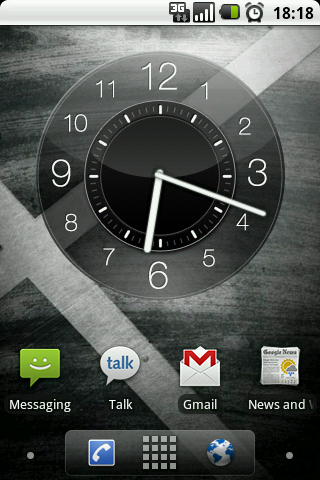
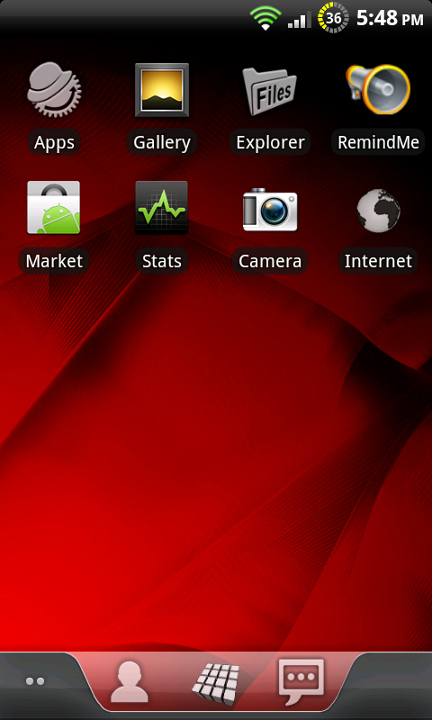
    ALright, here's mine. Call me boring, but I love simplicity and symmetry


    I have a screen on the left, as well as the right of this one, but they're both empty.

    This screen might LOOK simple, but it's really functional. From this screen, with one single tap or stroke, I can access:

    Phone
    SMS
    App Drawer
    Email
    Browser
    Create a Reminder
    Show my notification bar
    Bring down the notification drawer
    Open up the market
    Launch TweetDeck
    Open Settings

    I can do all of those with one tap, from this home screen. So it looks very simple, but it's very functional I love it!

    EDIT: That's a binary clock btw.
    Got a problem with your PC? Here's the Solution. Put it on the counter, go to the garage, fetch a 10 pound hammer...

Page 3 of 45 FirstFirst 123 456713 ... LastLast

Bookmarks

Bookmarks

Posting Permissions

  • You may not post new threads
  • You may not post replies
  • You may not post attachments
  • You may not edit your posts
  •